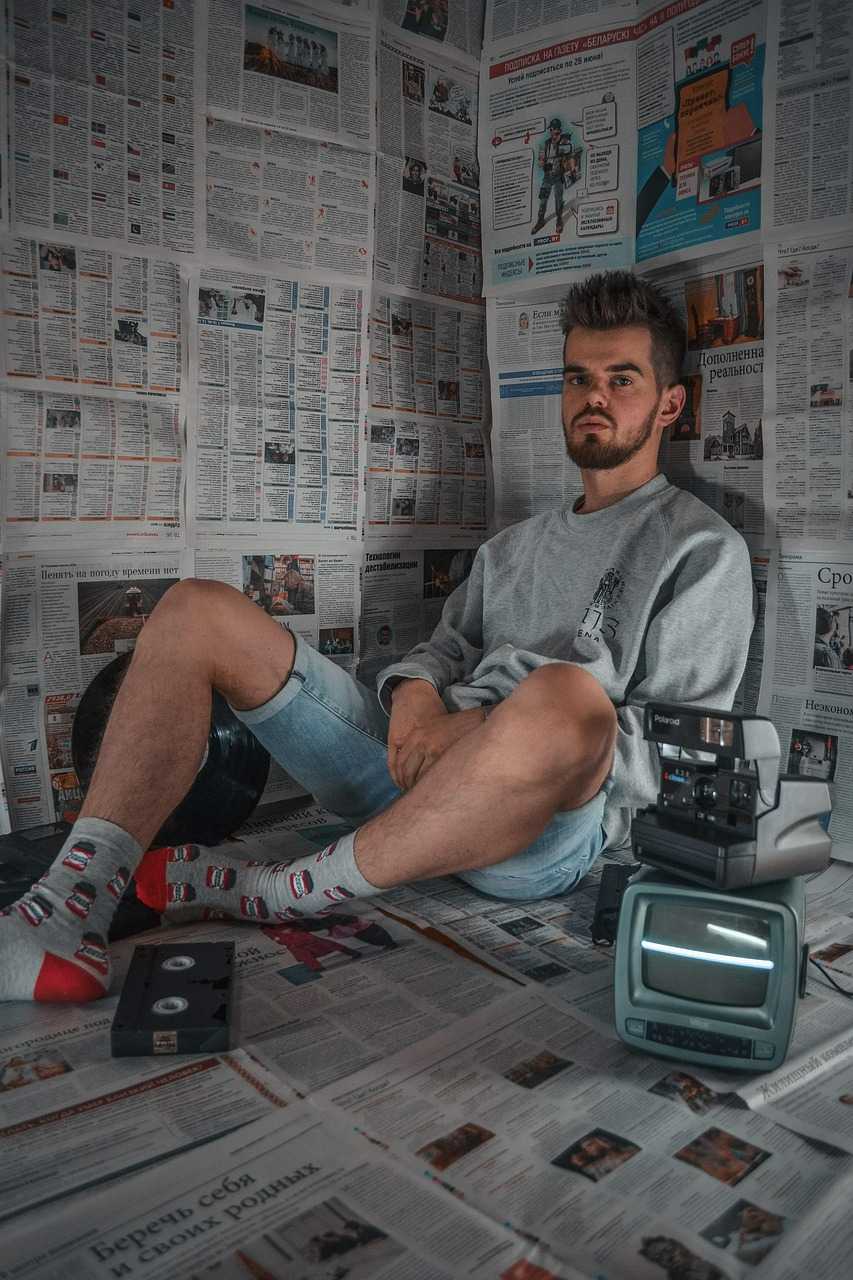
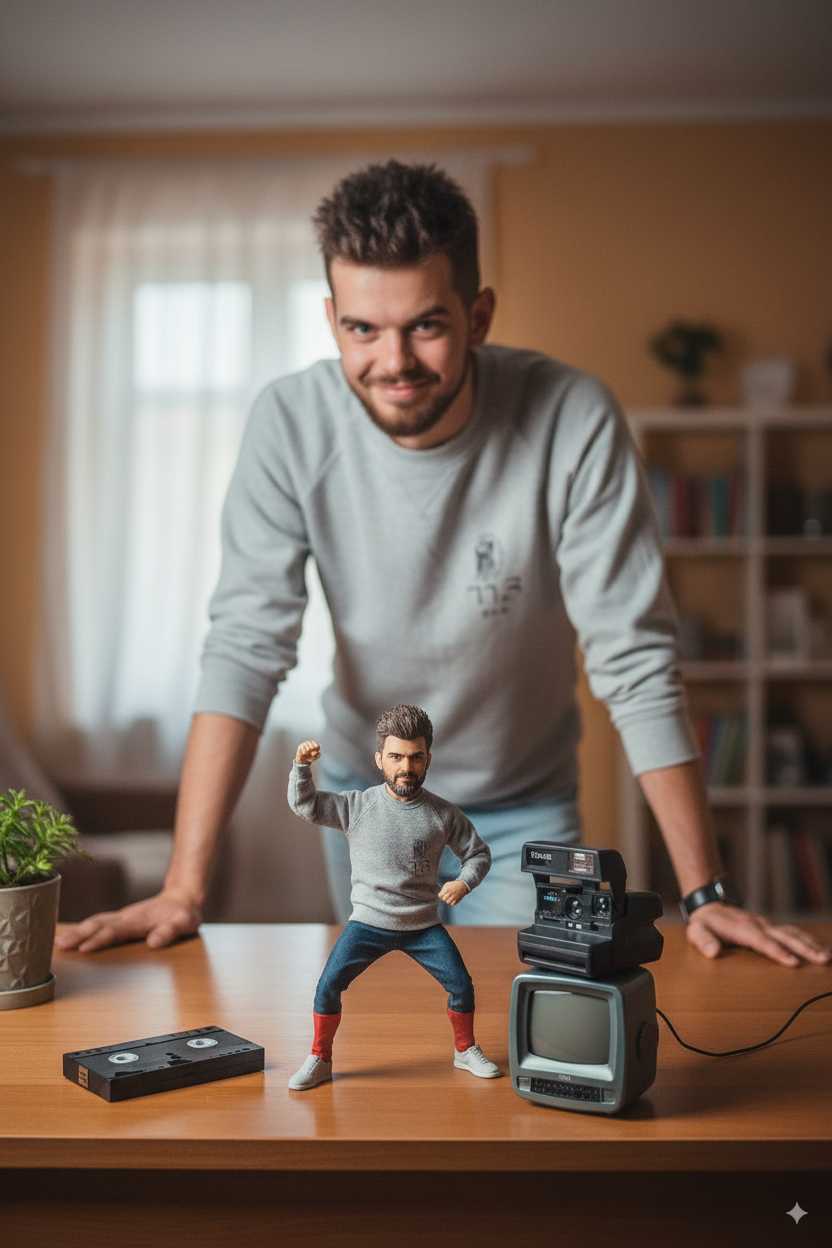
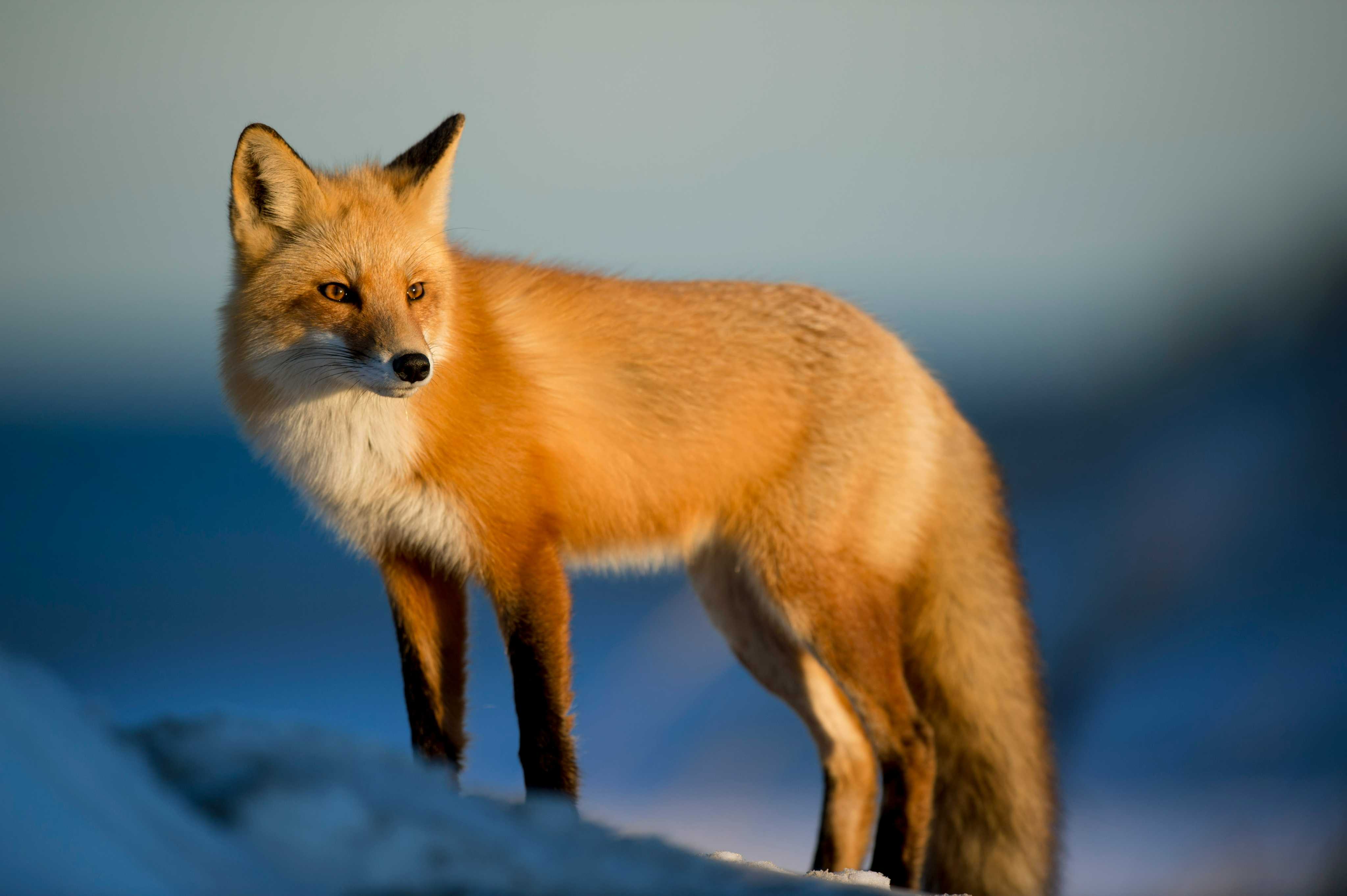
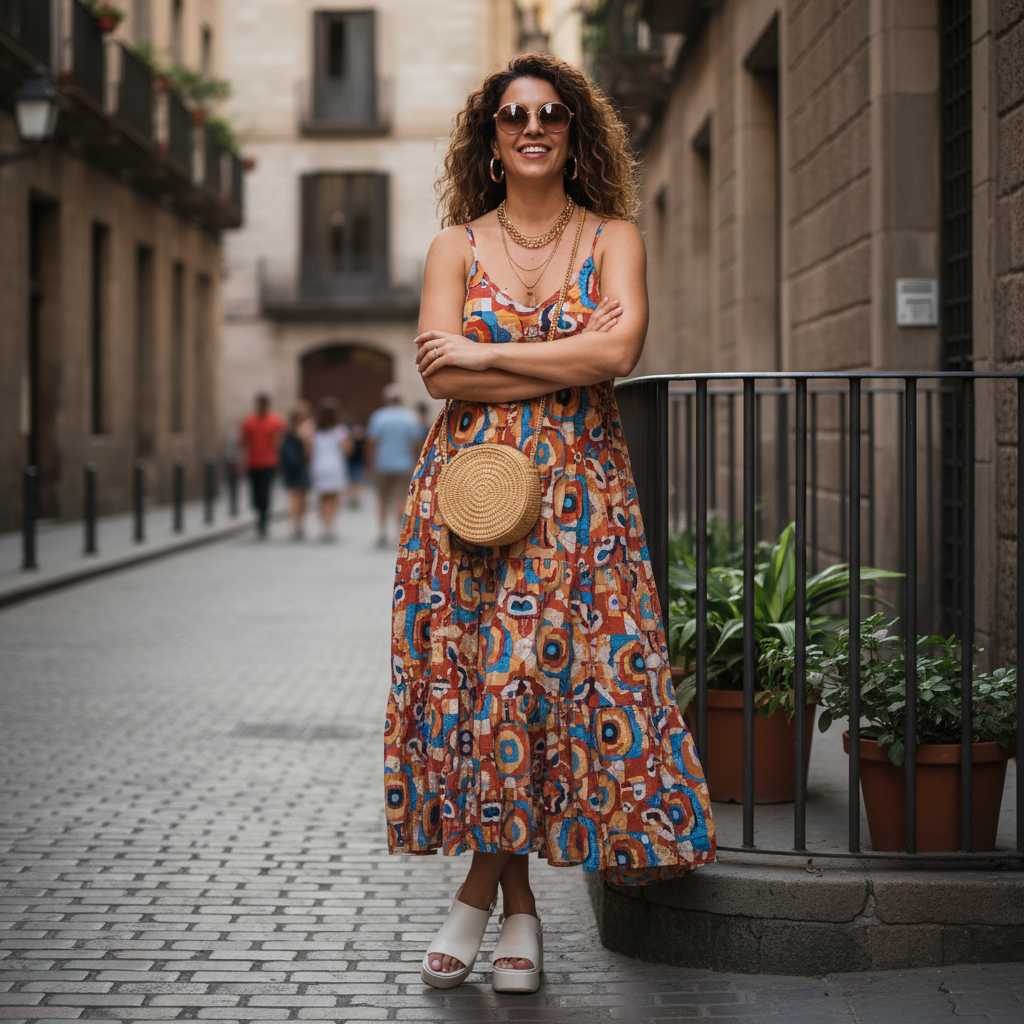
2.オブジェクトの追加・削除
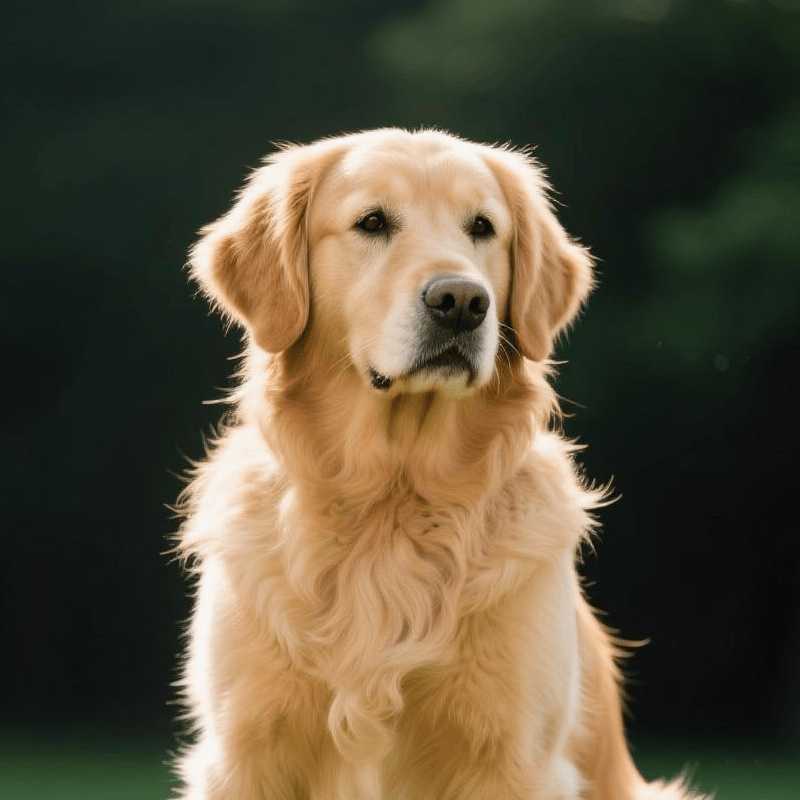
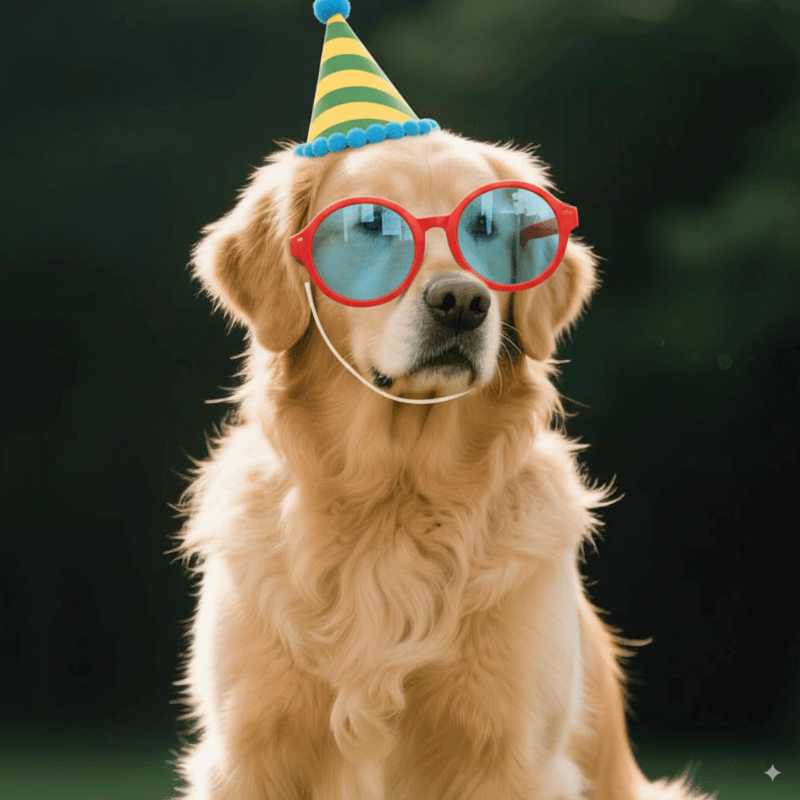
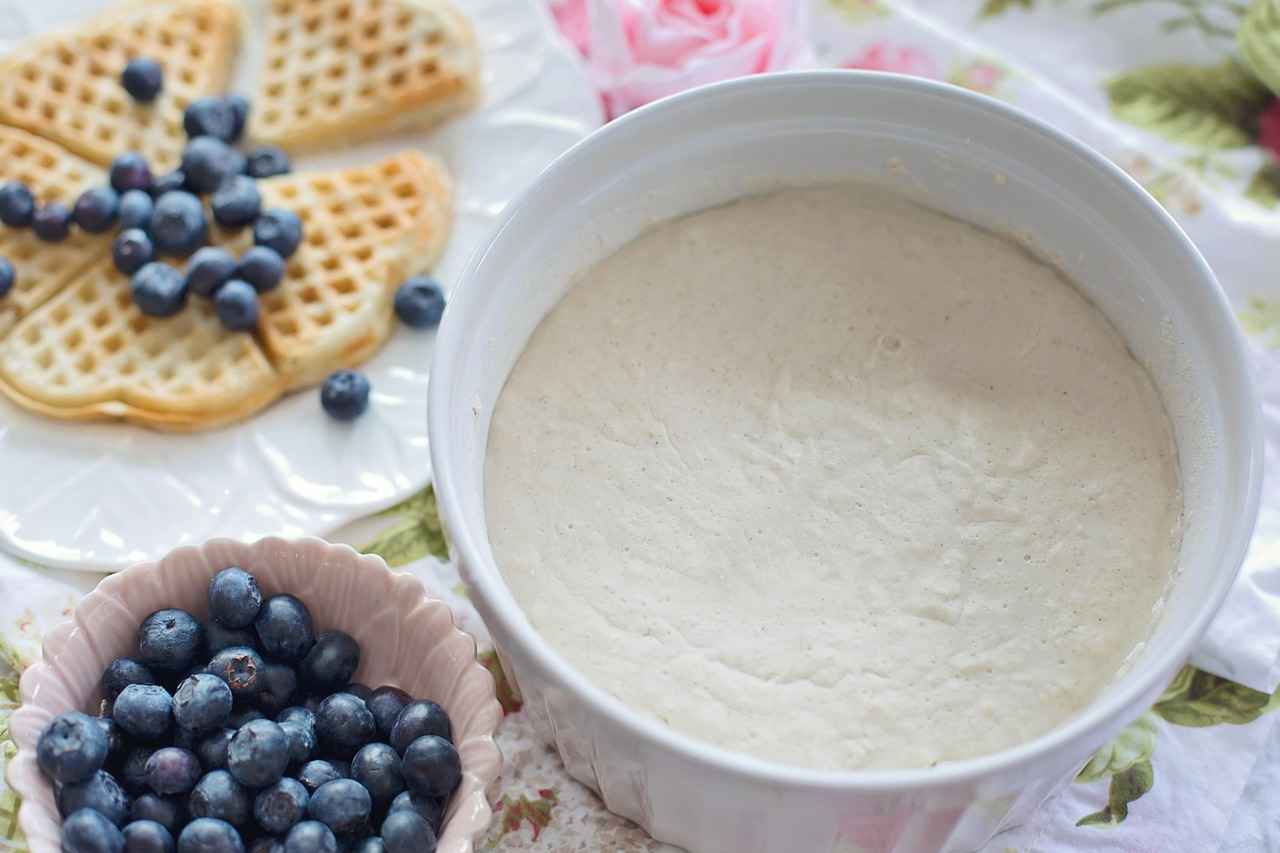
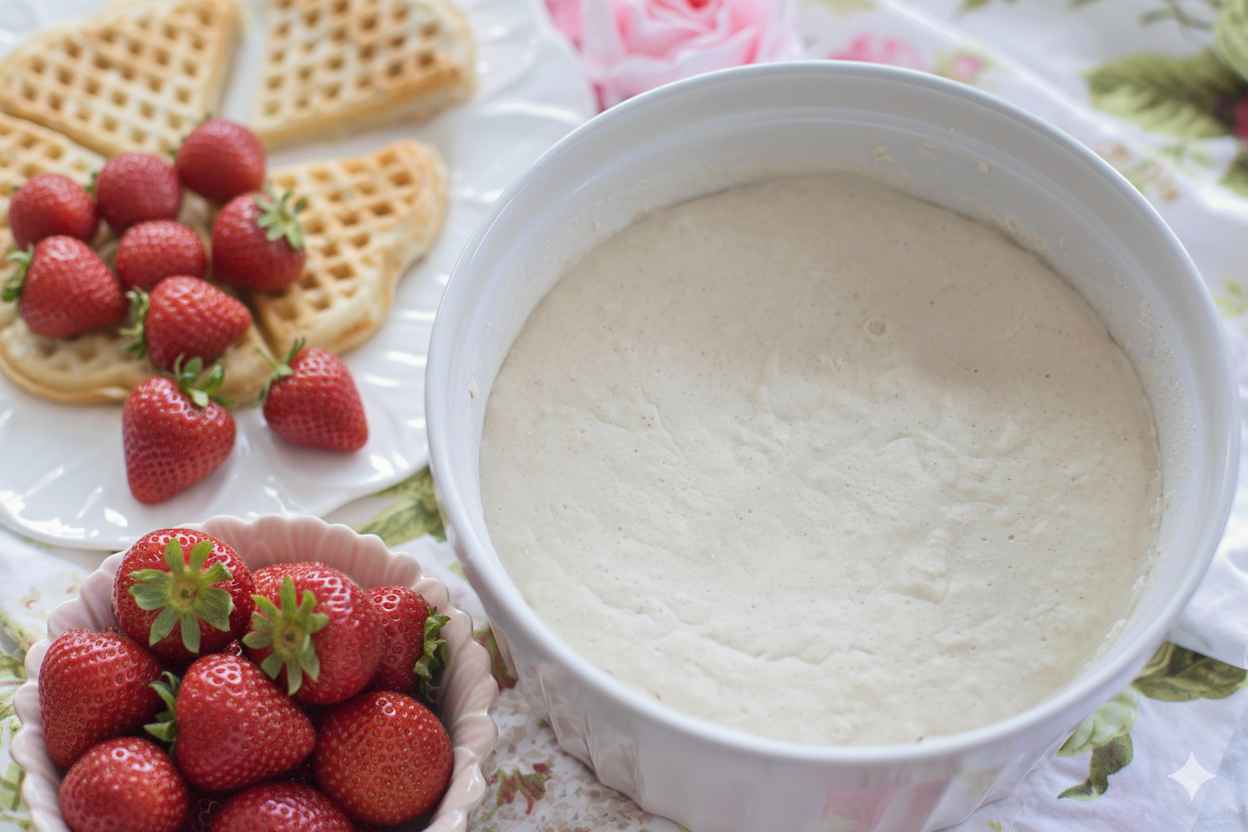
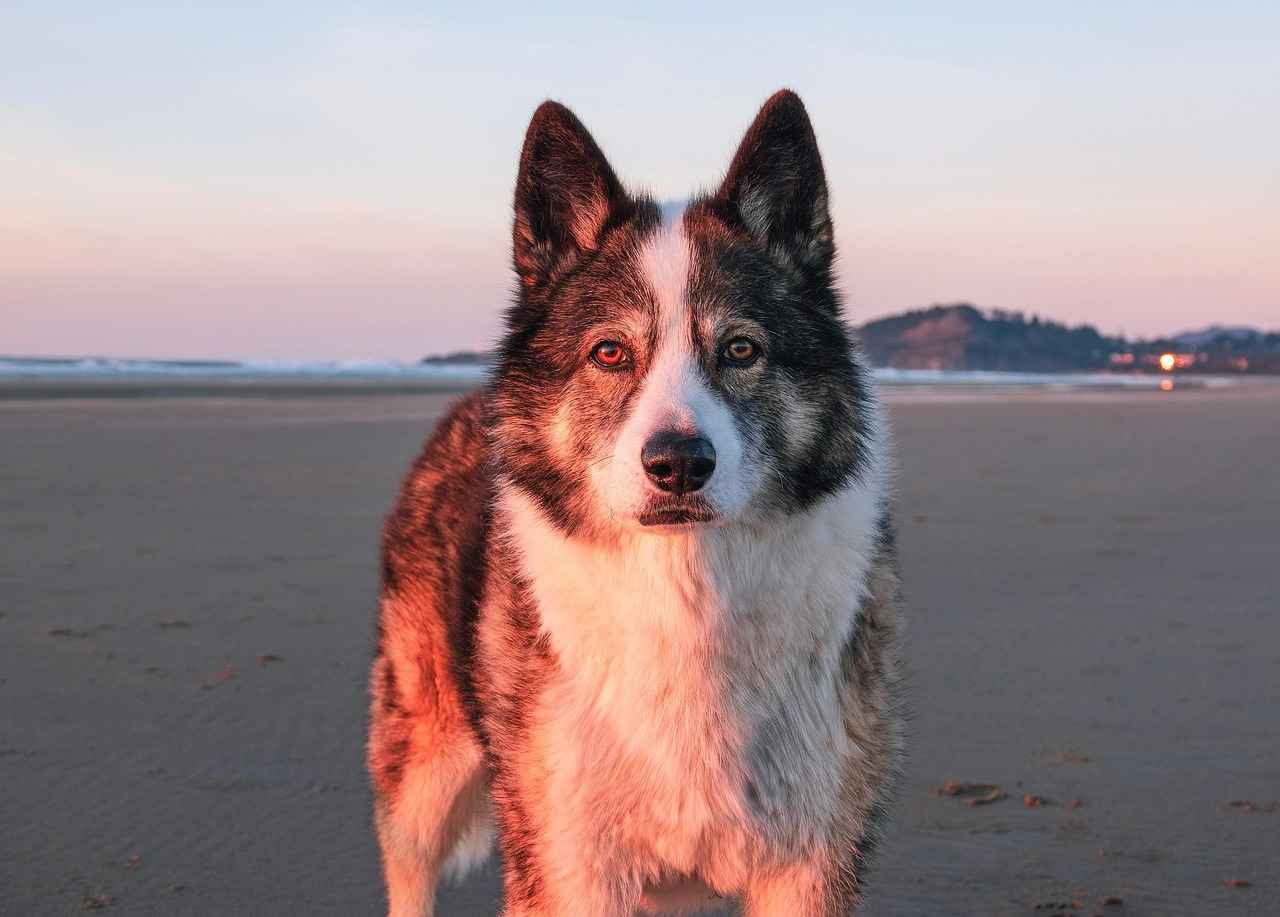
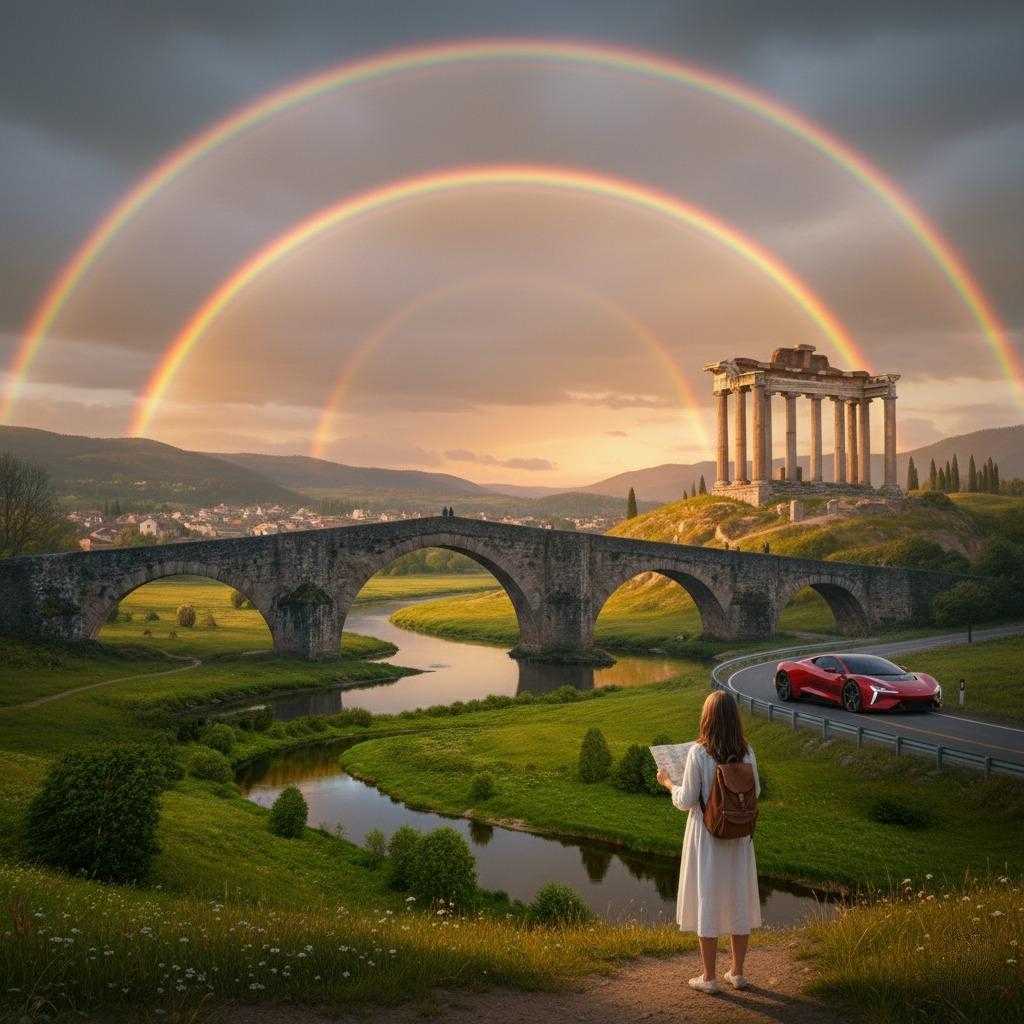
写真に物を追加する
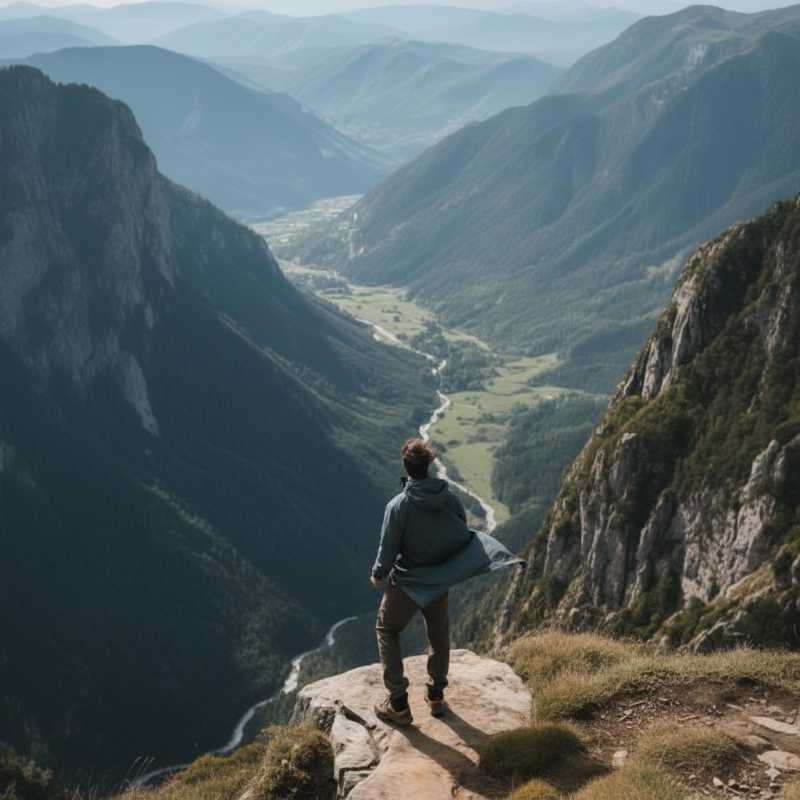
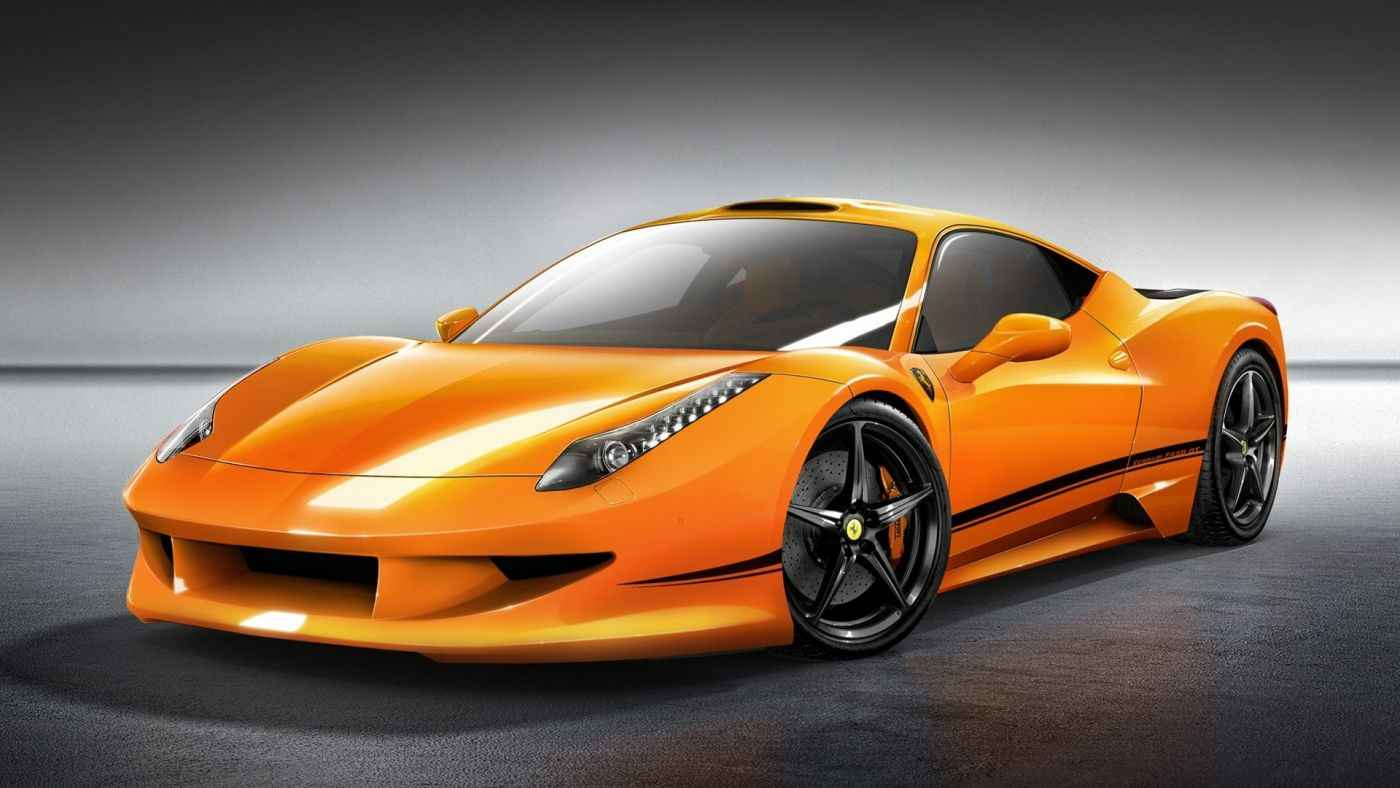
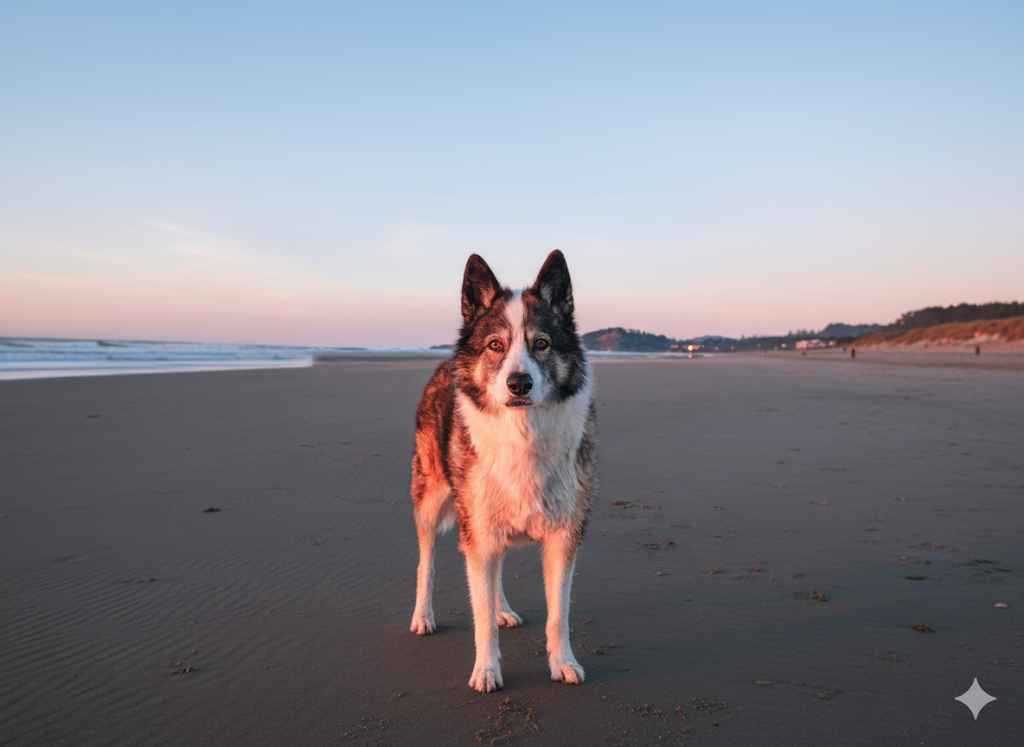
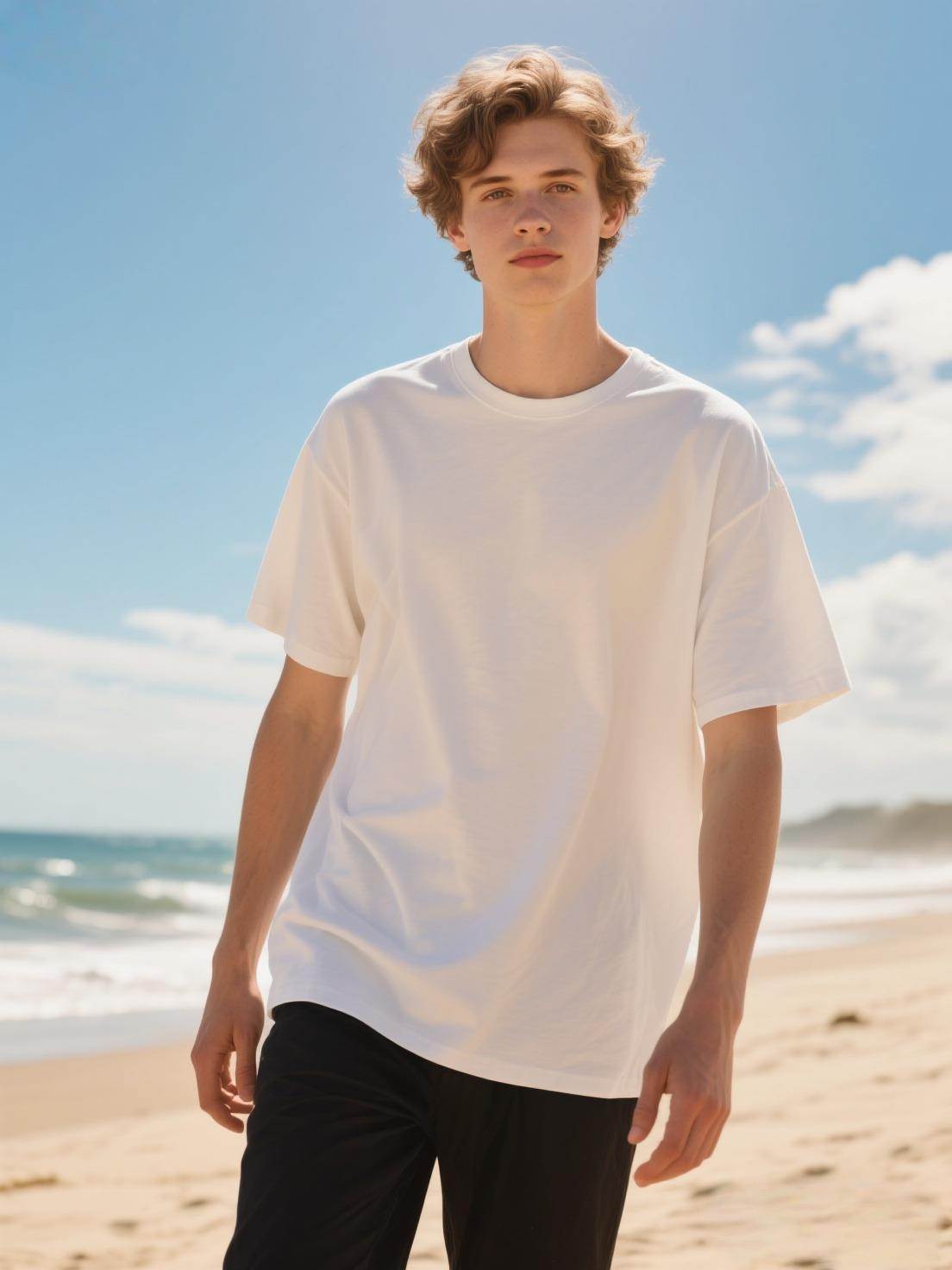
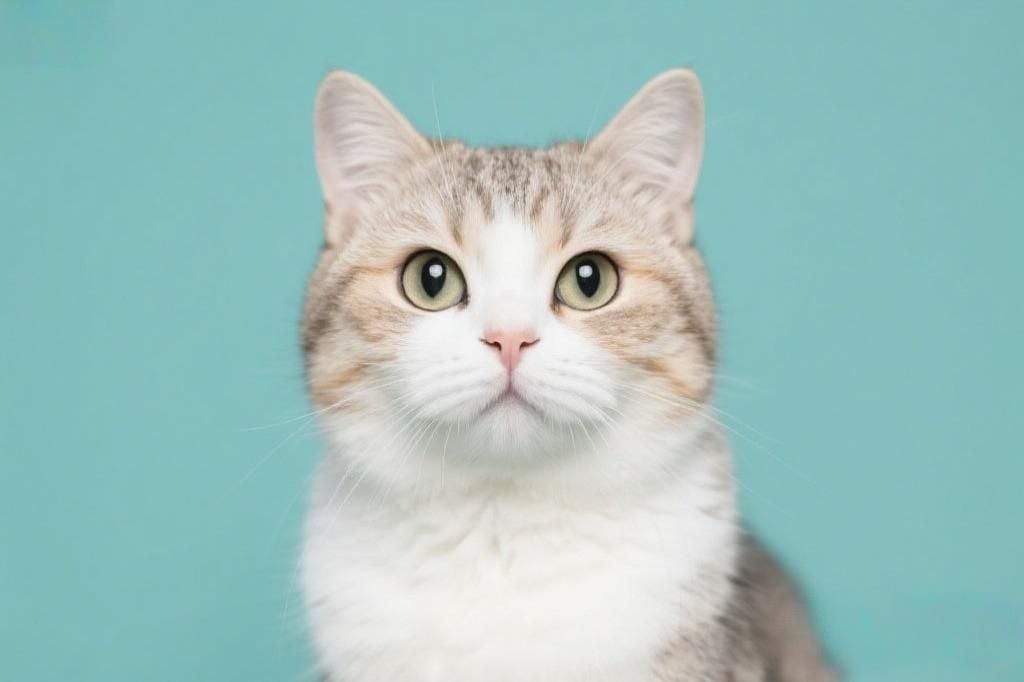
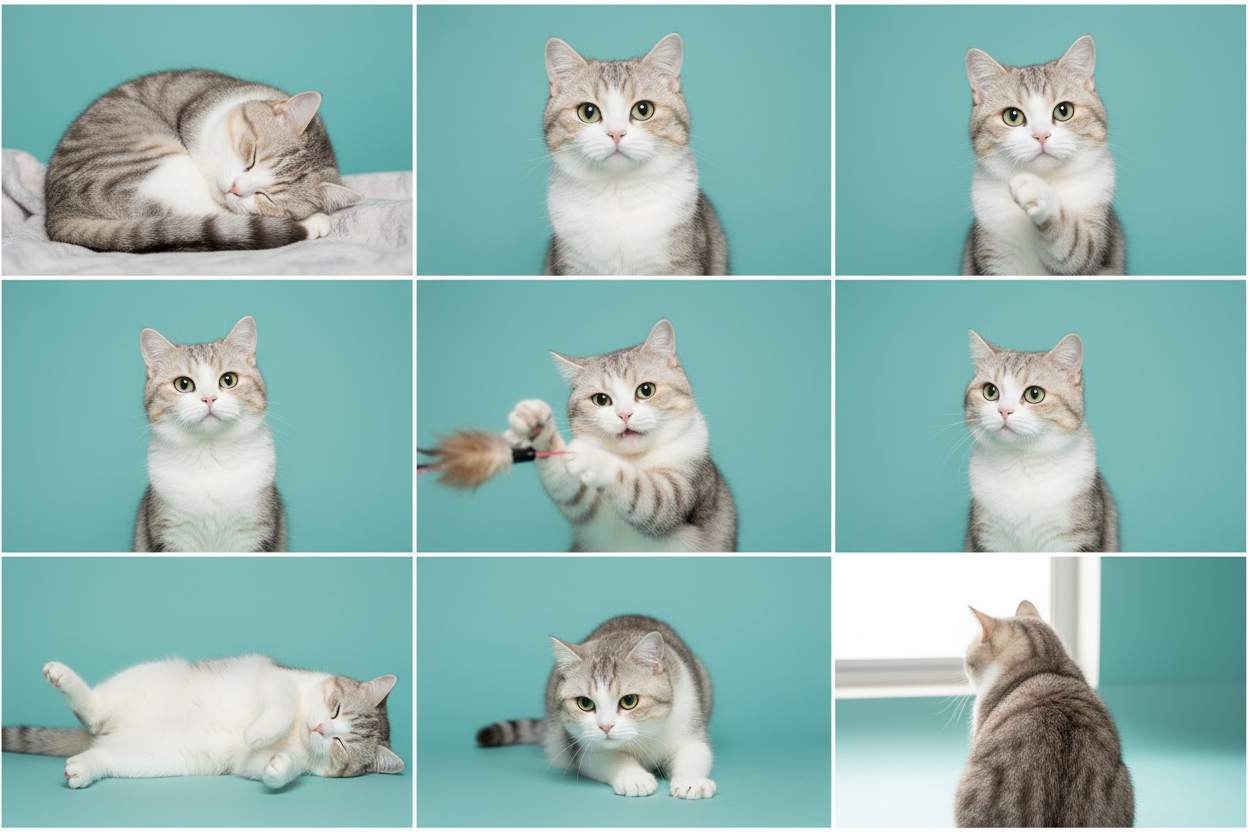
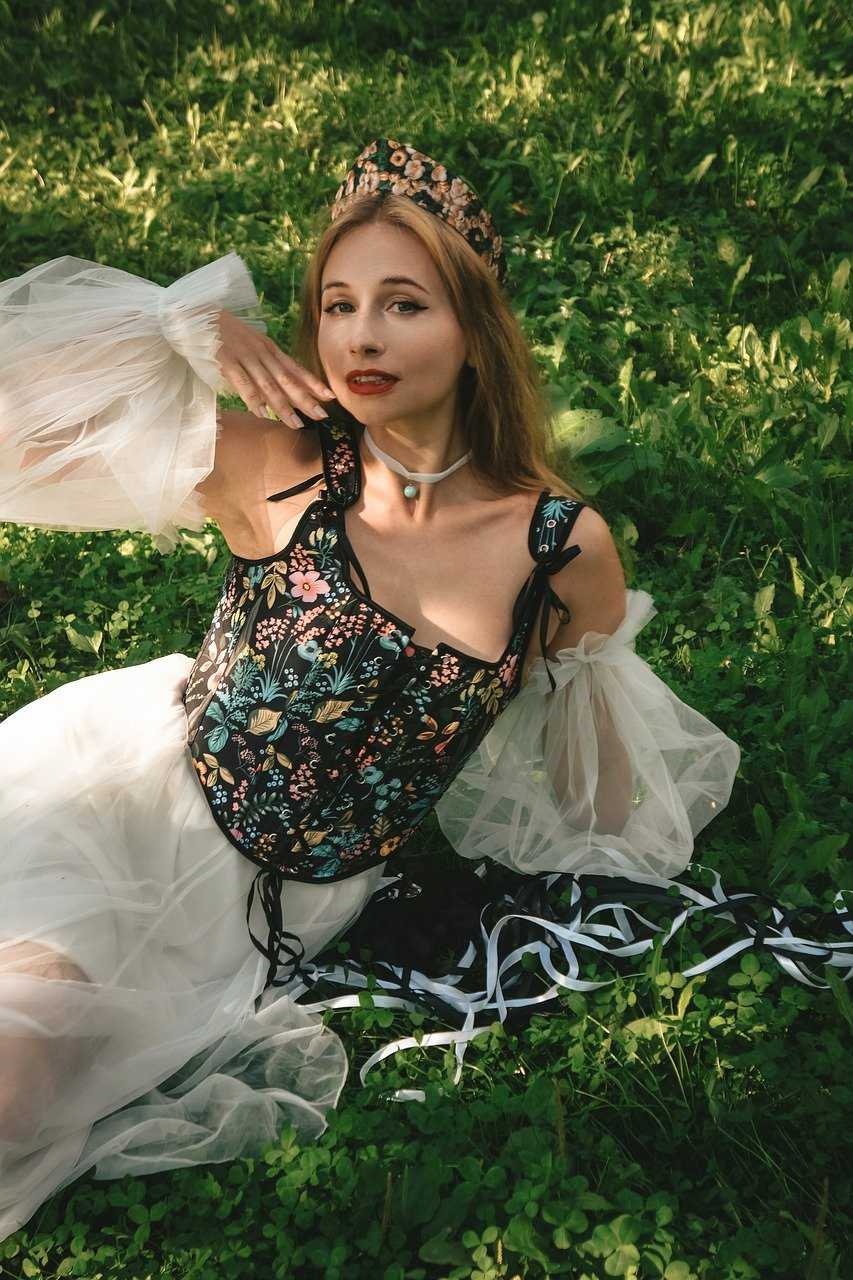
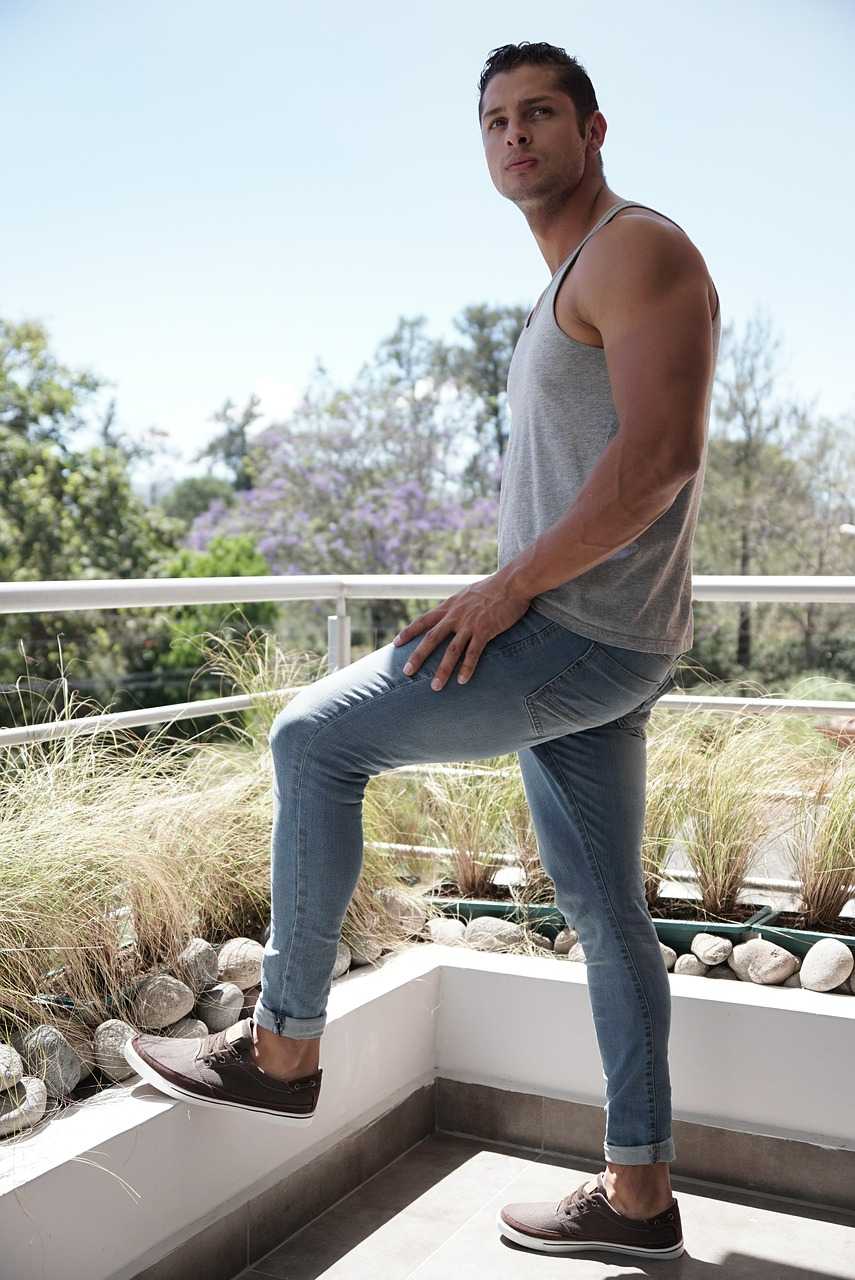
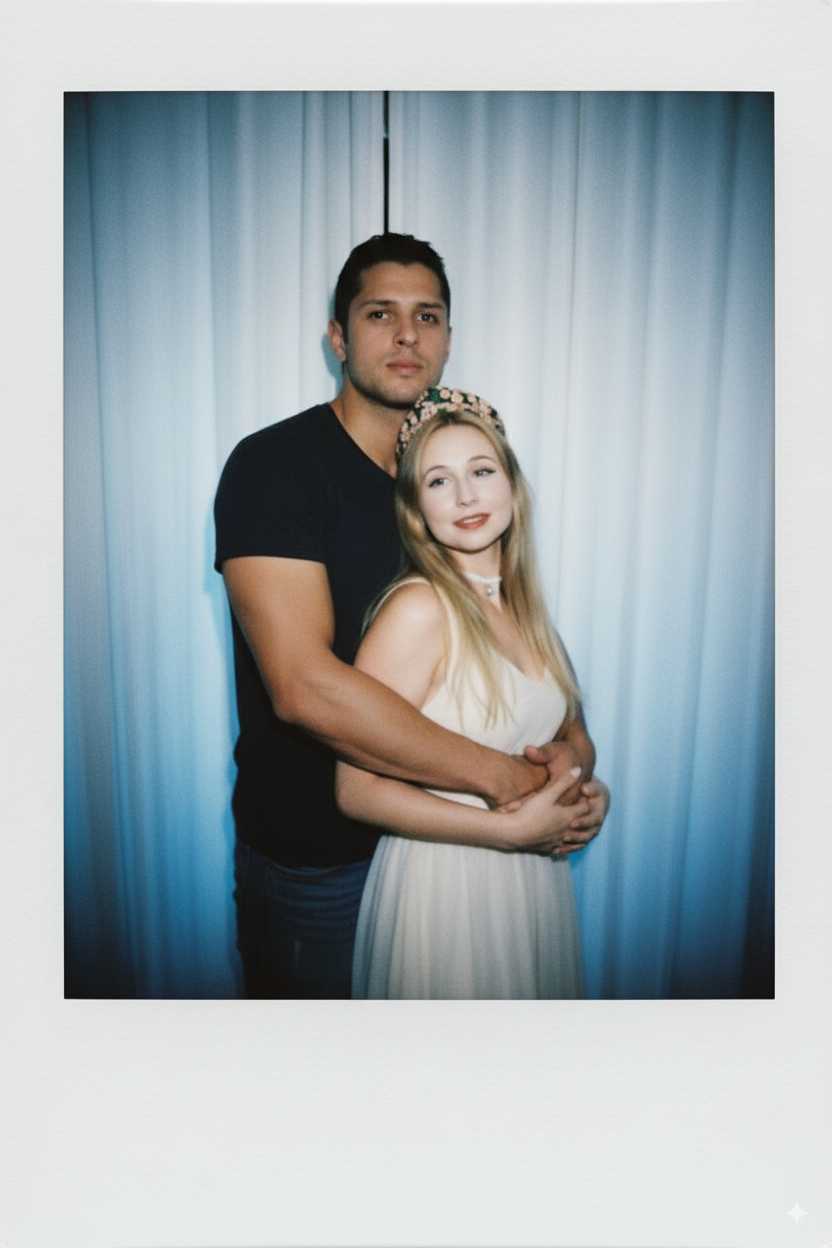
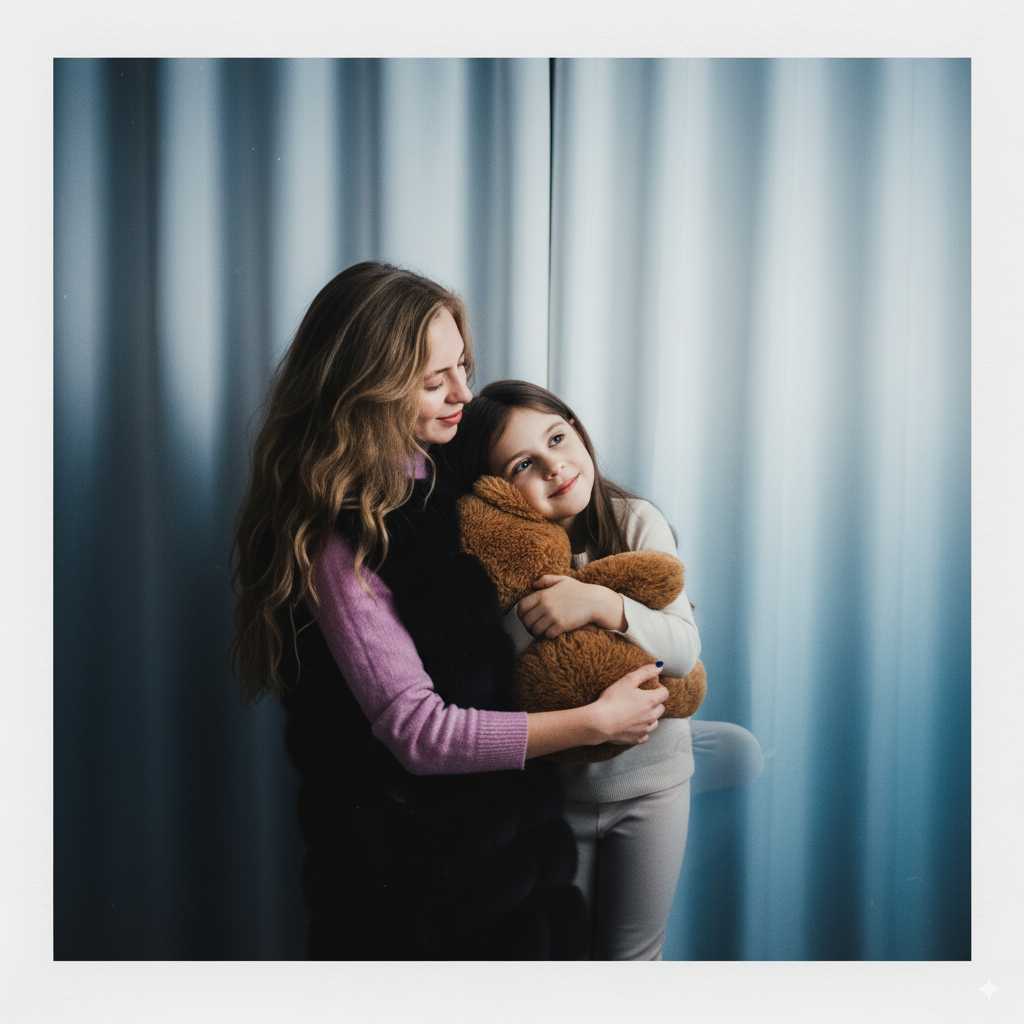
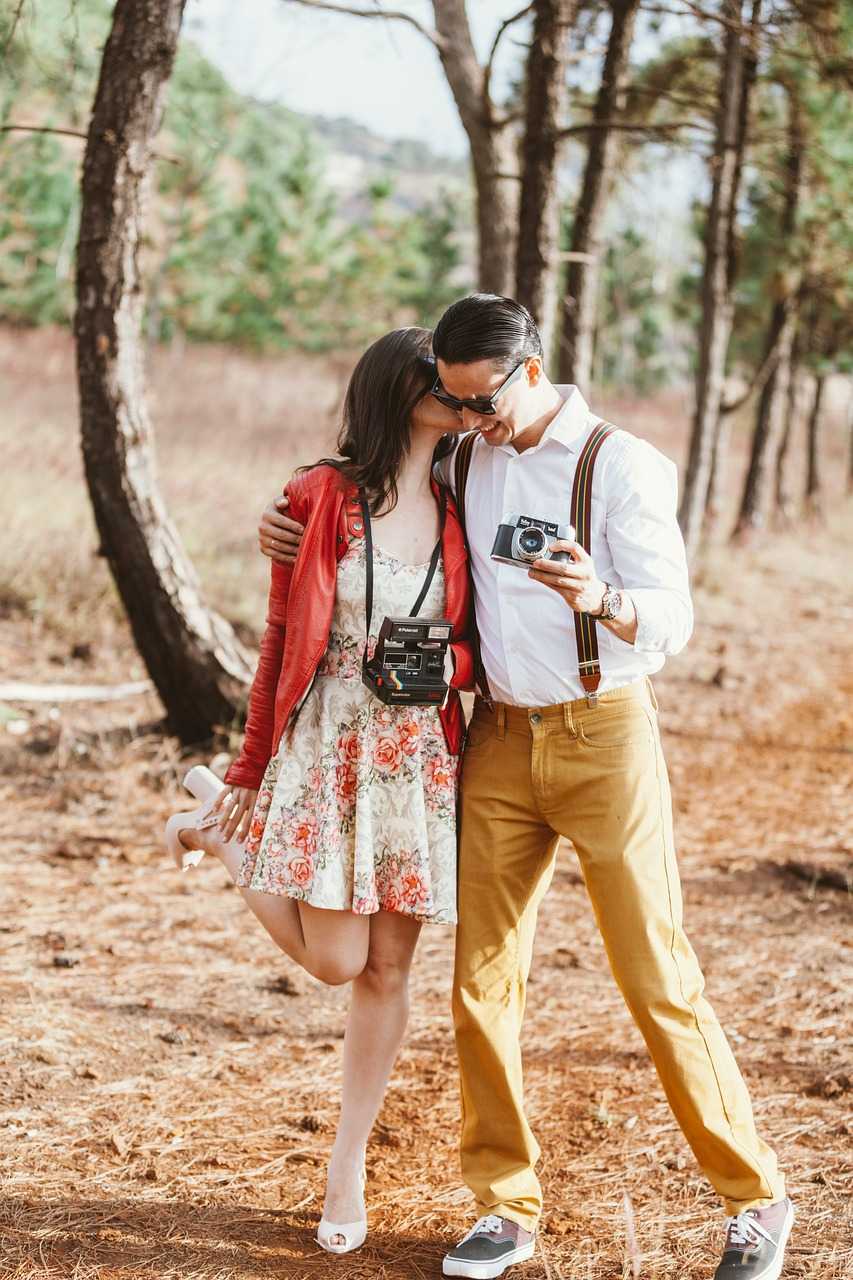
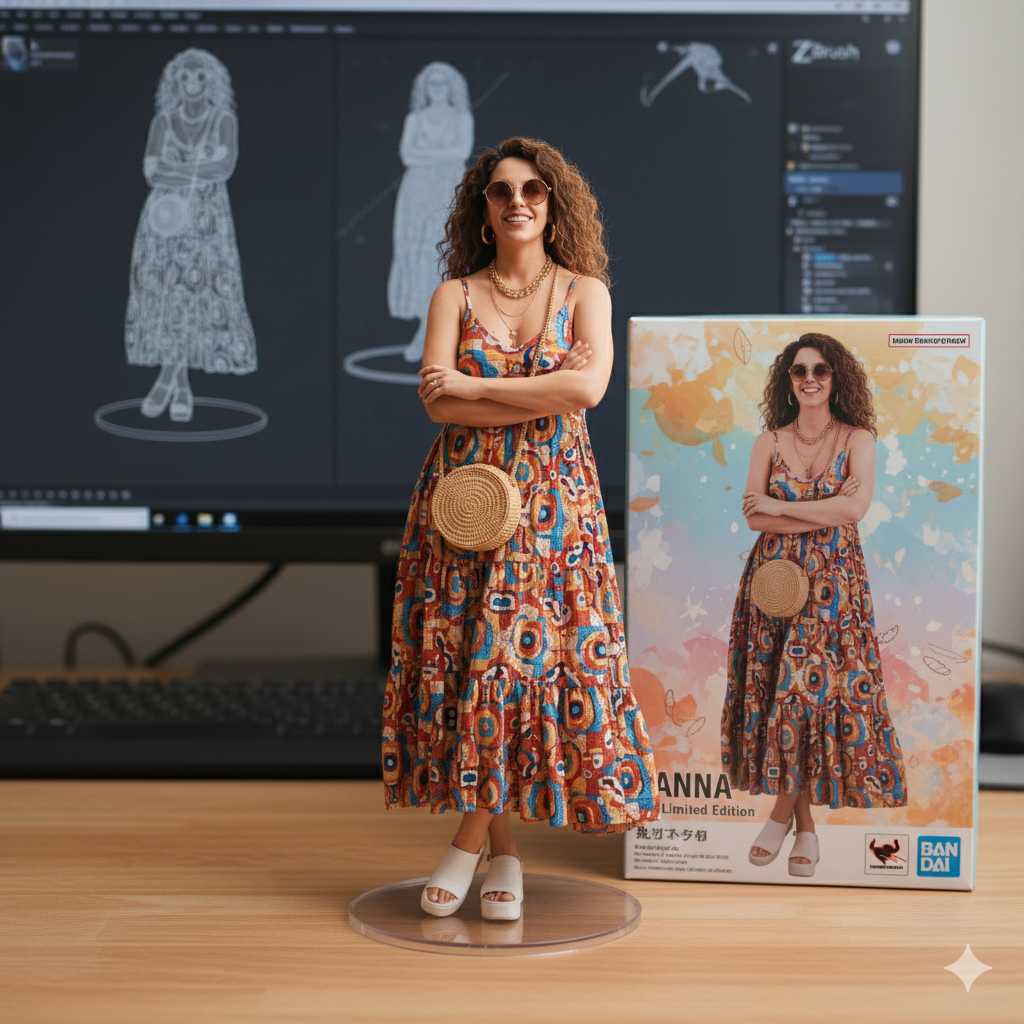
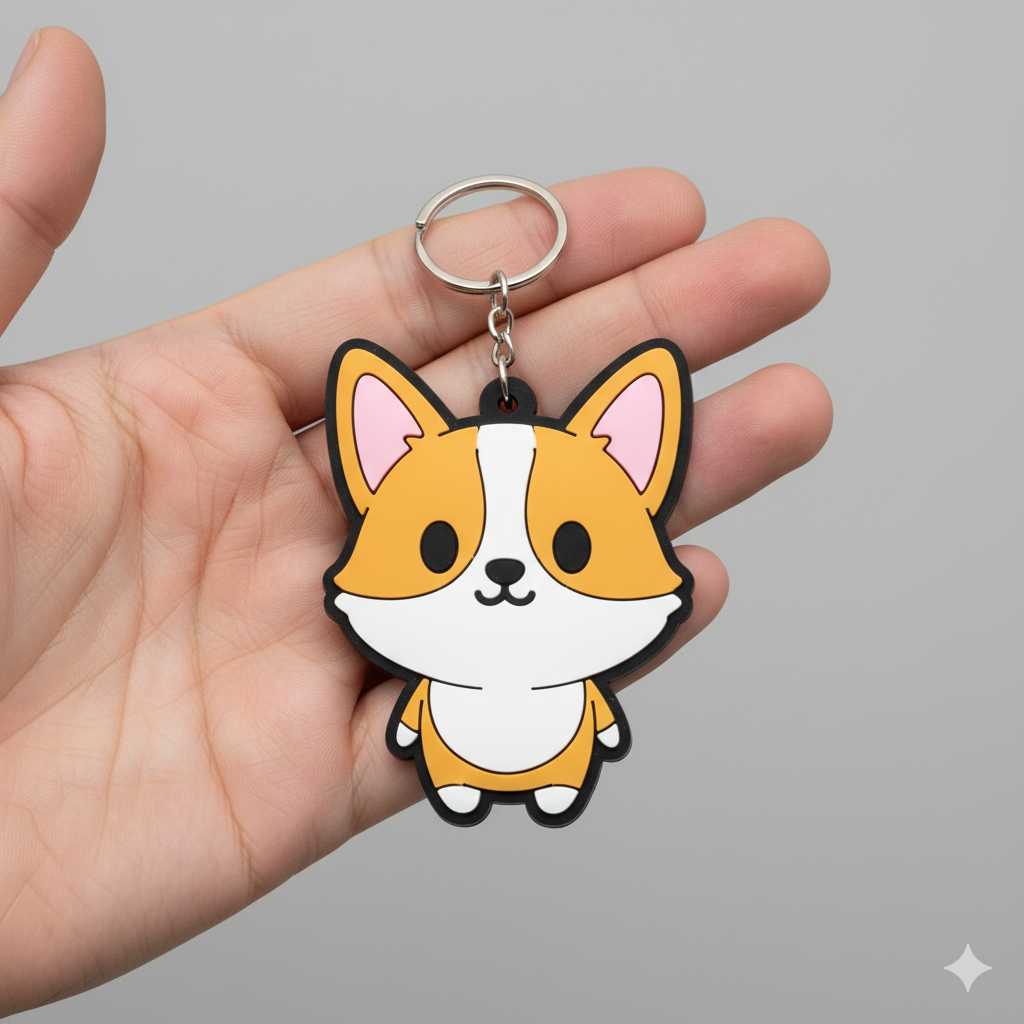
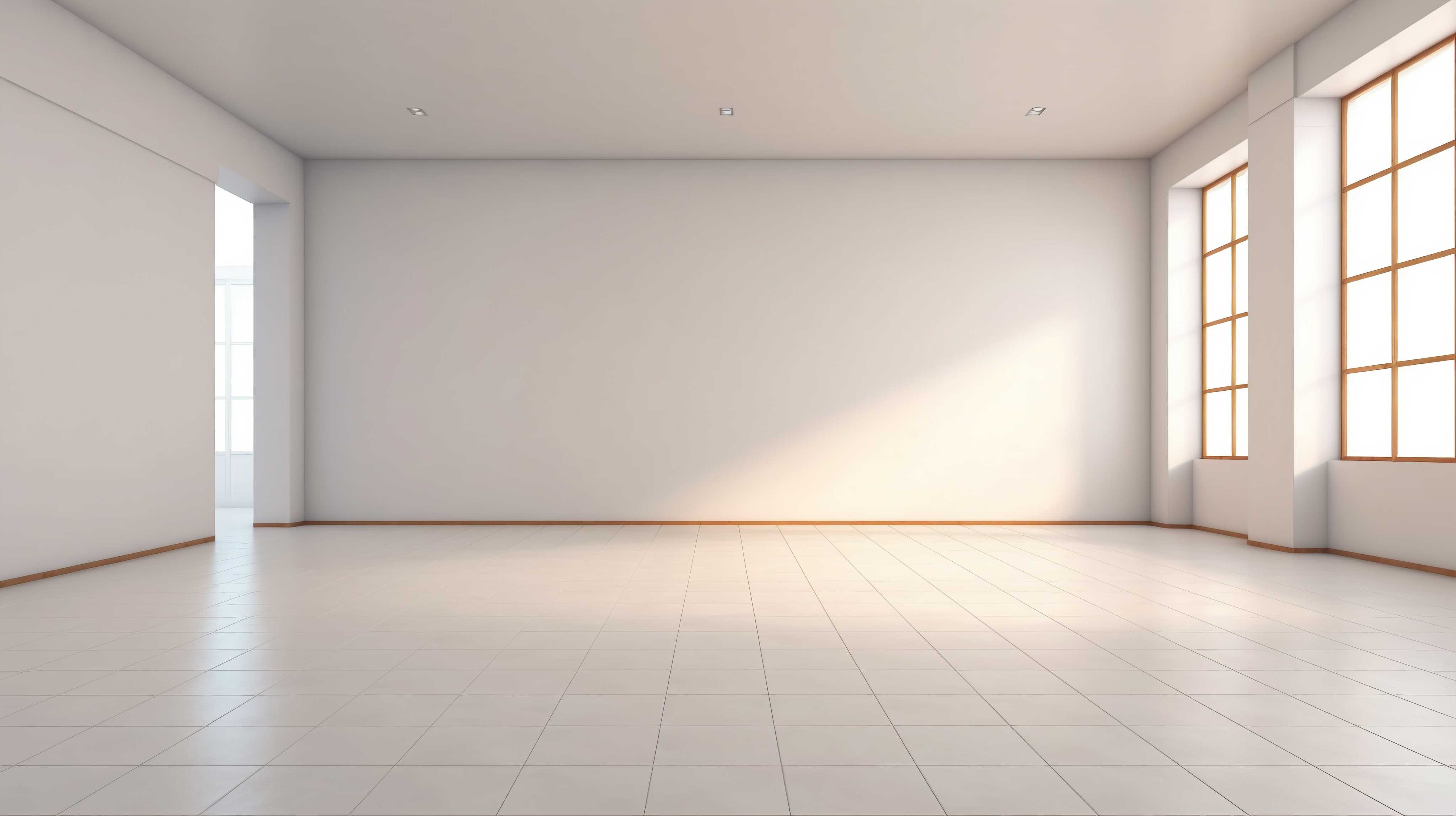
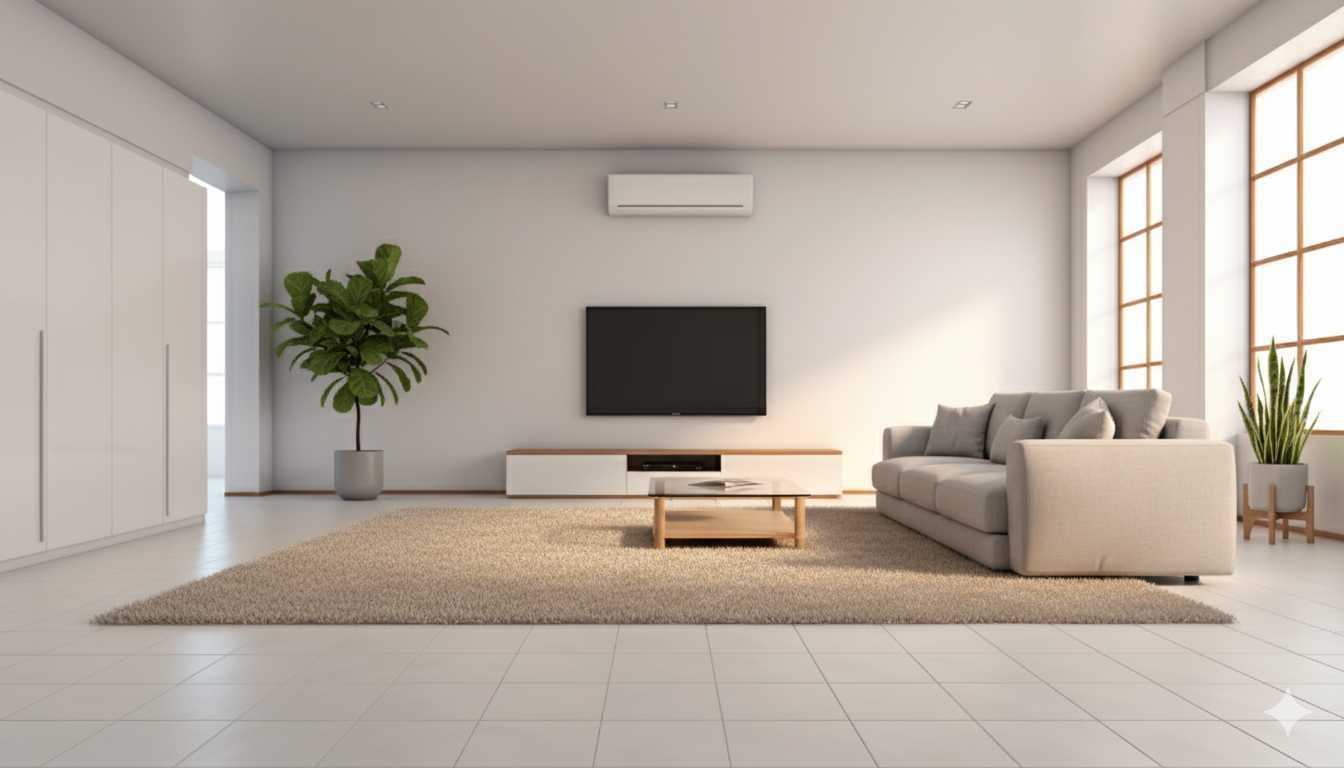
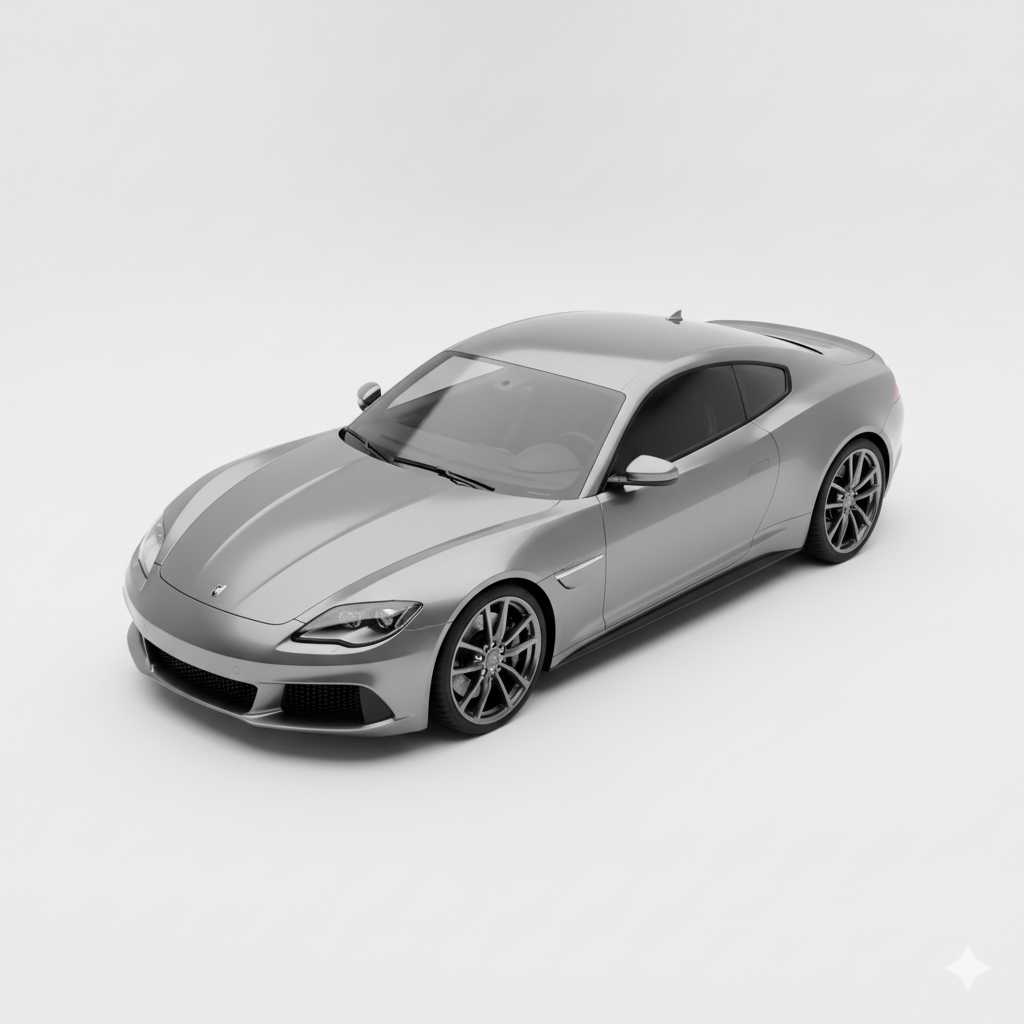
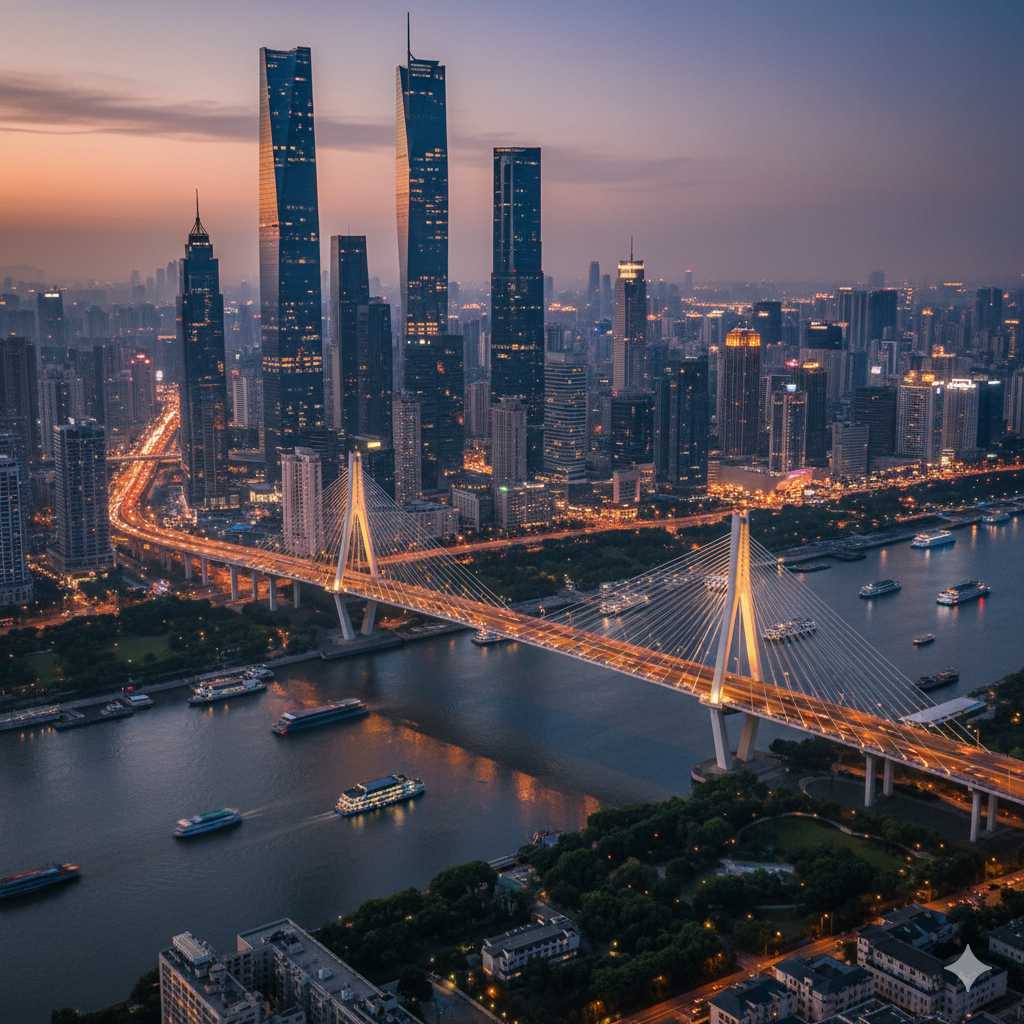
写真に新しい物を追加して、あたかも最初からそこにあったかのように自然に調和させます。
✅ Nano Banana プロンプト:
[追加したい物を記述: 例:ビンテージの赤い自転車]を画像に追加してください。元の写真の光の向き、影のでき方、遠近感、色味にしっかり合わせ、既存の被写体やディテールはそのままに。追加した物は質感や縁の処理をリアルにし、高画質で自然な仕上がりに。
✅ 英語のNano Banana プロンプト:
Add a [describe the object you want added—e.g., vintage red bicycle, golden retriever puppy, classic street lamp] so that it looks naturally part of the scene. Match the lighting direction, shadows, perspective, and color temperature of the original photo. Preserve all existing subjects and details without distortion. Ensure the added object has realistic texture, seamless edges, and accurate reflections to create a high-resolution, photorealistic result.
⭐このNano Bananaプロンプトを使用する⭐
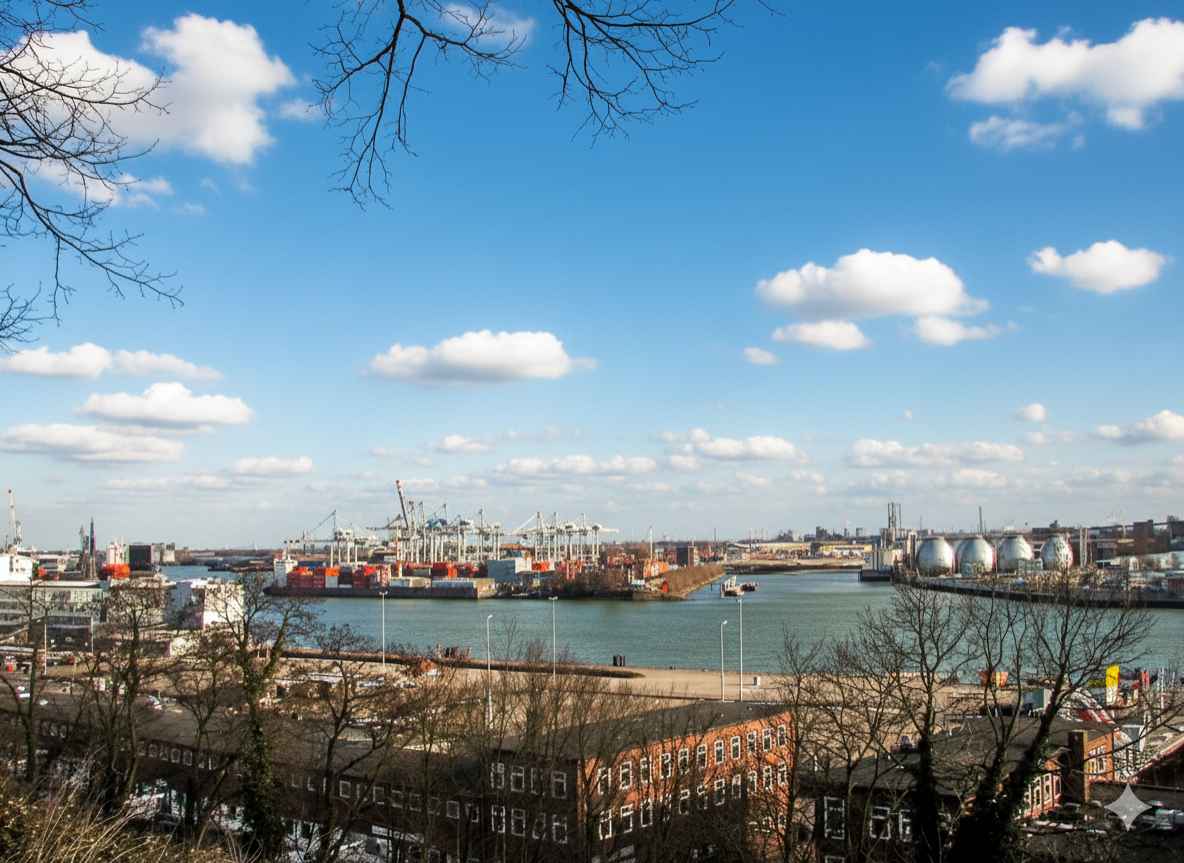
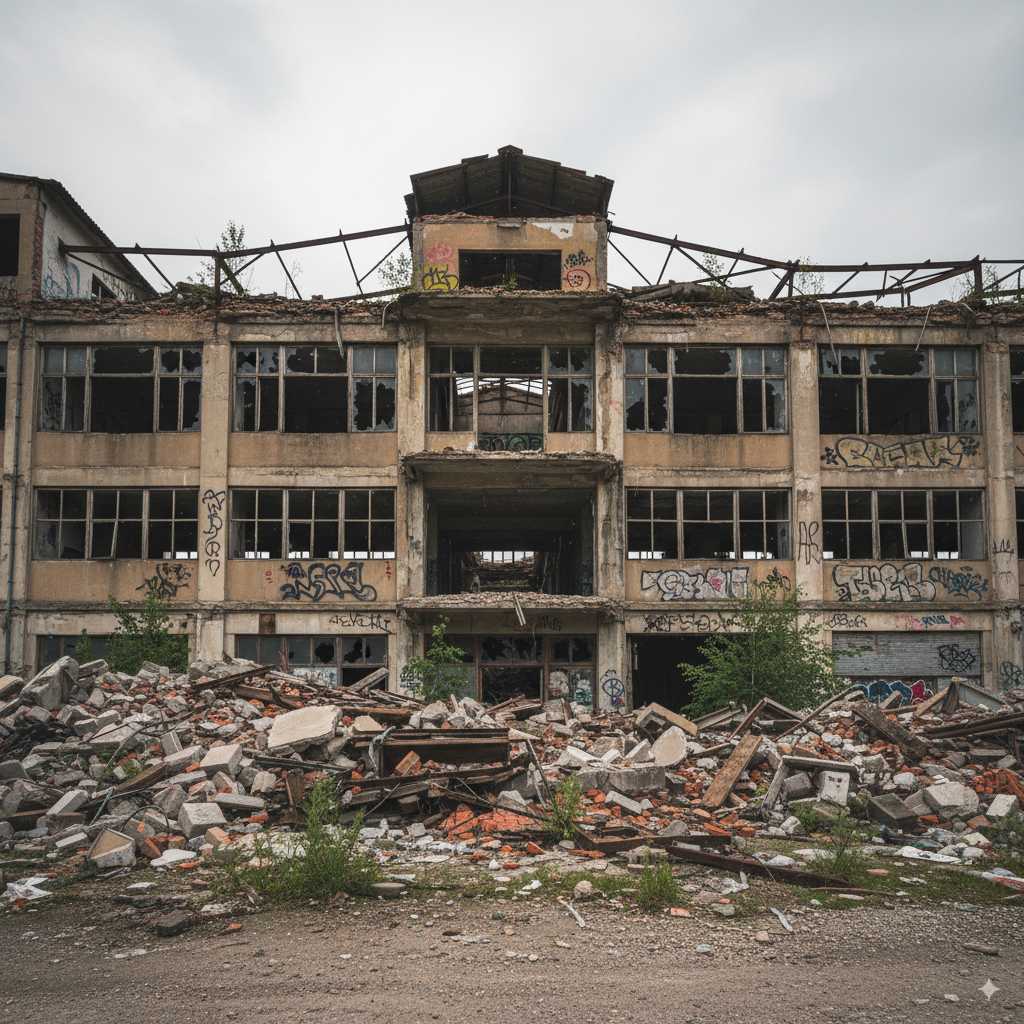
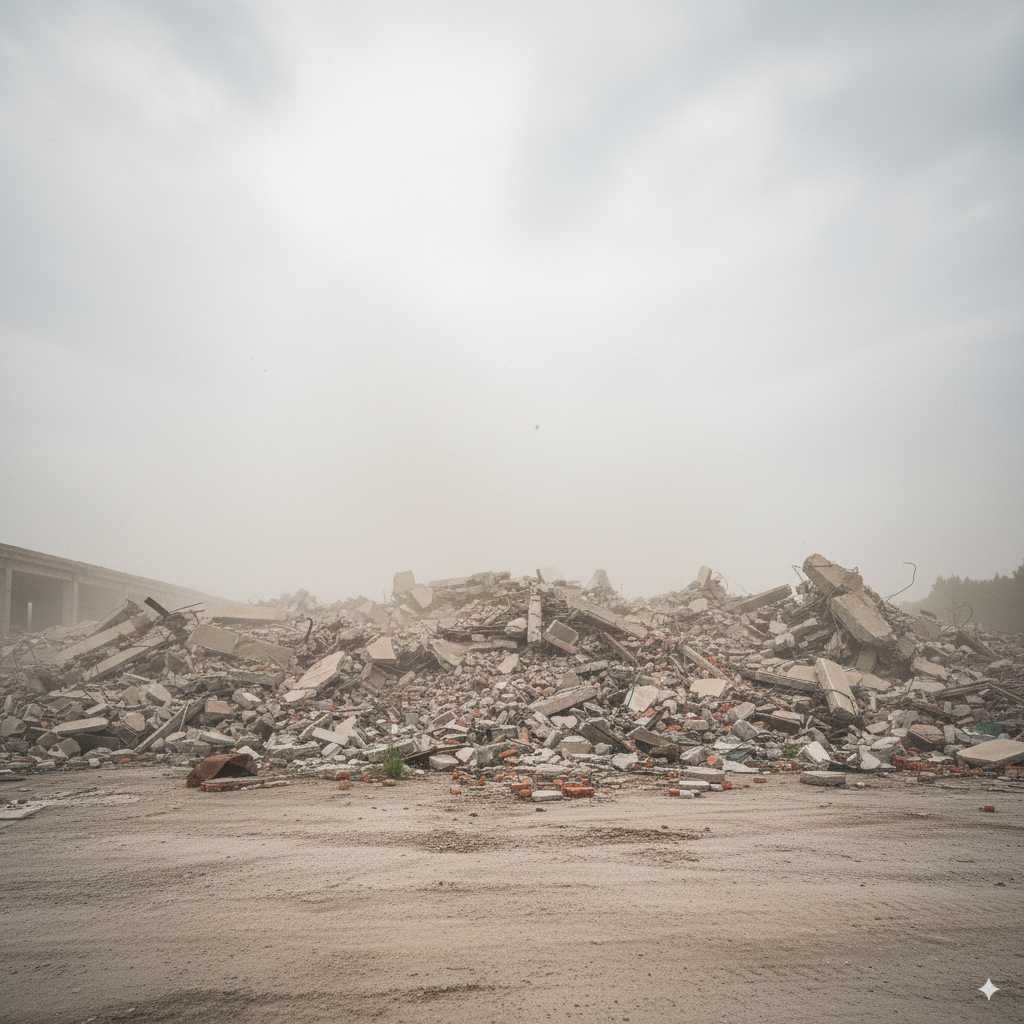
写真から物を削除する
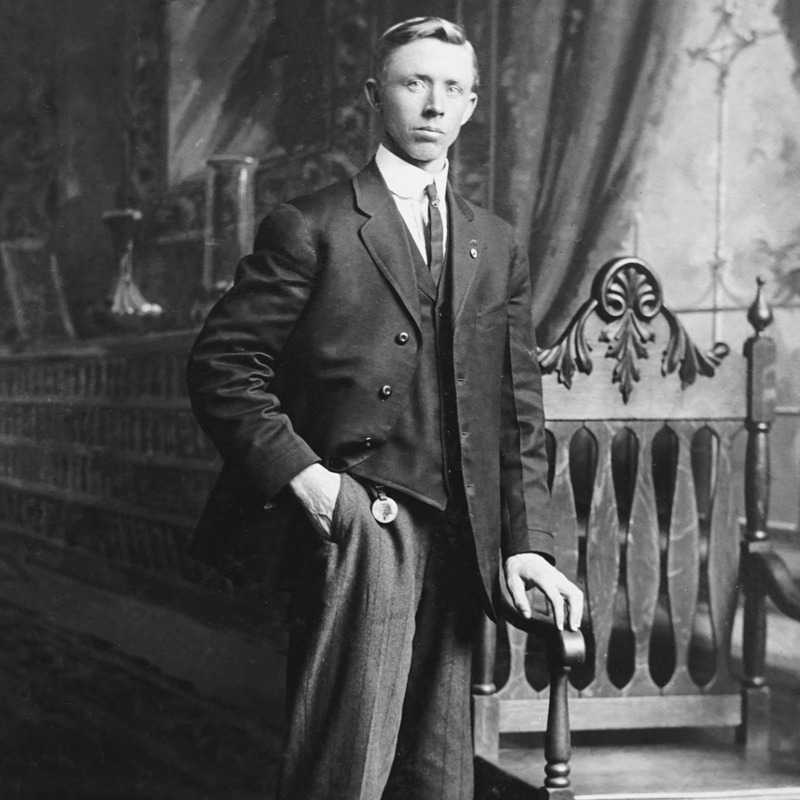
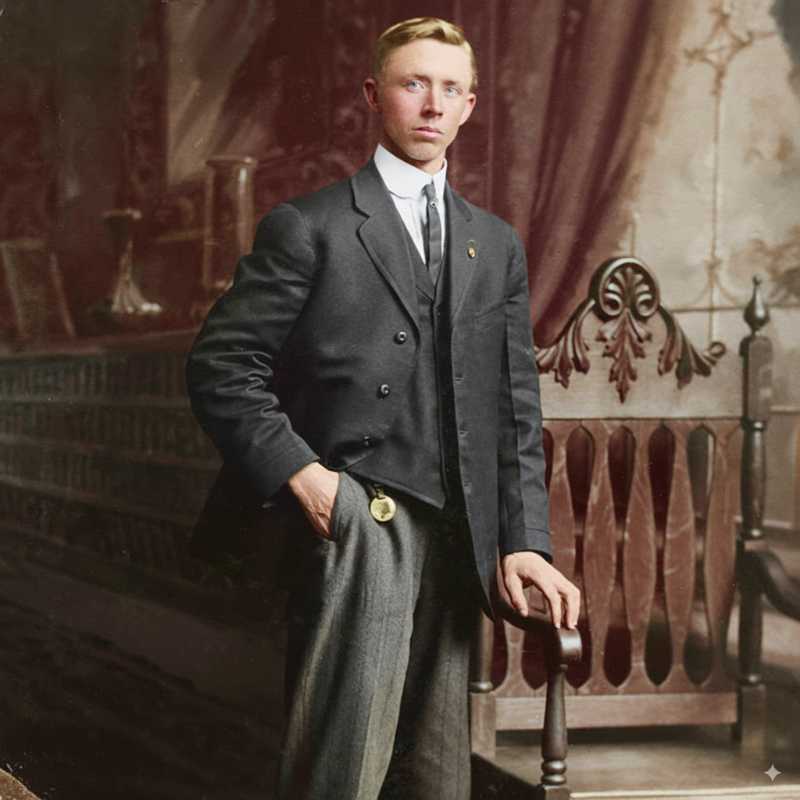
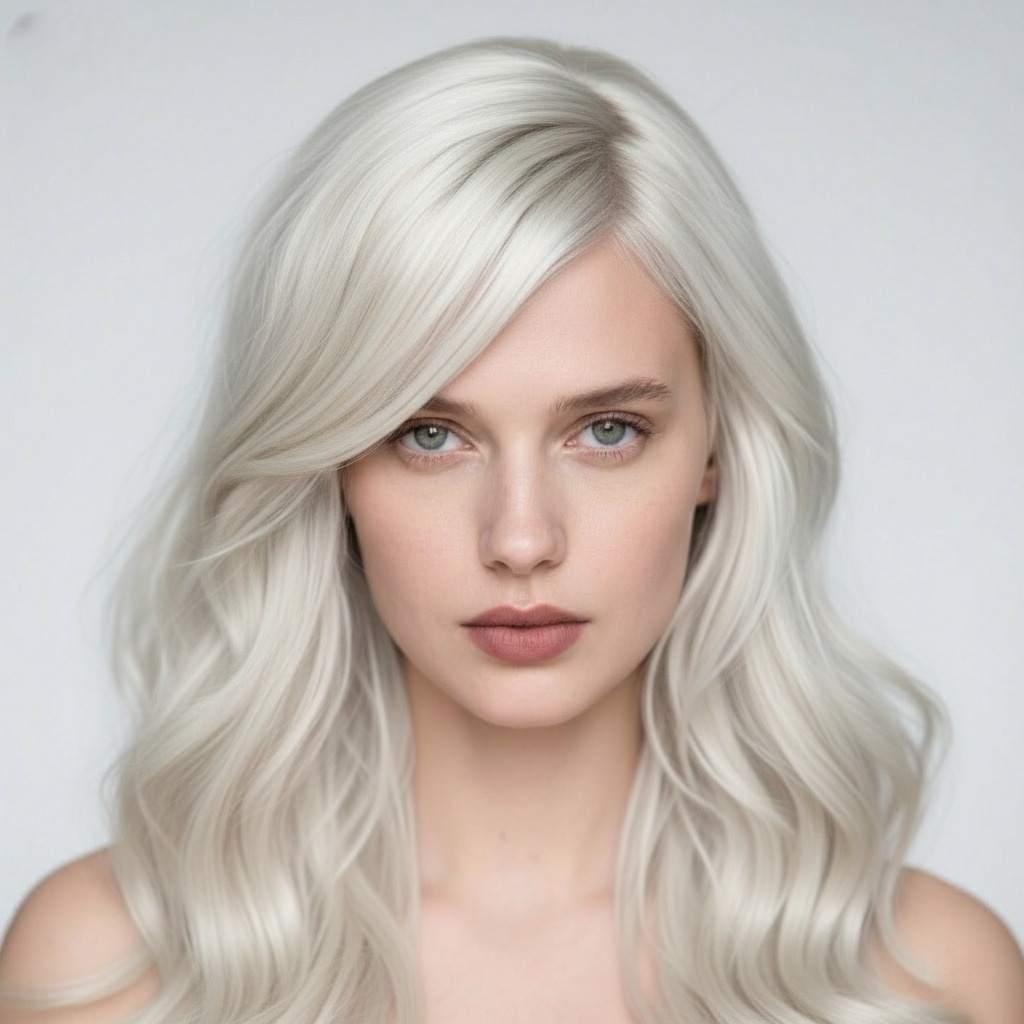
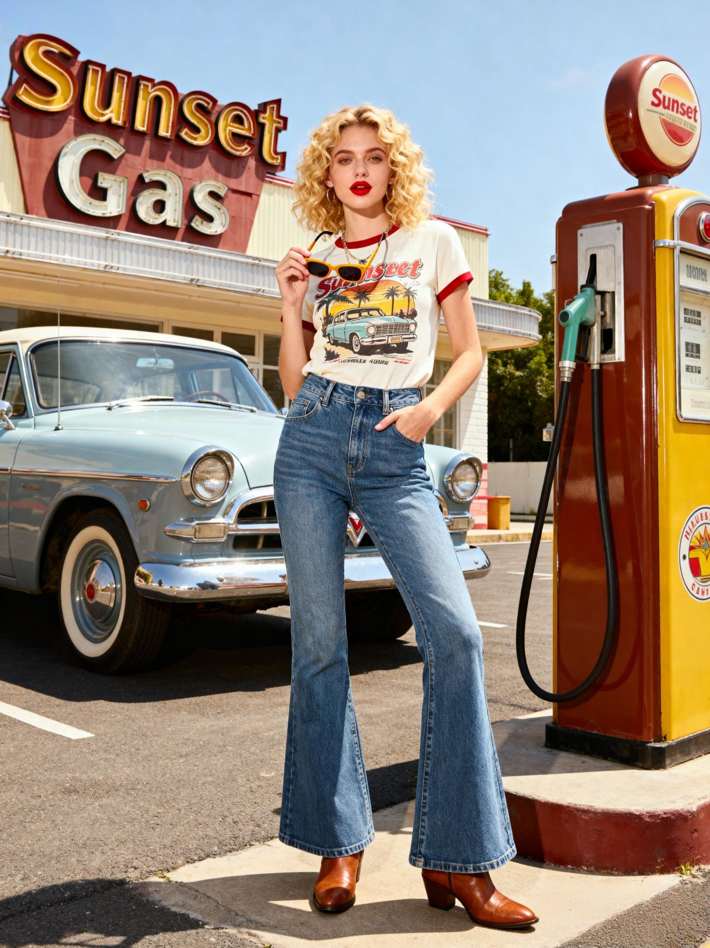
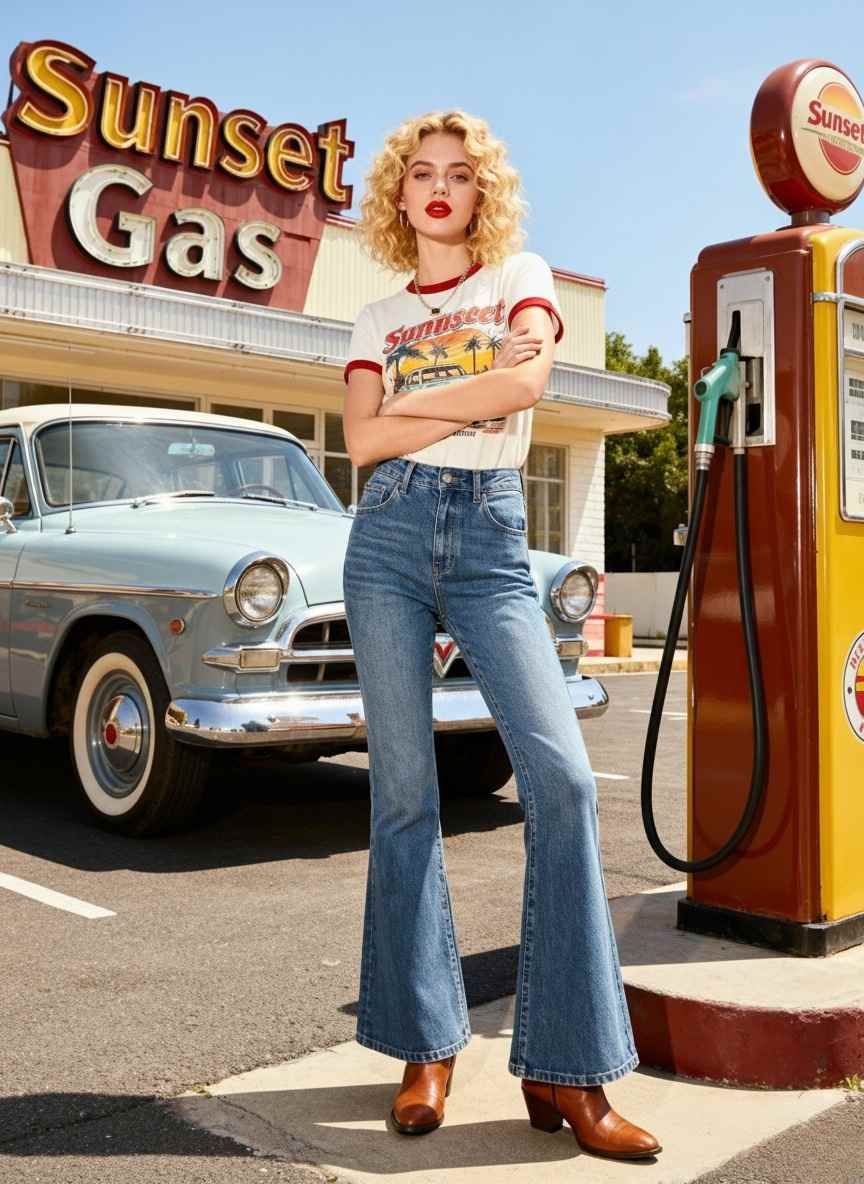
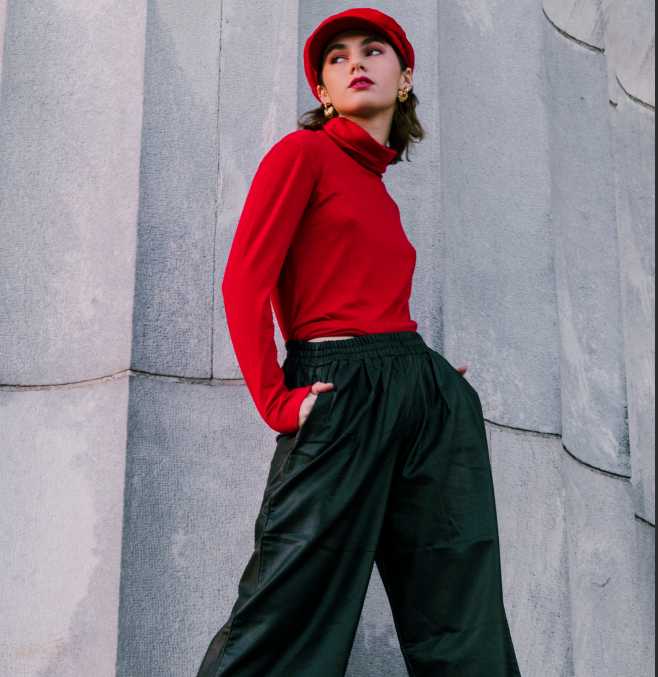
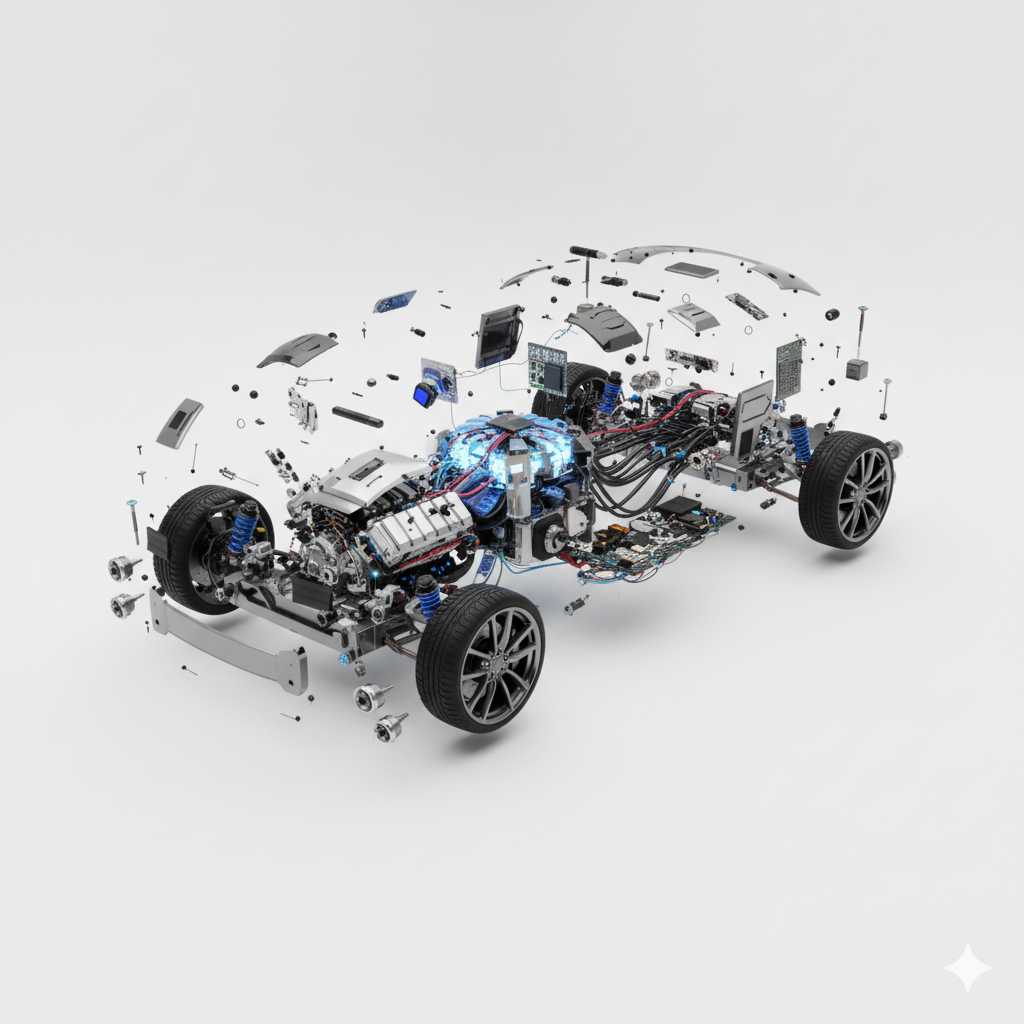
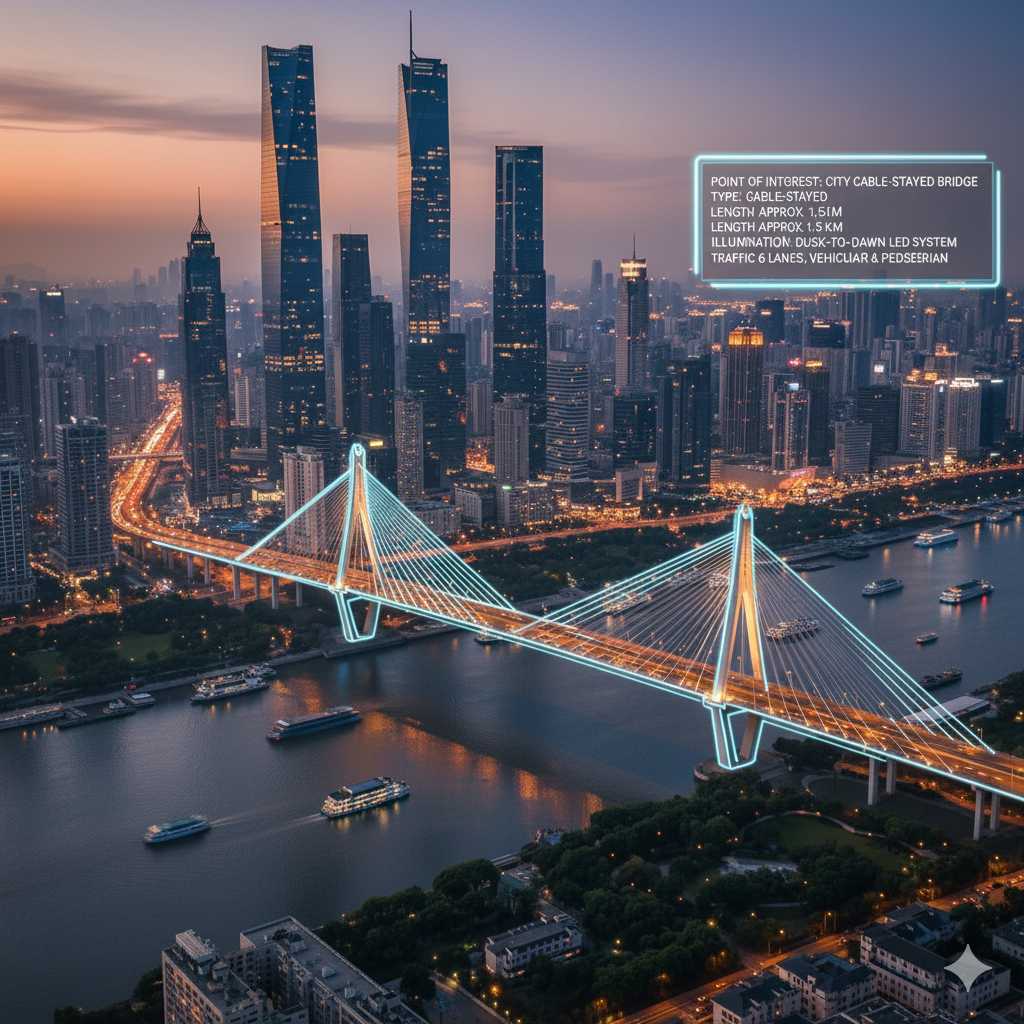
写り込んだ不要な物を削除し、背景を自然に繋げて、削除した痕跡がわからないようにします。
✅ Nano Banana プロンプト:
[削除したい物を記述: 例:左側にあるゴミ箱]を完全に削除してください。その後、空白部分は周囲の背景や環境に合わせて自然に補填すること。照明や影、色、質感を統一し、編集したことが分からないよう仕上げてください。画像の他の部分はそのまま、高画質を保持すること。
✅ 英語のNano Banana プロンプト:
Remove the [describe the object to be removed—e.g., trash can on the left side, distracting sign behind the subject] completely. Fill the empty area with natural background elements that match the surroundings—including consistent lighting, shadows, colors, and textures—so the edit is seamless and invisible. Preserve the rest of the scene and subjects in high-resolution photorealistic quality.
⭐このNano Bananaプロンプトを使用する⭐