









AI Snow Filter: Add Snow to Photo Online Free
Rely on Clipfly’s AI snow filter to easily and quickly add snow to photo online free. No artistic or design skills are required for exquisite, unique winter aesthetic creation. Level up your winter visuals this year to impress others.
*Add snow effect to photo to join the AI snow trend
*Add animated snow effect to photo
Add Snow to Photo with Just One Click
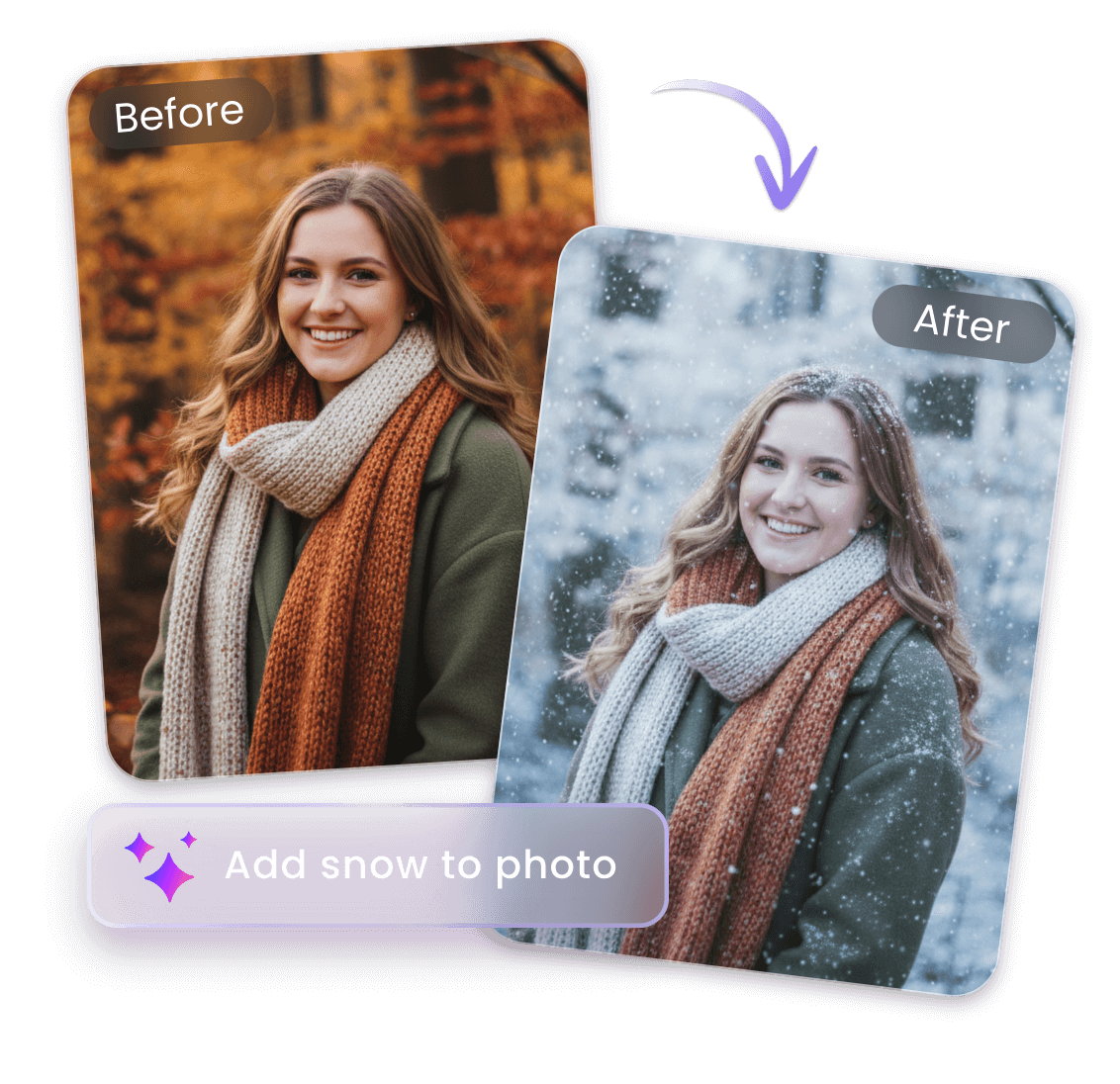
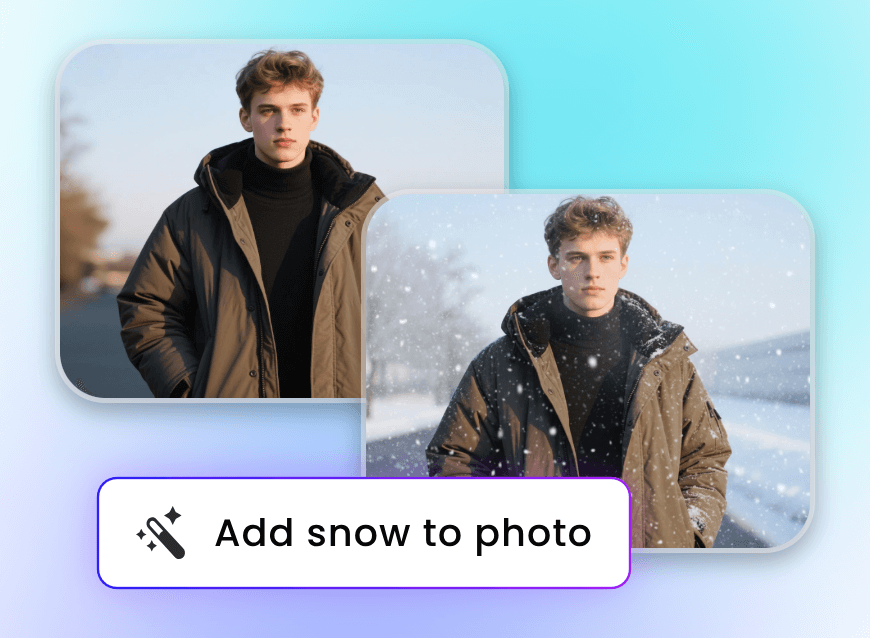
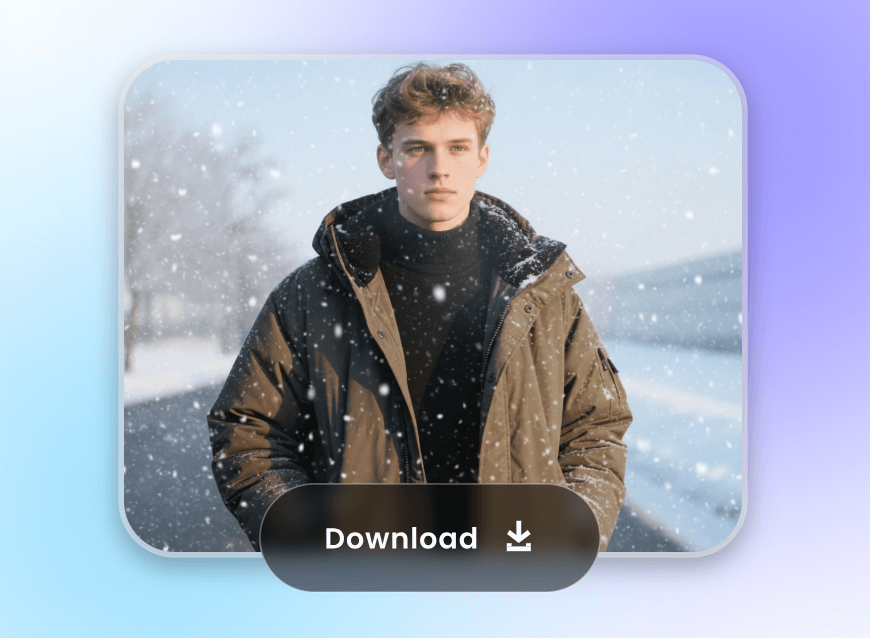
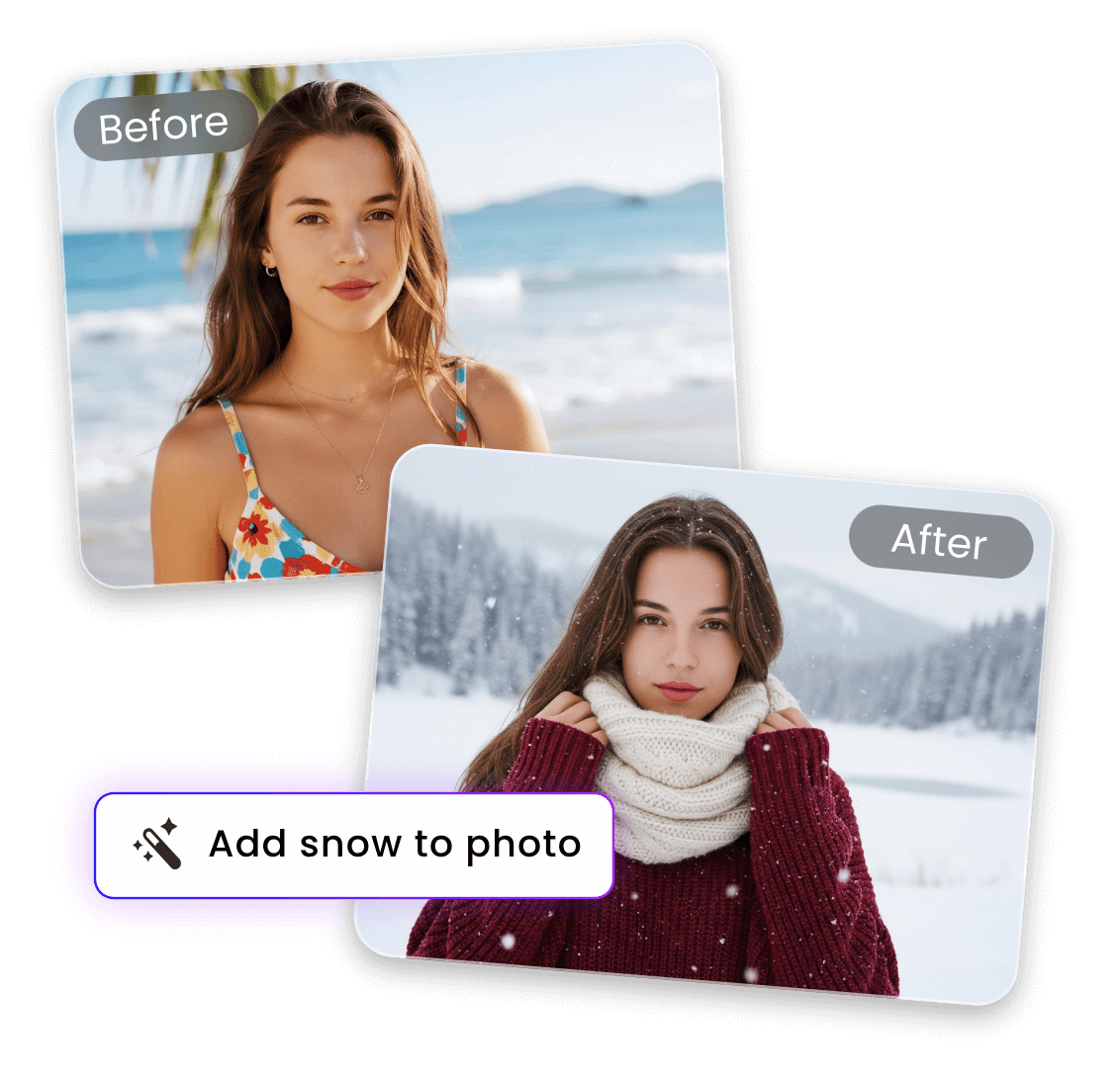
Say goodbye to snow addition to photo with complex Photoshop skills. Clipfly, a magic AI snow filter adder, allows you to add snow to a photo with just one click. Simply upload your photo, check our preset prompt regarding the “snow effect”, include more details if needed and then click “Generate” to let our tool automatically apply an AI snowfall filter to it. No cumbersome manual operations or design skills are needed to get your high-res AI winter photo without a watermark.
Generate Realistic AI Snow Effect and Scenes
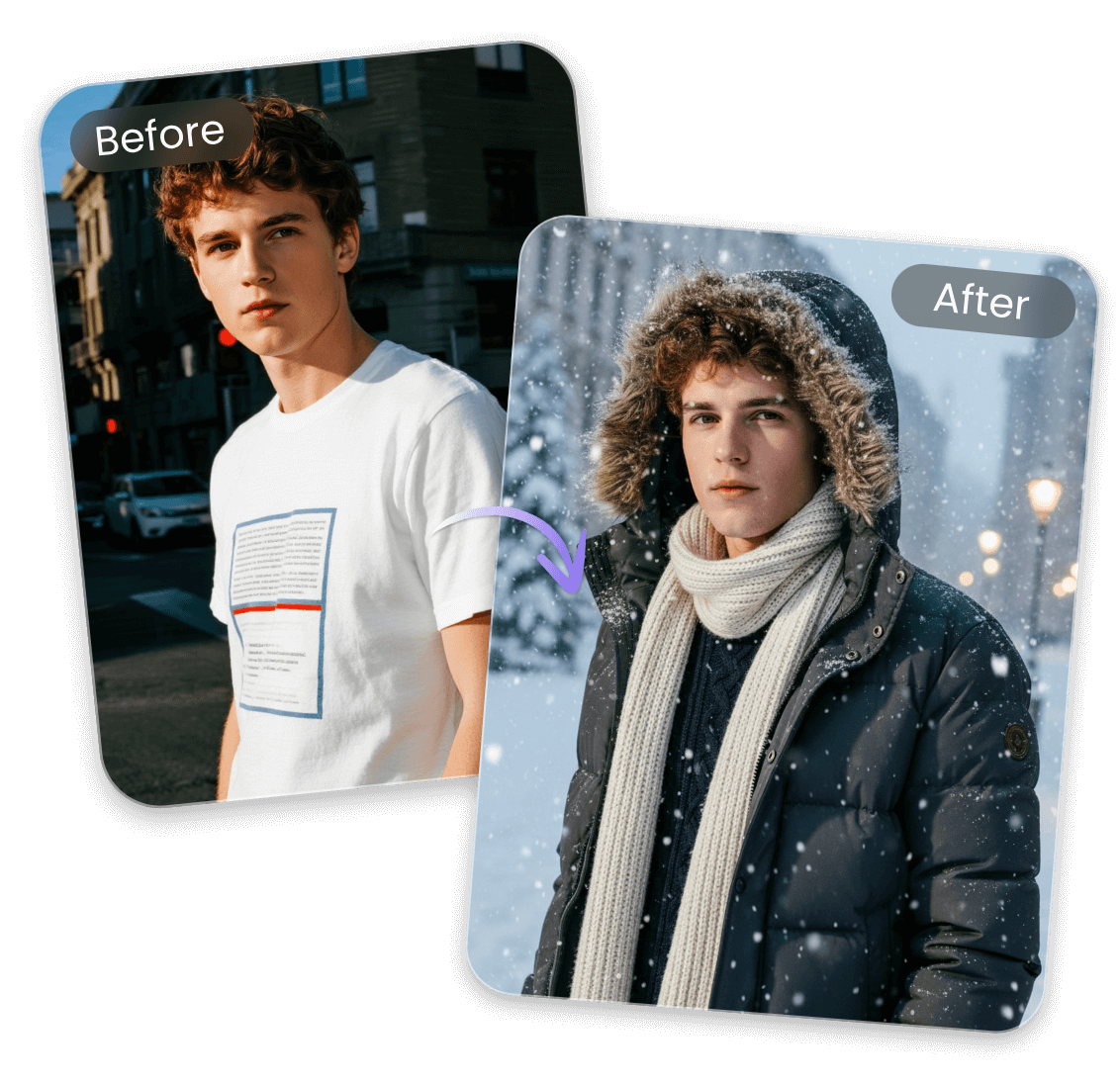
Our AI snow effect tool, powered by Google’s Nano Banana AI, will intelligently analyze your visual, generate realistic snow or snowy scenes for you and naturally blend them into your original visual. With its help, you can effortlessly transform your image into real winter photography, which is like being shot on site rather than a low-quality snow overlay.
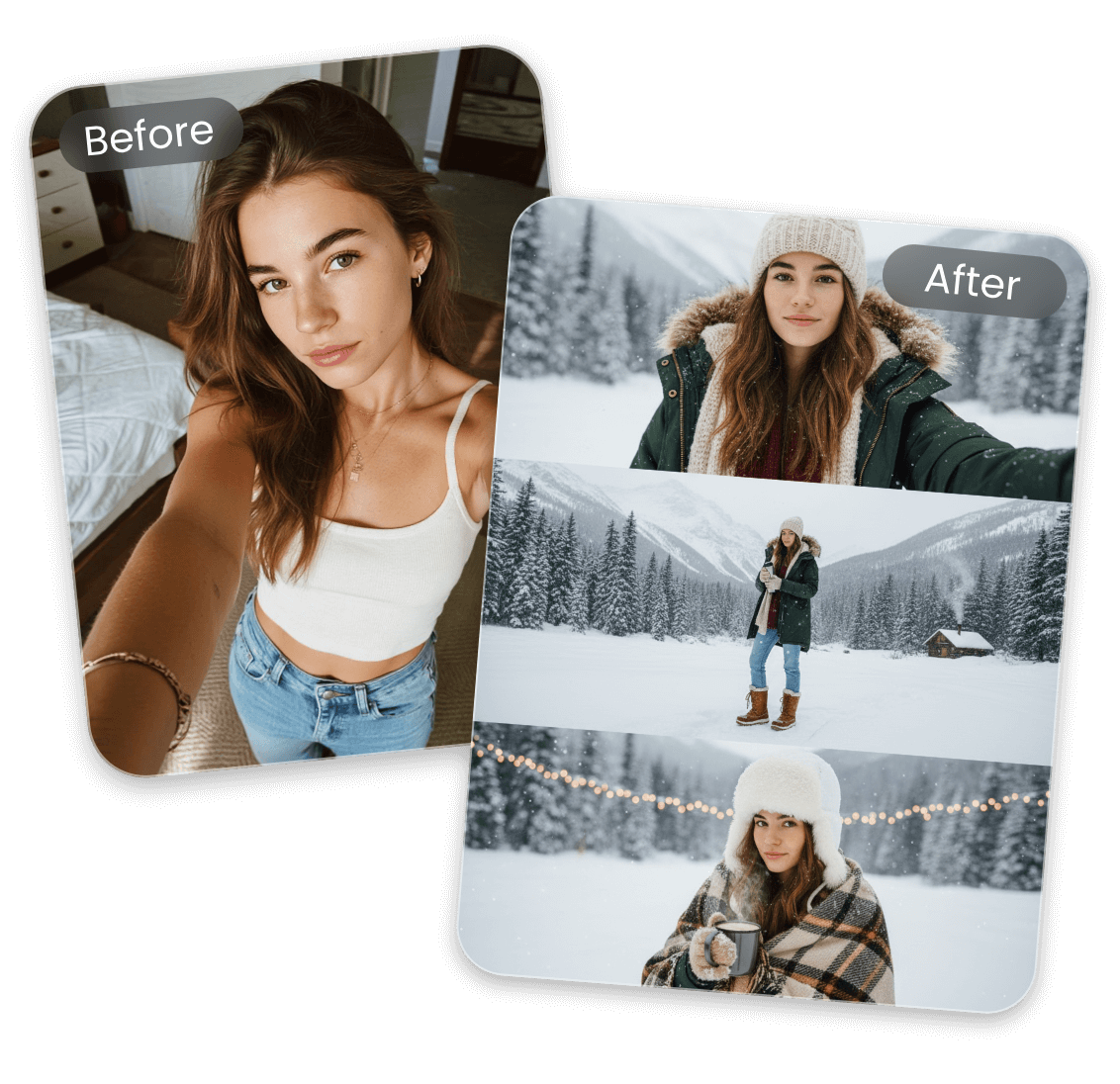
AI Snow Filter to Help You Join The AI Snow Trend
Want to join the latest snow AI trend? Clipfly has you covered. Depend on our AI snowfall filter to quickly change your ordinary photo to an exquisite AI snow picture. Also, you can even get a complex, vertical 9:16 cinematic composite of the figure in winter snow, which is split into three stacked frames. Whether it is your selfie, a couple photo or a family picture, you can witness it become a stunning AI snow image with just your natural-language prompt.
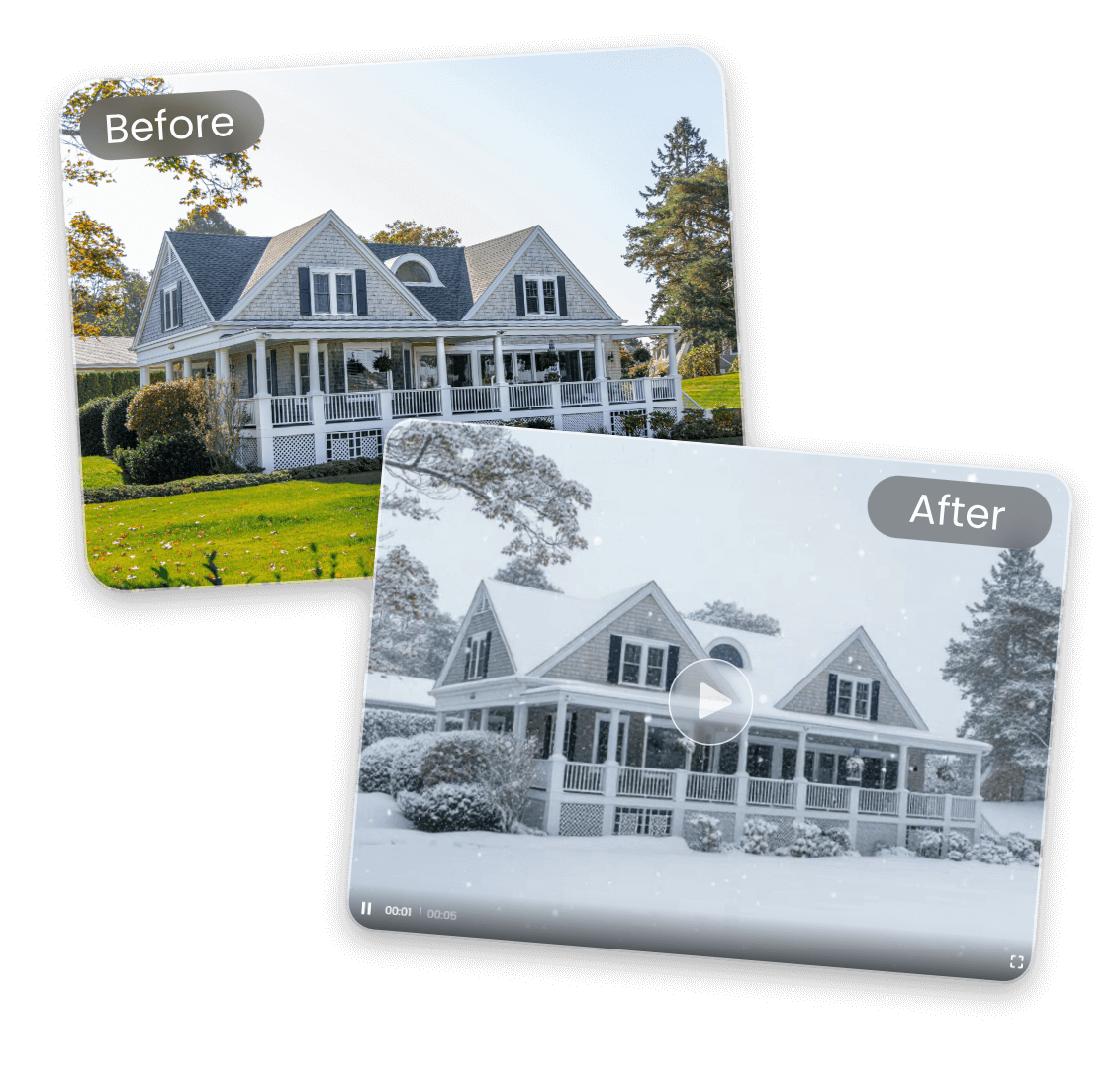
Add Animated Snow Effect to Photo with Ease
Clipfly, also a practical AI video generator, can help you instantly turn any picture into a magical animated winter scene. Powered by advanced image-to-video technology, it can create falling snow animations that look natural, soft, and cinematic and make your still photo a dynamic winter video.
Simply upload your image, check the premade prompt and then click “Generate” to let our tool generate a beautiful moving snow animation in seconds. Also, you can depend on Clipfly to animate your AI winter images with minimal effort. So, bring your ordinary and winter visuals to life easily and make every photo feel warm, festive and enchanting.
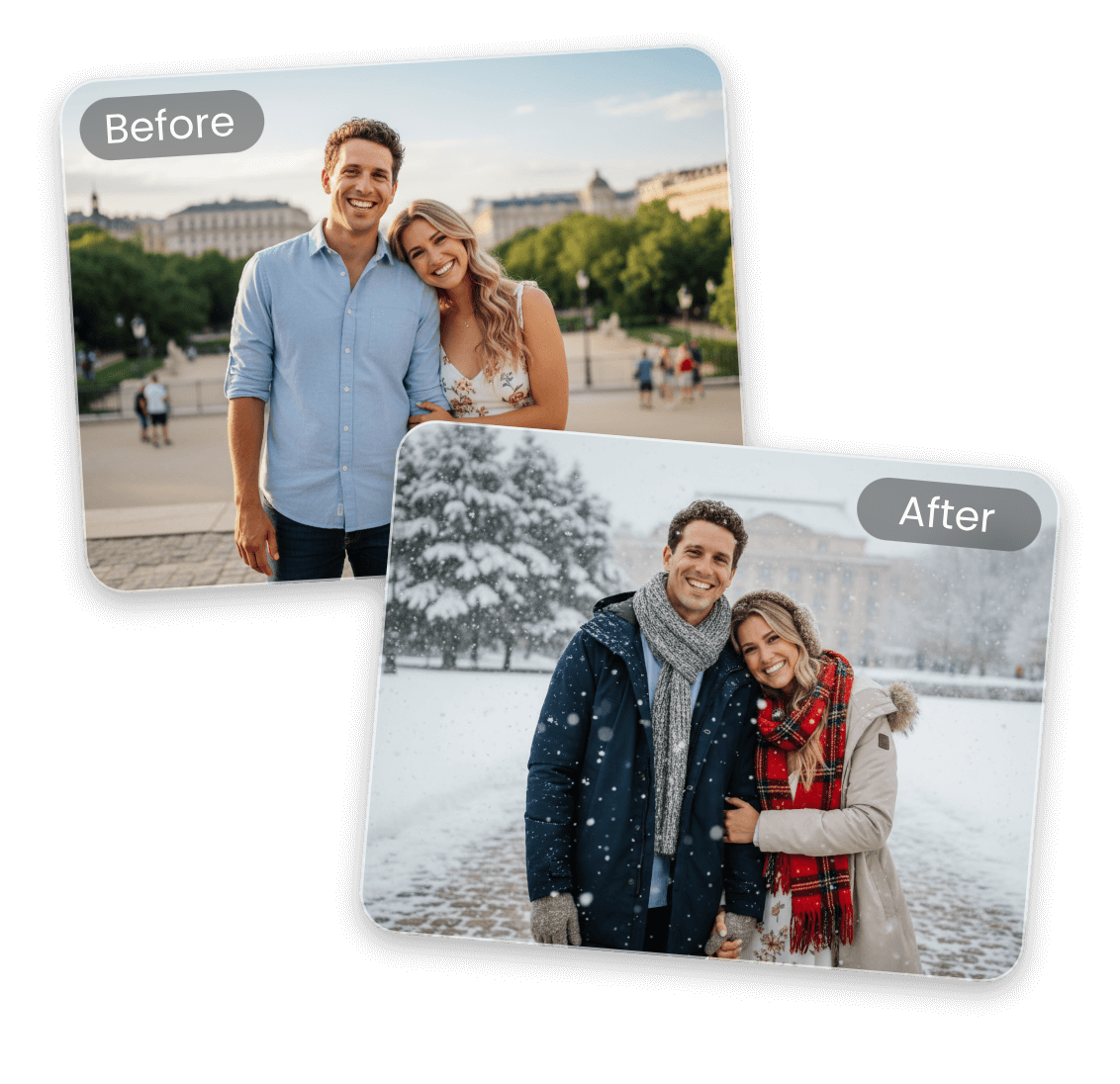
AI Snow Filter for Festive Portrait or Family Photos
Long to add a special festive touch to your selfie or family photo? Clipfly will offer you a simple solution. You can make use of it to add subtle snow to your casual portrait or group photo and instantly give it a warm, cinematic winter vibe.
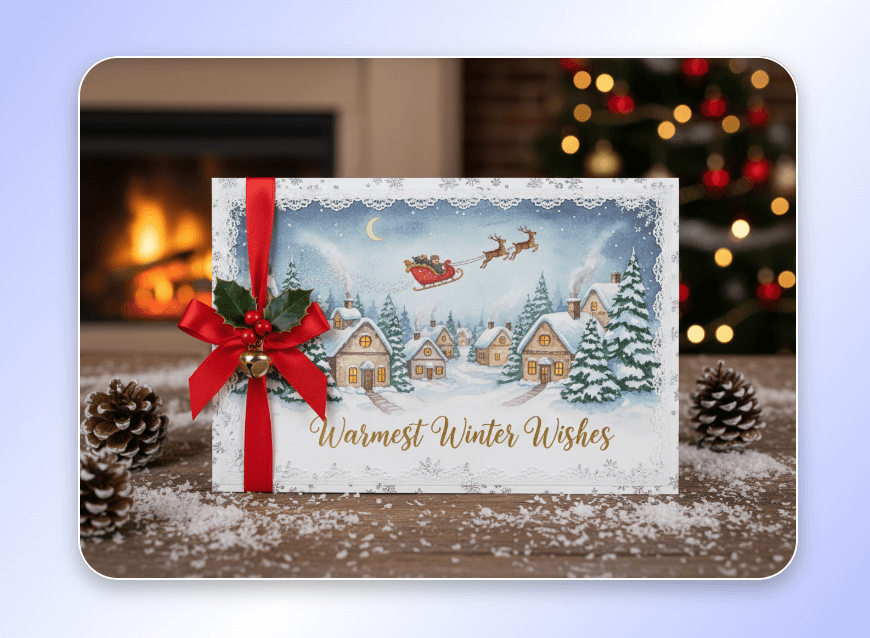
Our snowfall AI can automatically detect people, preserve facial clarity and add snow that looks natural, soft, and layered for a true winter atmosphere. Whether it is for a Christmas card or family album creation, you can rely on Clipfly to create heartfelt, snowy memories with just one click.
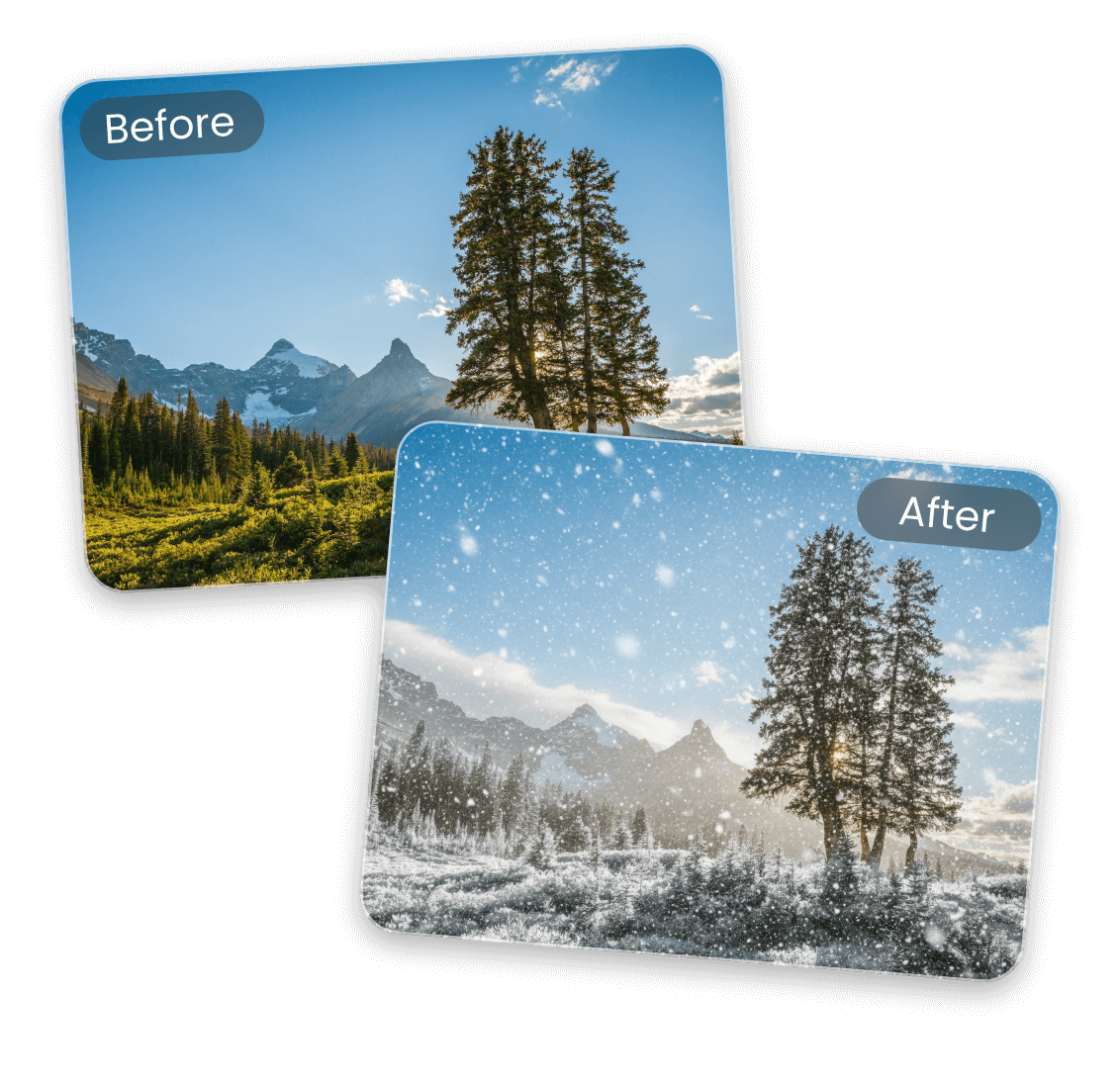
Make a Winter Background from Your Ordinary Scenery Photo
Turn any everyday scenery into a captivating winter background with just one click. Our add-snow-to-photo AI transforms your ordinary, everyday scenery into an eye-catching, snow-covered winterscape complete with fantastic icy textures and soft seasonal lighting.
Customize the vibe from gentle snowfall to a full blizzard and expect a realistic winter atmosphere that you prefer and easily use it as a one-of-a-kind winter wonderland background for your computer or smartphone.
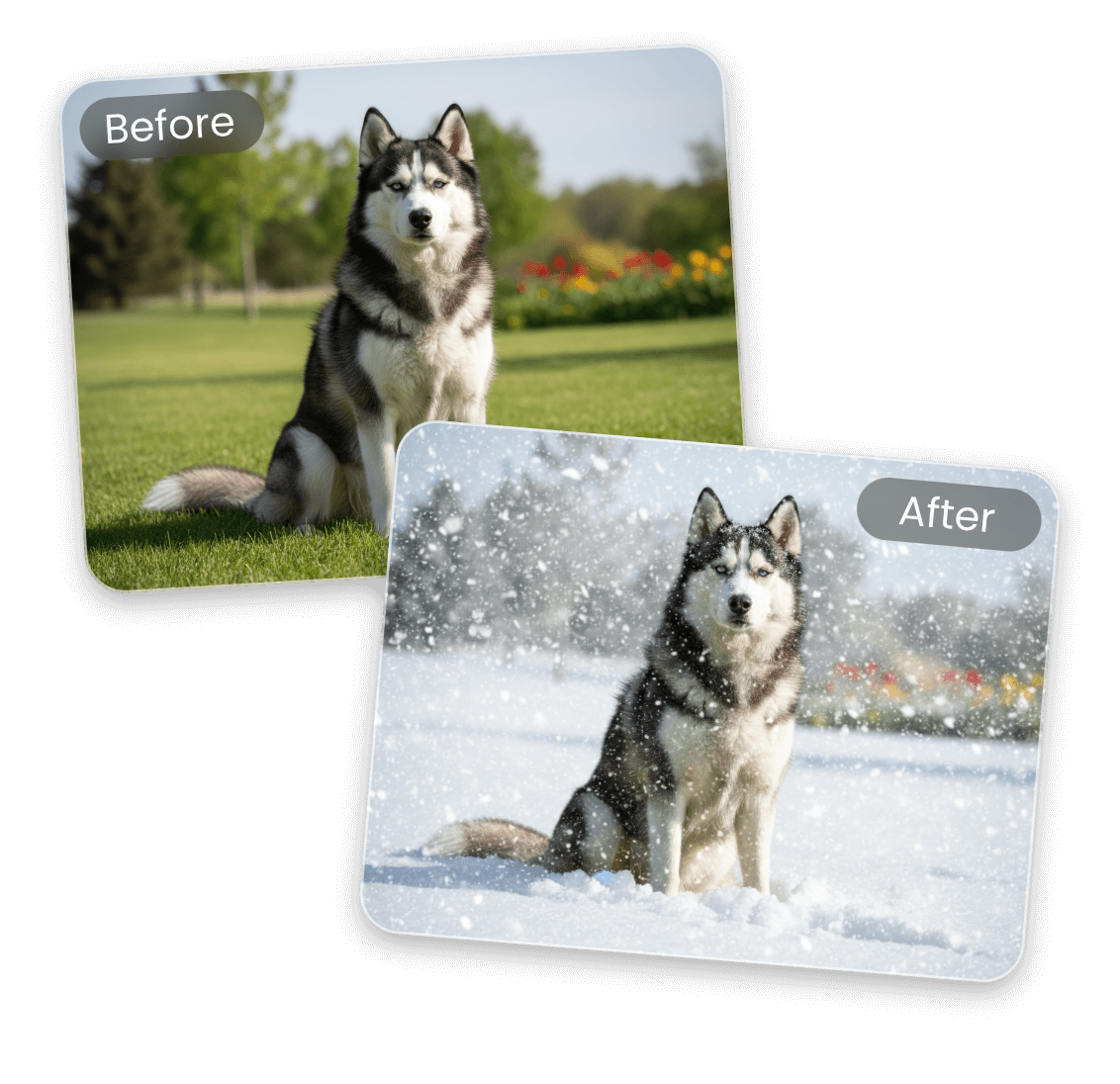
Add Snow Effect to Photo of Your Beloved Pet
Make your pet photos even more heart-melting by adding a magical snow effect with just a tap. Our tool instantly change your beloved dog, cat, or any furry friend into the star of a cozy winter scene—complete with soft falling snow, frosted ambiance and natural lighting that keeps their features clear and adorable. So, add snow filter to photo and give your pet a dreamy winter-wonderland moment that he or she deserves.
Add Snow to Photo for Unique, Creative Winter Visuals
Whether it is soft falling snow or a full blizzard, Clipfly can realize all your goals and give you the desired AI snow picture for any of your creative projects.


Customize Your AI Snow Photo with Natural-Language Prompts
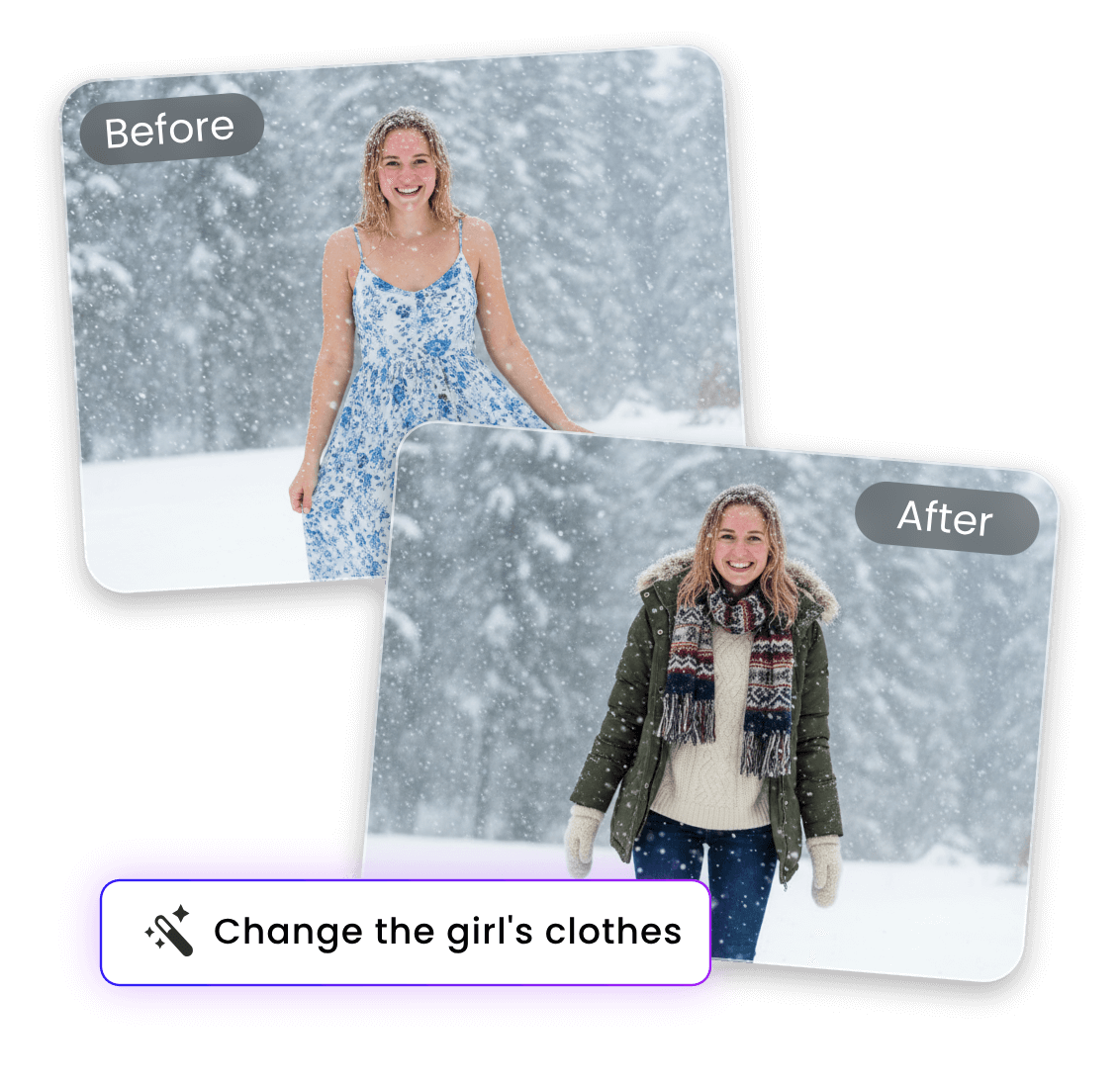
Discontent with your AI-generated snow photos? No problem. Clipfly, a practical snow filter photo editor, allows you to edit them effortlessly with simple natural-language prompts. Just describe snow density, scenery, hair color or winter outfit you want, and our tool will instantly deliver a perfectly tailored winter scene. With Clipfly, you have full control over the style, atmosphere, and details of your AI snow image while keeping your original photo crisp and realistic.
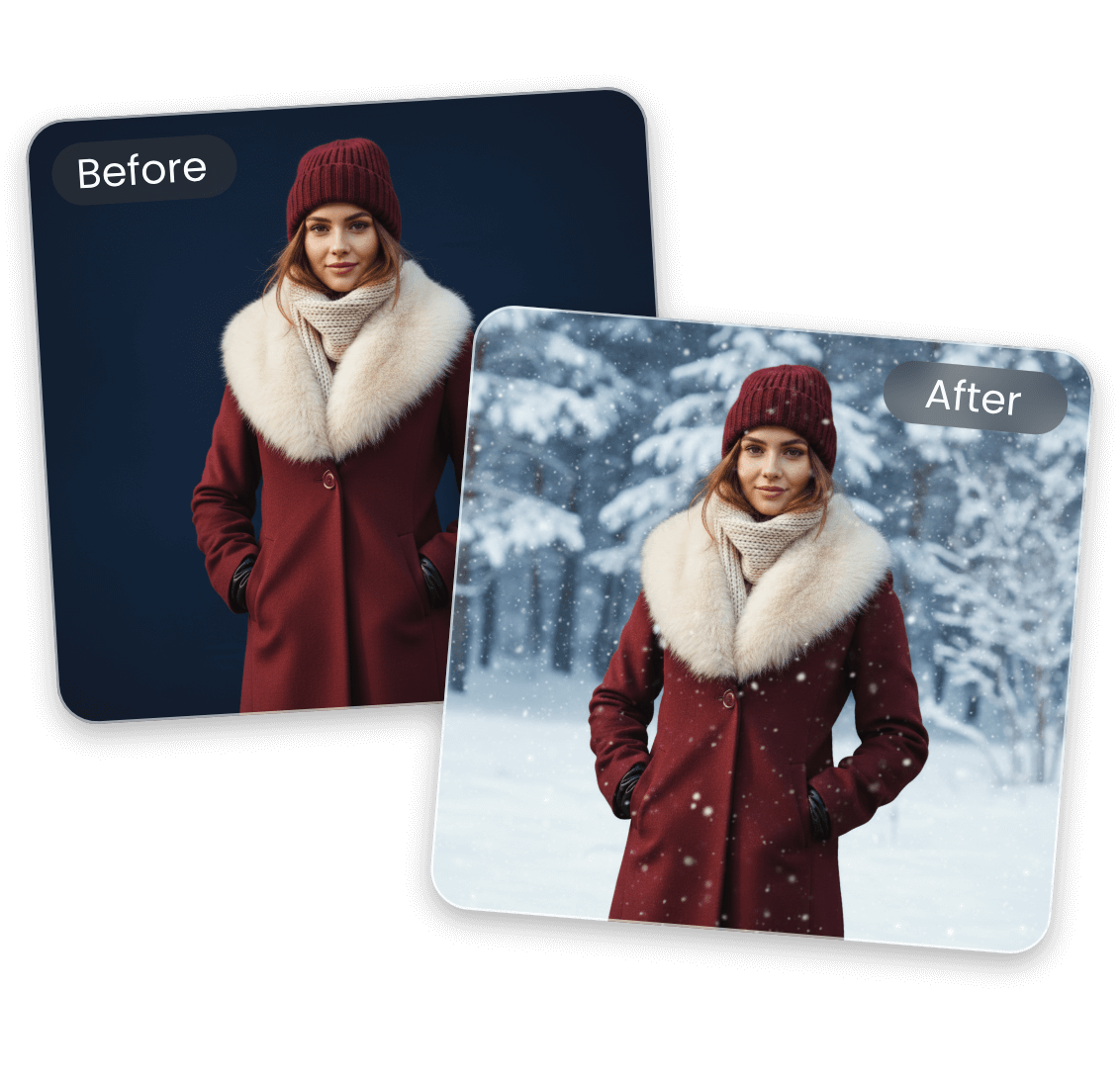
Add Snow Background to Photo with Convenience
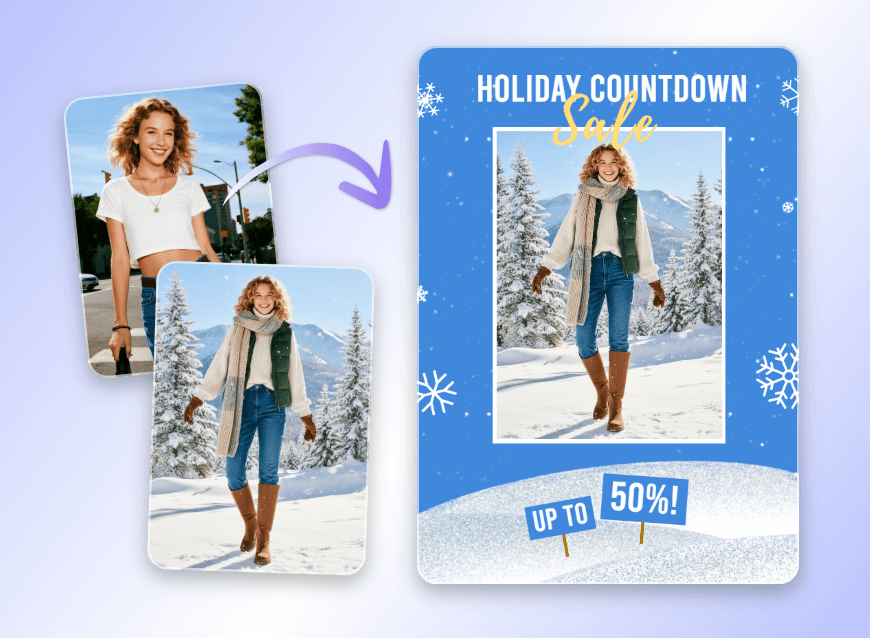
Want to add your prepared winter scene to your existing winter photo? Why not try Clipfly’s background changer to fulfill this purpose? Our tool can intelligently recognize and remove the background from the main subject and enable you to upload your own photo and replace the original BG with it to change the vibe of your entire visual to cozy and festive. Use Clipfly now to enjoy hassle-free and convenient background change to get your winter visuals in a snap.
Why Add Snow to Photo with Clipfly?

Easy and Fast
Our AI snow effect tool provides a user-friendly interface without complex settings. So, users of all levels can add snow effect to photo conveniently and instantly.

Realistic Snow Effect
Our AI snow filter app boasts a realistic snow effect, whether it is soft falling snow, dancing snowflakes or a heavy blizzard, to offer you the desired AI snow visuals.

Prompt-Based Customization
Personalize the snow effect or polish your AI-generated snow image automatically with your natural-language prompt. No intricate manual editing is required.

HD Snow Photos
Get high-quality winter visuals with natural snow effect and consistent character identity. Also, no watermark will be inserted into your winter photos, which can be directly applied to your creative projects.