Gemini 3 Review: The Easiest Yet Most Comprehensive Guide
Google Gemini 3 is epoch-making. It can help you write and fix code, create images and videos, turn photos into animations, and build smart personal assistants that handle everyday tasks for you.
In this article, I'll use everyday language to analyze the key features of Gemini 3 and give you my honest evaluation. Even grandma can understand.
Gemini 3 can quickly write programs, fix errors, and organize workflows based on what you tell it.
② 👵If You Explain It to Grandma
It’s like having a “super handy grandma” for crafts. You say, “I want to make a cloth doll.” She immediately picks the fabric, cuts the patterns and sews it together.
③ 📘Google’s Official Notes
Gemini 3 has upgraded in code generation, understanding, debugging, and refactoring.
④ 🔍What It Can Do
Gemini 3 has strong coding skills. Instead of generating just one line of code, it builds a whole working application that you can use right away. Just say what you want, like “I want to make a small app,” and Gemini 3 will write the program for you.
Gemini 3 supports multiple programming languages like Python, JavaScript, C++, and other common languages.
Gemini 3 can check code and optimize it. If you already have some code, use Gemini 3 to find bugs, fix errors, and optimize your code.
Gemini 3 can work with other AI tools on Google Antigravity, a collaboration platform, to help you finish tasks together.
⑤ ⚖️Pros & Cons
Google Gemini 3 works quickly, makes fewer errors, doesn’t require coding skills, and can create fully functional tools.
However, Gemini 3 misunderstands instructions sometimes. Also, for very complex tasks, it's necassary to have a human engineer check the results.
⑥ 🧩Real-life Scenarios
Use Gemini 3 to create websites or small apps. Just tell it what you want, and it can generate a full program for you.
Use Gemini 3 to fix computer problems. If your software or files won’t open, it can find the reason and suggest solutions for you.
⭐Highlight 2: AI Image Generation – “The Magic Painter”
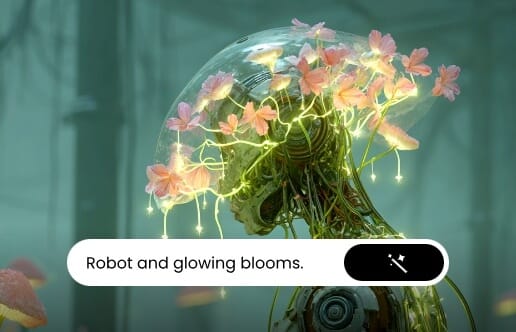
Gemini 3 can quickly turn your words or photos into high-quality, detailed images. It can create many different styles, like watercolor, oil painting, cartoon, and more.
② 👵If You Explain It to Grandma
It’s like having your personal painter who understands your vague description. You say, “Draw a cat wearing a hat,” and it instantly makes a cute cat with the perfect hat that can make you smile.
③ 📘Google’s Official Notes
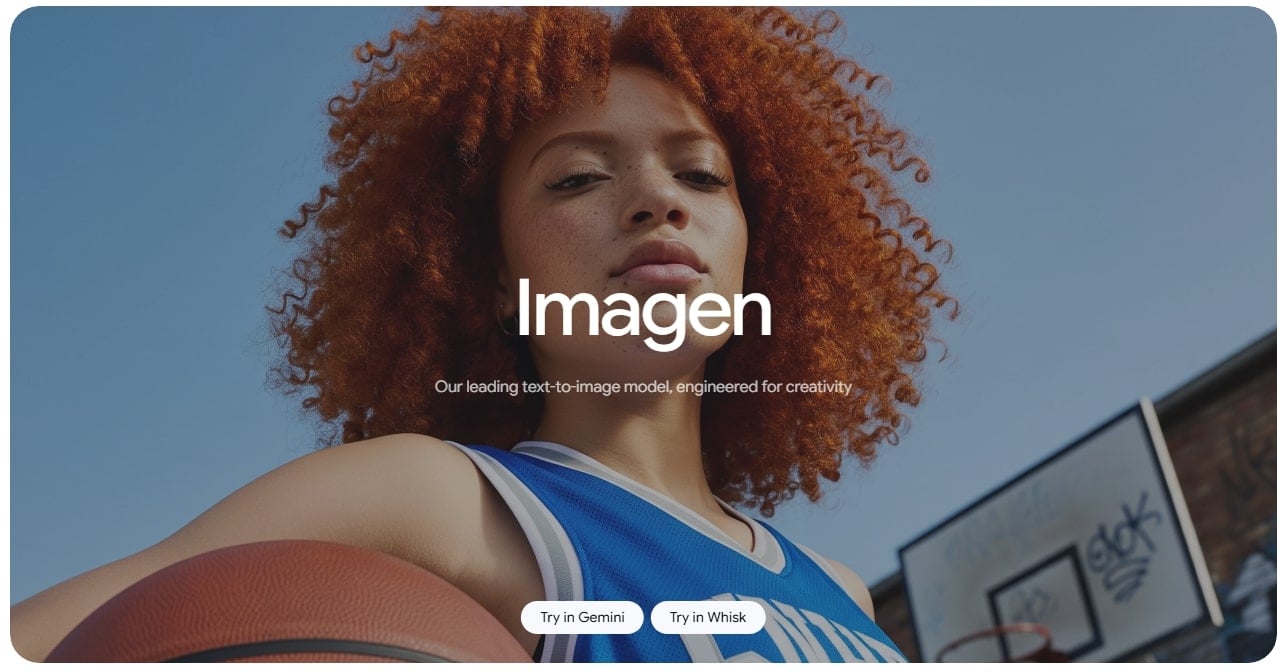
Driven by the latest Imagen 3 image generation model, Gemini 3 can create high-resolution, multi-style, detailed images with precision.
④ 🔍What It Can Do
Gemini 3 offers professional text-to-image generation. Just describe what you want, and it will create beautiful images in a snap.
Gemini 3 can enhance and edit images. It perfectly understands everyday language. So you can have it do all the editing tasks by having conversations with it.
Gemini 3 supports mutiple artistic styles, like watercolor, oil painting, cartoon, realistic, Ghibli, and more.
⑤ ⚖️Pros & Cons
Gemini 3 can quickly produce high-quality images in many styles and improve or enhance existing photos. No drawing or editing skills required.
Nevertheless, to get the perfect result or highly complex images with Google Gemini 3, you need to make more attempts
⑥ 🧩Real-life Scenarios
Use Gemini 3 to create images for social media content, Ad design, or personal projects. Have fun with the viral Gemini AI photo prompts.
Use Gemini 3 to edit existing images, add or remove objects, redraw details, and more. Take it as your personal AI image editor.
⭐Highlight 3: AI Video Generation – “Flow: The Film-Making Tool”
Gemini 3’s film-making tool "Flow" can make short videos from your idea or uploaded materials like photos and videos. At the same time, it automatically adds actions, scenes, and sound.
② 📘Google’s Official Notes
Flow is Gemini 3’s video creation tool. It can automatically turn text or materials into dynamic videos with smooth scenes, action, and sound.
③ 🔍What It Can Do
Gemini 3 can turn text and uploaded images or clipls into videos. It can automatically create full, smooth animations or add missing actions.
Google Gemini 3 can automatically add voice, sound, or narration to make a compele, professional-level video.
④ ⚖️Pros & Cons
Gemini 3’s Flow can quickly generate high-quality videos from text or materials. The generated video is complete and smooth that includes actions, scenes, and sound.
However, Flow may require several attempts to get ideal results for long videos or projects with multiple characters.
⑤ 🧩Real-life Scenarios
Use Gemini 3 to quickly make fun animations or clips for social media content creation. In business or marketing occasions, you can use it to make promo video or product showing videos.
⭐Highlight 4: AI Image Animation – “Just Like Magic”
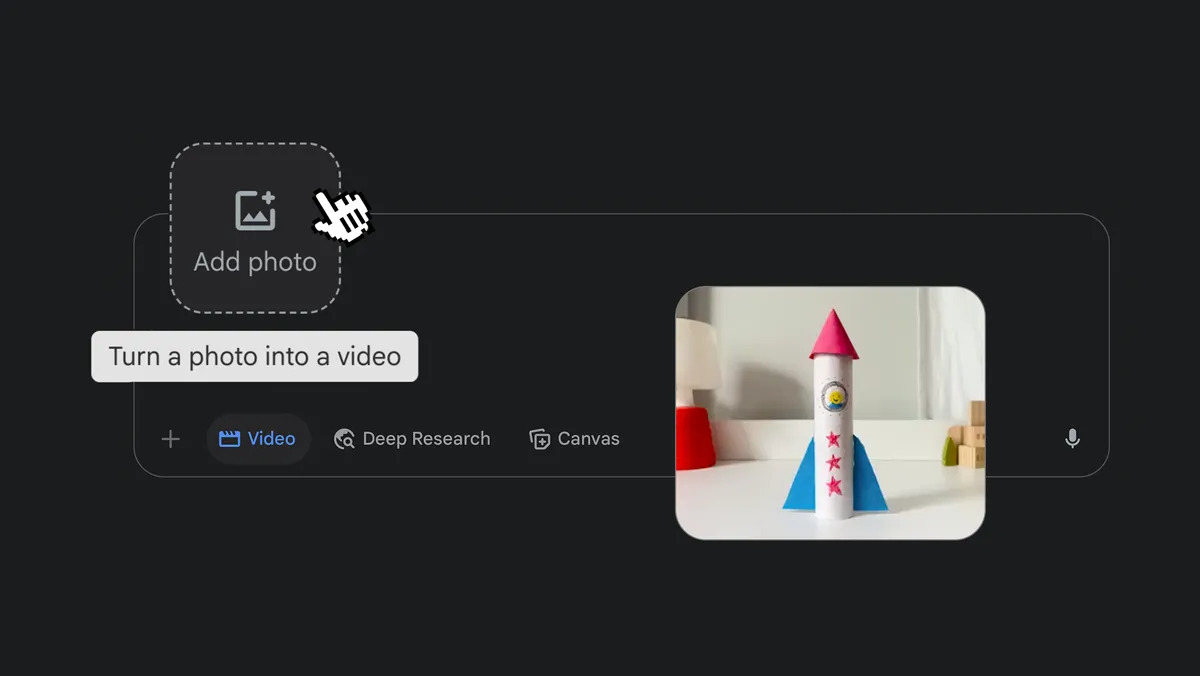
Gemini 3 can turn a still photo into a short video with movement, expressions, and sound.
② 📘Google’s Official Notes
Gemini 3 can turn a photo into a video and adds natural movements, facial expressions, and audio to it at the same time.
③ 🔍What It Can Do
Gemini 3 can turn images into animated clips with rich action and expressions, like blinking, smiling, head turns, and other natural motions. It makes the result look more realistic.
Gemini 3 can add voice, narration, and background sound or music to enhance storytelling.
④ ⚖️Pros & Cons
Google Gemini 3 quickly turns a still photo into a lively short video with rich movements, expressions and sound. The result is smooth, natural, vivid, and life-like.
Nevertheless, Gemini 3 may struggle with complex or group photos. Also, to improve the resolution of the generated video, you need to enhance the clarity of the picture you upload.
⑤ 🧩Real-life Scenarios
Use Gemini 3 to animate photos for social media contents. Turn old photos into into an eye-catching clips or make holiday greeting videos from your photo.
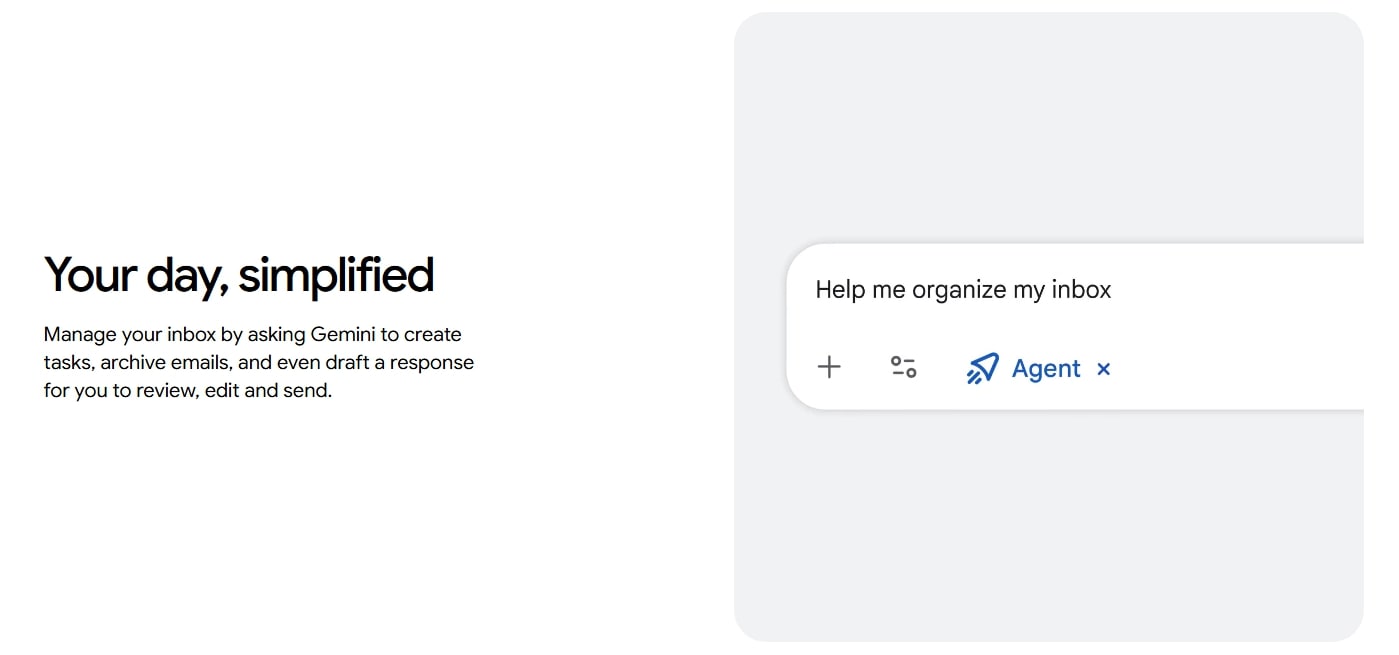
Gemini 3 can act as your always-available smart assistant, helping you handle tasks across different areas from research to daily routines.
② 👵If You Explain It to Grandma
Imagine you have an all-purpose housekeeper at home. You say, “Plan my afternoon tea menu, check the weather, and tidy my files,” and it instantly notes everything down, gets it done, and even reminds you when you need to take an umbrella with you.
③ 📘Google’s Official Notes
Gemini Agent lets you create specialized assistants that works across fields from daily tasks to complicated work.
④ 🔍What It Can Do
Gemini 3 intelligently works across field, like work, study, entertainment, daily life, or even fitting suggestions.
Gemini 3 lets you run several assistants at once, each responsible for different tasks.
Google Gemini 3 can perform tasks automatically once you give it instructions, from organizing documents to researching information.
⑤ ⚖️Pros & Cons
Gemini 3’s AI Agent can manage tasks across domains, execute actions automatically, and adapt to your needs.
However, when it comes to complex or expert-level tasks, Gemini 3 may require extra clarification or verification.
⑥ 🧩Real-life Scenarios
Use Gemini 3 to help with work and study. In terms of work, it can organize documents, generate reports and manage schedules. In light of study, it can find sources, organize notes, and create mind maps.
Use Gemini 3 to help with life and daily routine. Let it help you check weather, remind you what to buy, and manage household schedules.
Is There Any Free Alternative to Gemini 3?
Is there any alternative to Gemini 3? Yes. You can use Clipfly as a free alternative to Gemini 3. Clipfly can perfectly handle tasks like AI image generation, AI image editing, AI vidoe generation, and animating images.
Clipfly offers fast and high-quality image and video generation. It lets you generate or edit images through conversations. This tool can also generate videos with smooth motion and sound. It can also turn images into clipls with rich actions and expressions. Also, it's 100% beginner-friendly and requires no AI knowledge or editing skills.
Most importantly, you can use Clipfly online for free as it offers free credits for new-comers.
Click here to try the free alternative to Gemini 3.
Conclusion
In this article, I reviewed Google's Gemini 3, the most talked-about AI model lately. It performs well in terms of crafting code, creating images, making videos, bringing photos to life, or acting as your personal assistant. I explained all the highlights and gave my opinions on its pros and cons. In one word, You don’t need a technical background or professional tools to masterGemini 3. It is a powerful AI that is easy for everyone to use.