








Open Eyes in Photo Online Free Without Watermark
Open eyes in photo online free with Clipfly’s photo eye opener. Instantly fix closed eyes in any picture without hassle to restore the beauty of your cherished moments.
*Prompt-based eye opening
*Natural and Realistic eye effects
*No design skills
Open Eyes in Photo Online Free Without Photoshop
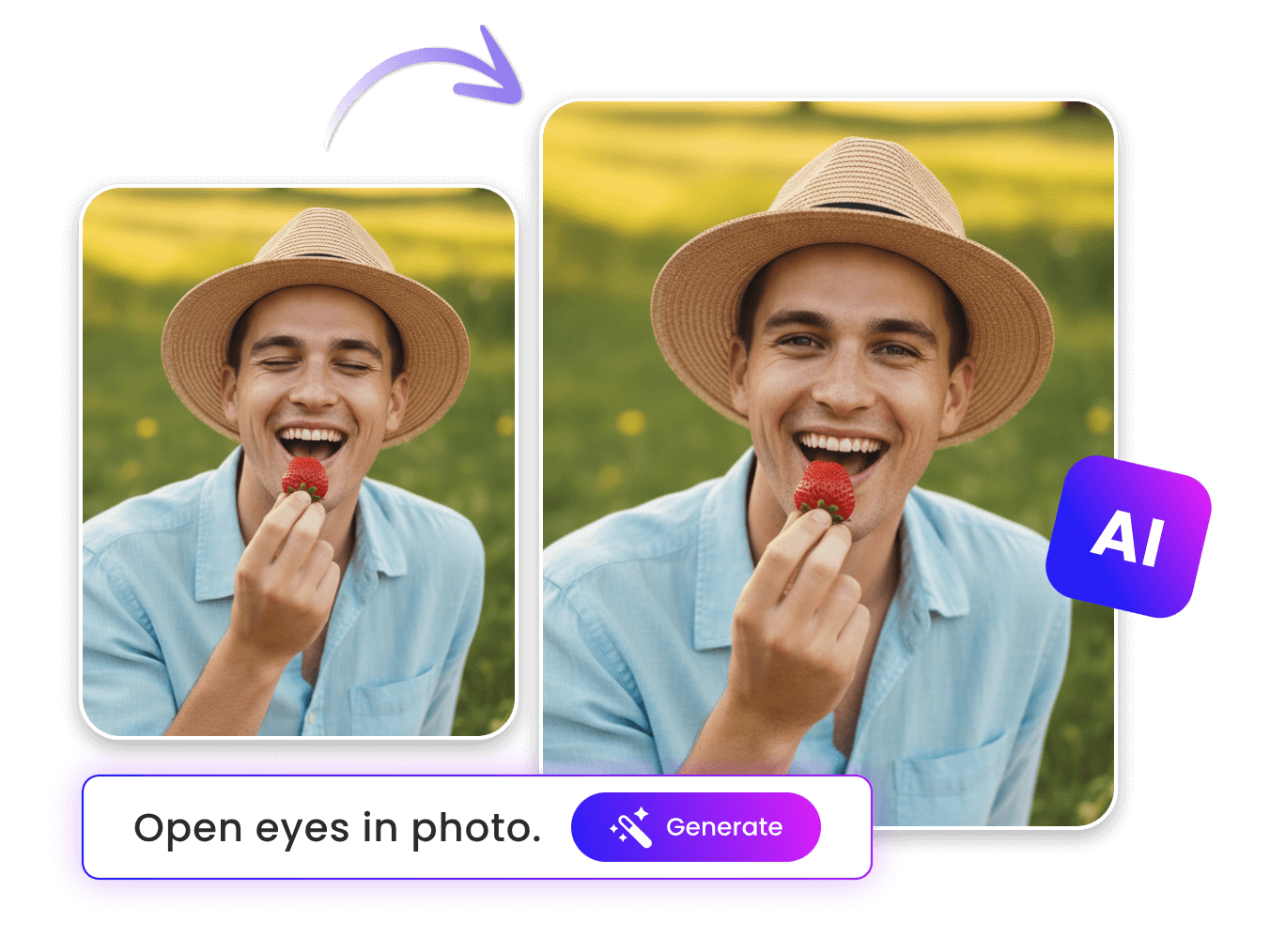
Say goodbye to the complex Photoshop skills of opening eyes in a photo. Now, you can expect a simple, convenient, eye-opening workflow with our image eye opener powered by Google’s impressive Nano Banana AI.
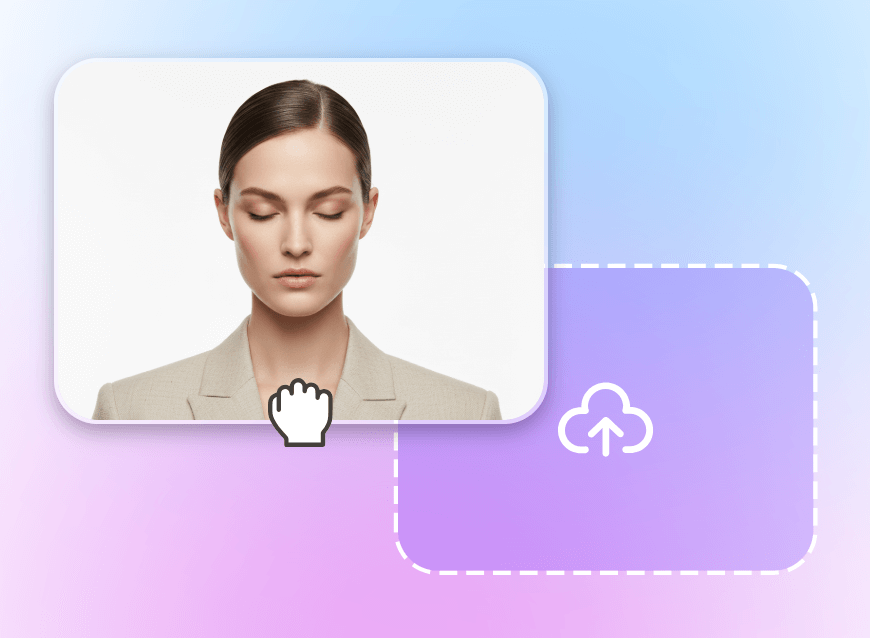
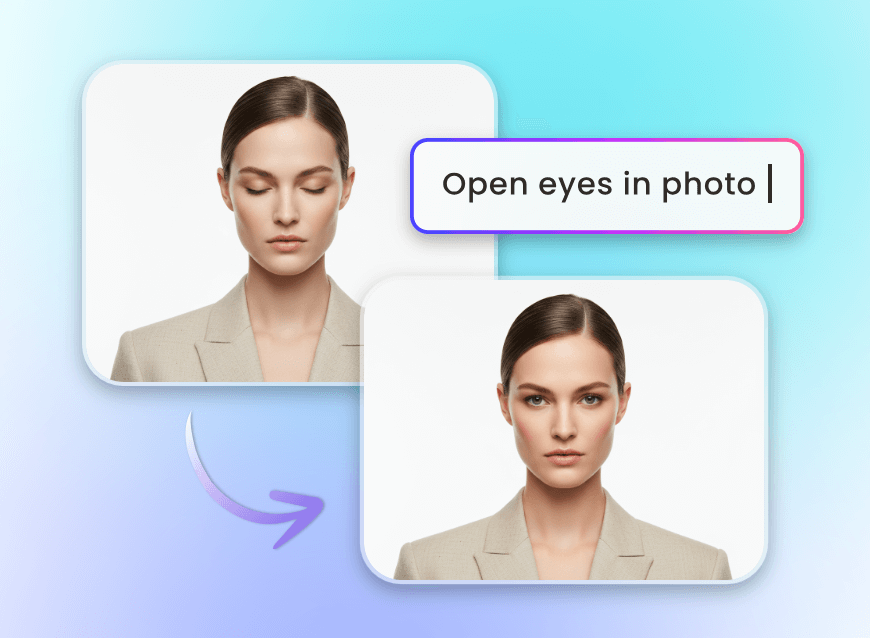
Simply upload your photo and then click “Generate” to let our tool intelligently analyze the closed eye area and automatically fix it based on the given prompt. Therefore, our tool is friendly for every user to help them repair portraits without reshooting.
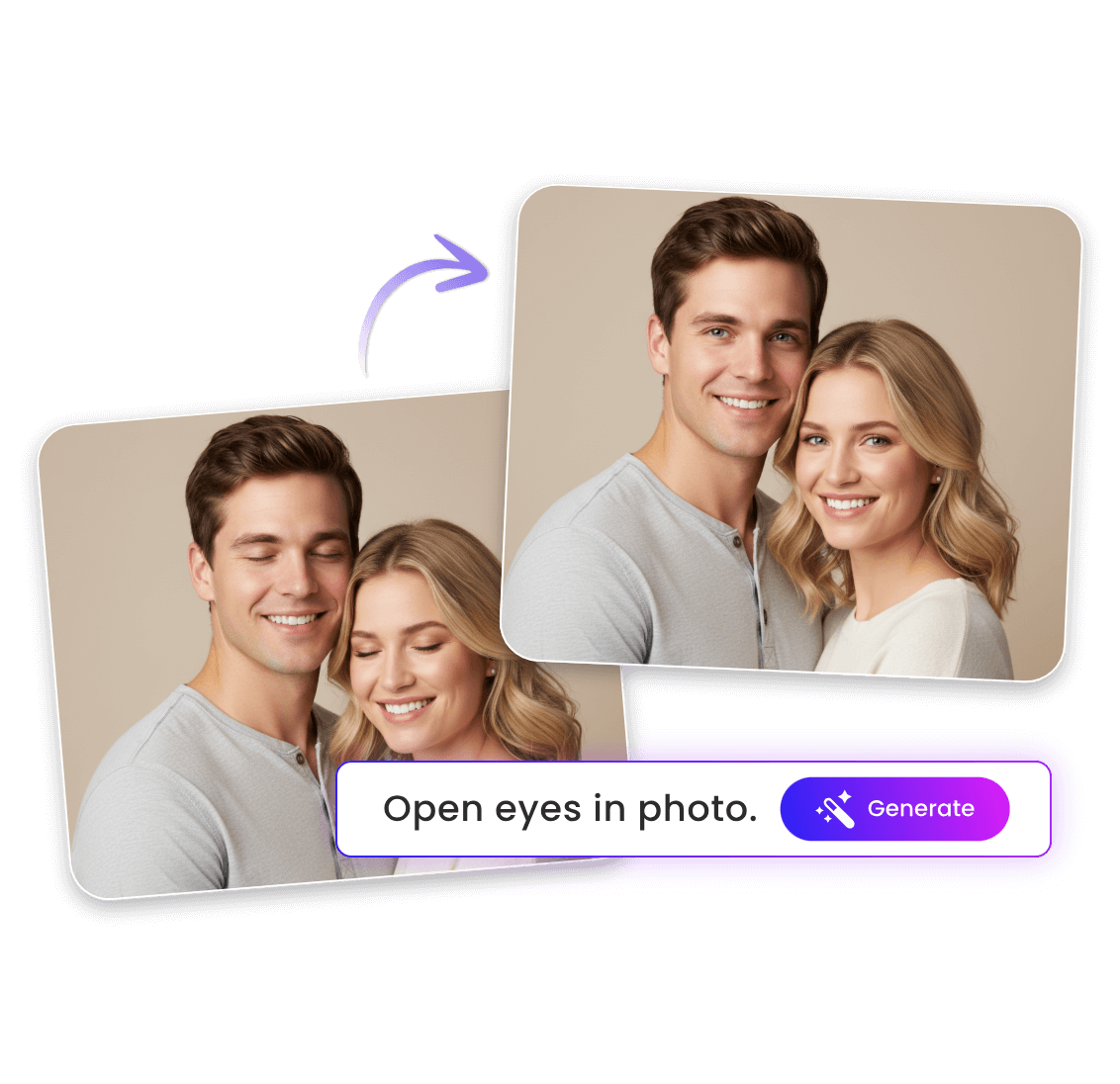
Fix Closed Eyes in a Group Photo with Ease
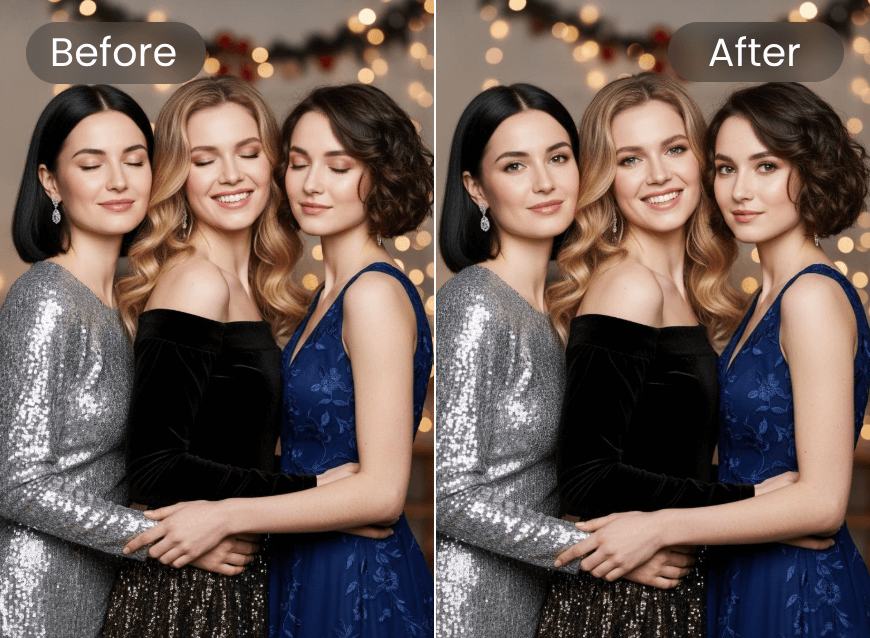
Don’t let blink eyes spoil your favorite memories with your friends, relatives and colleagues. With Clipfly, you can save the cumbersome retake process. Our eye opener AI can help you seamlessly and naturally convert closed eyes to open eyes through your prompt, giving you bright, twinkling expressions in every group shot and capturing the joy of the moment without distractions.
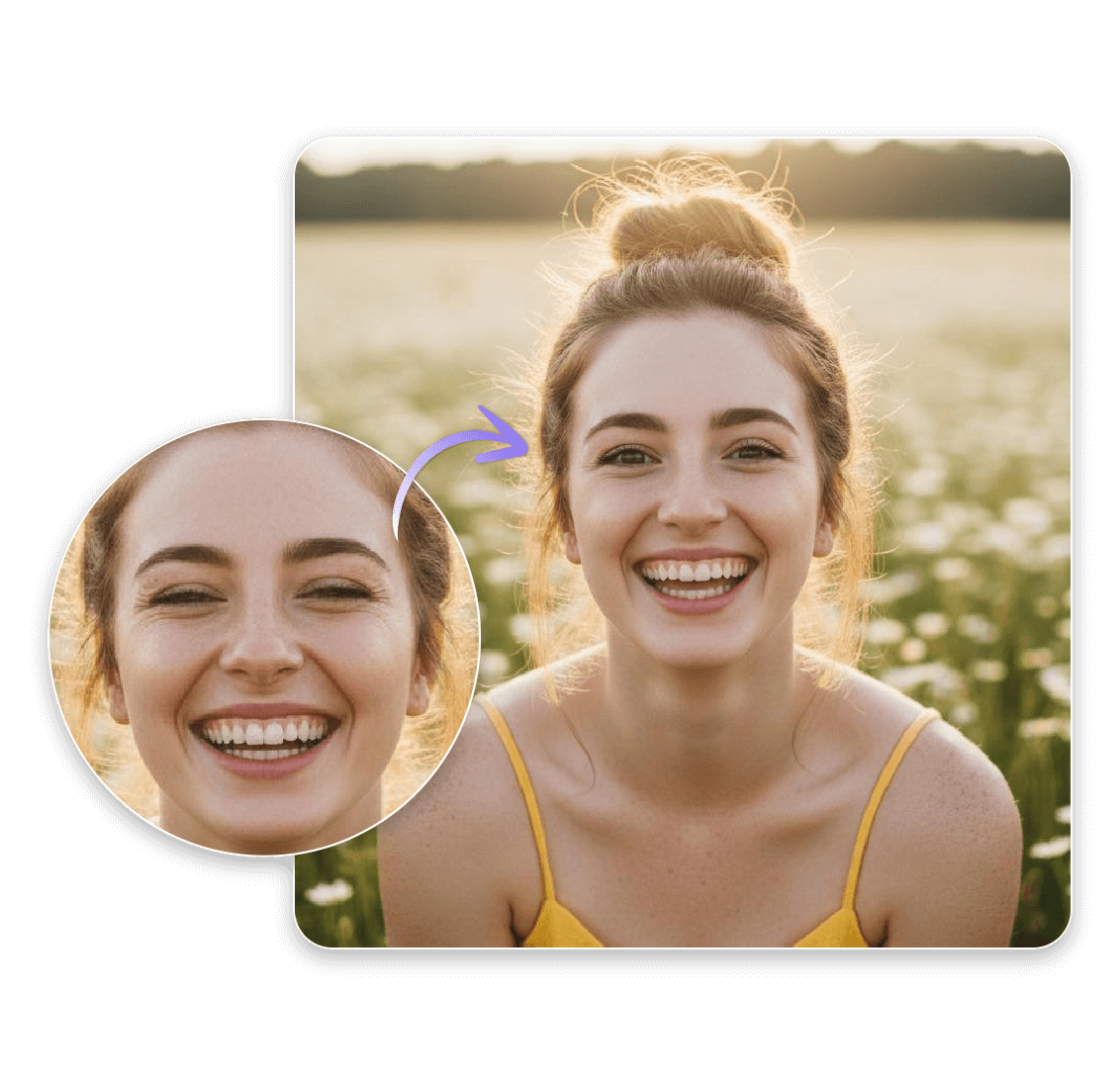
Correct Squinting Eyes in a Photo Conveniently
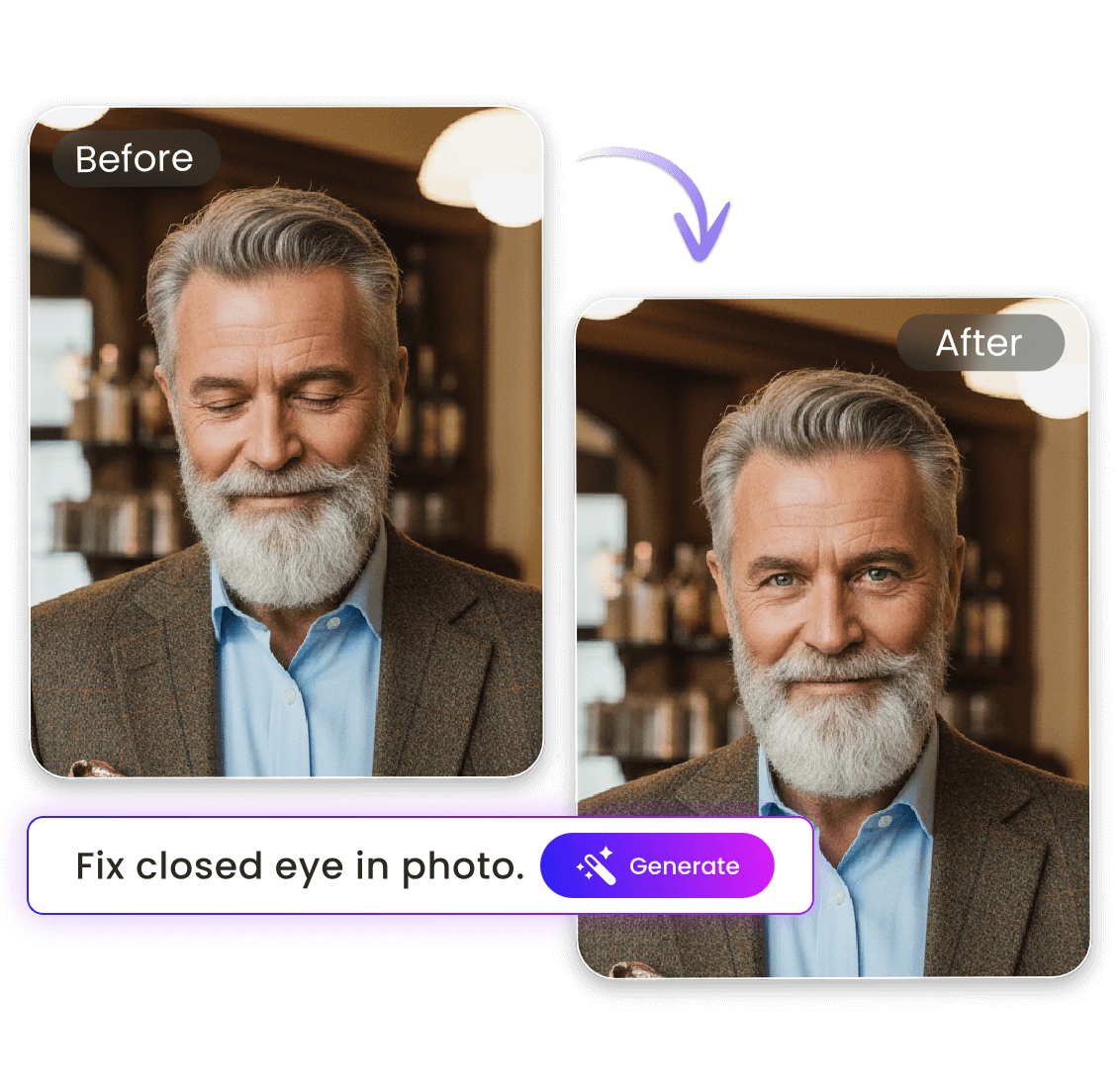
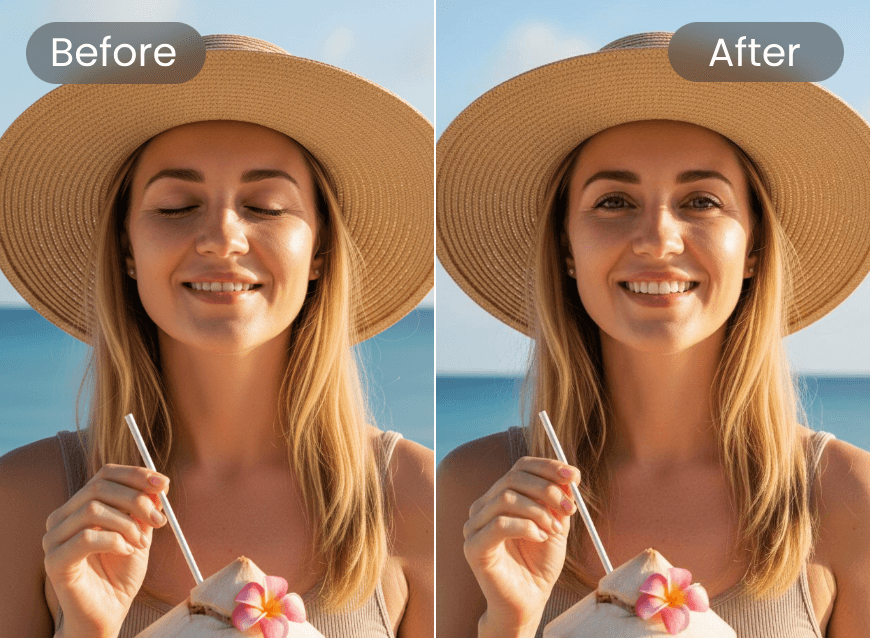
No more tolerating blinking or squinting eyes that destroy your visuals. Our AI open eyes editor can restore its original beauty by automatically fixing the discontent eye area and enhancing eye shape, gaze clarity and facial balance. Whether you want to polish selfies or family pictures, you can give the figures bright, open eyes in seconds while keeping the expression and identity intact. So, bring every portrait to life with Clipfly.
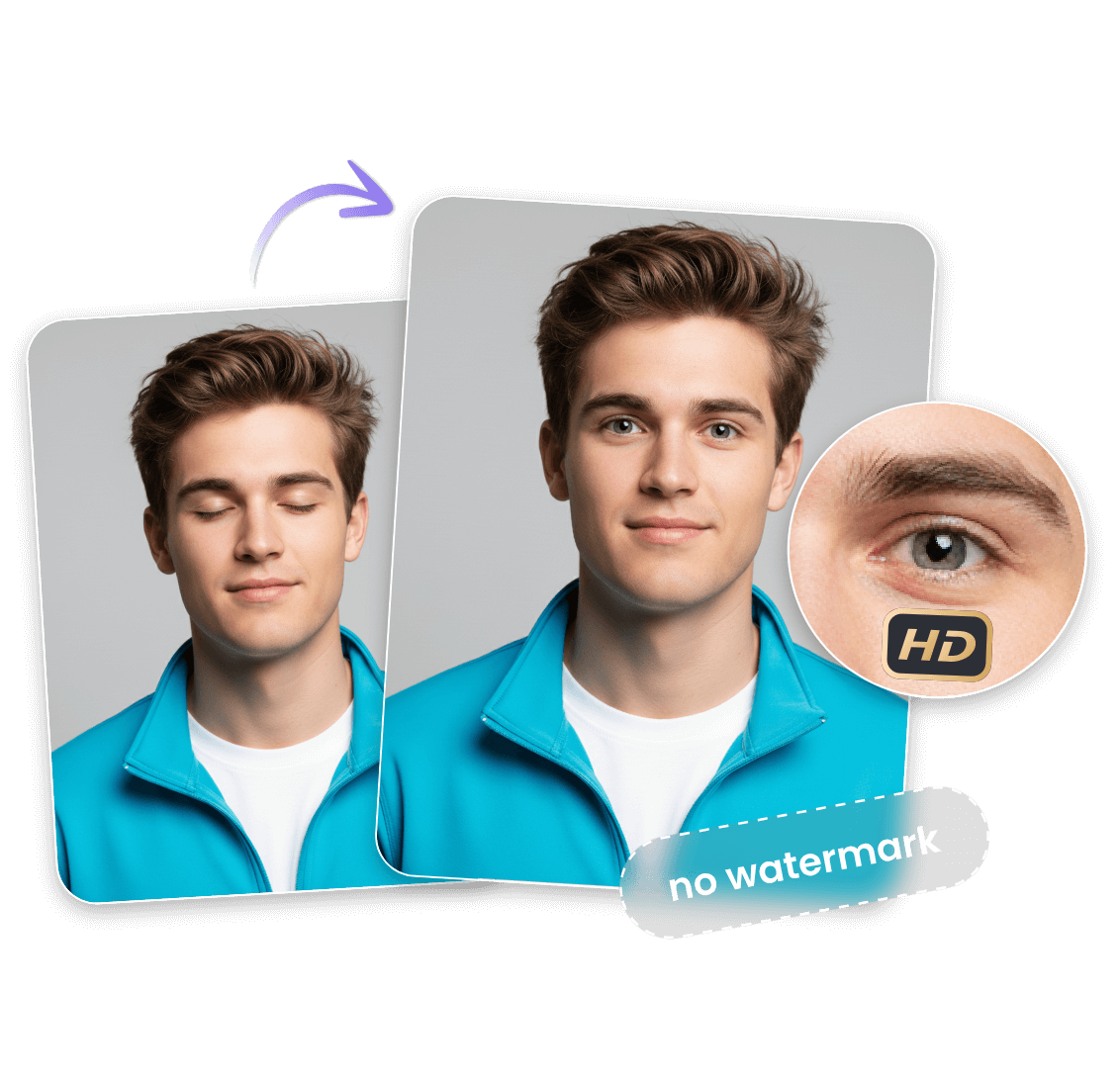
Watermark-Free Photo Eye Opener for HD, Realistic Eye Effects
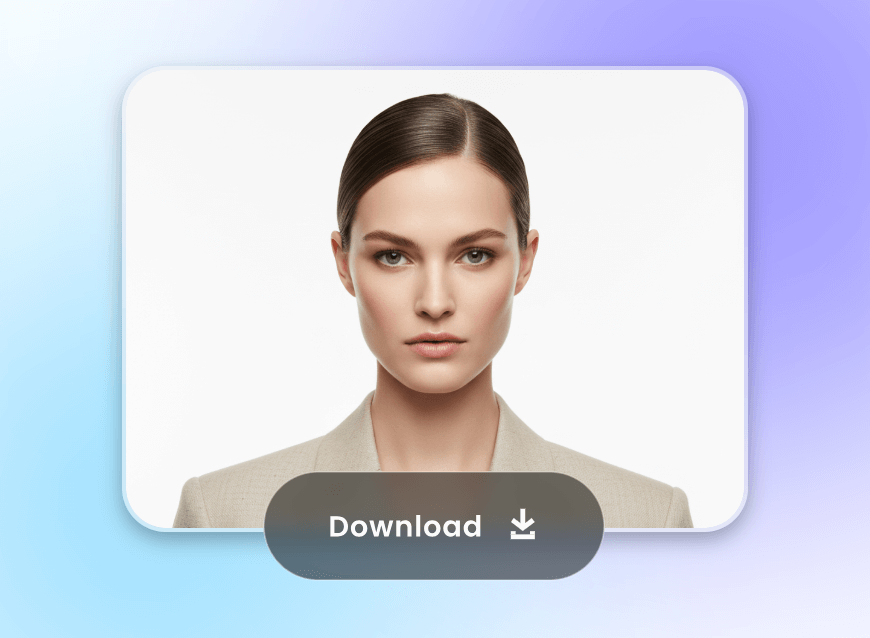
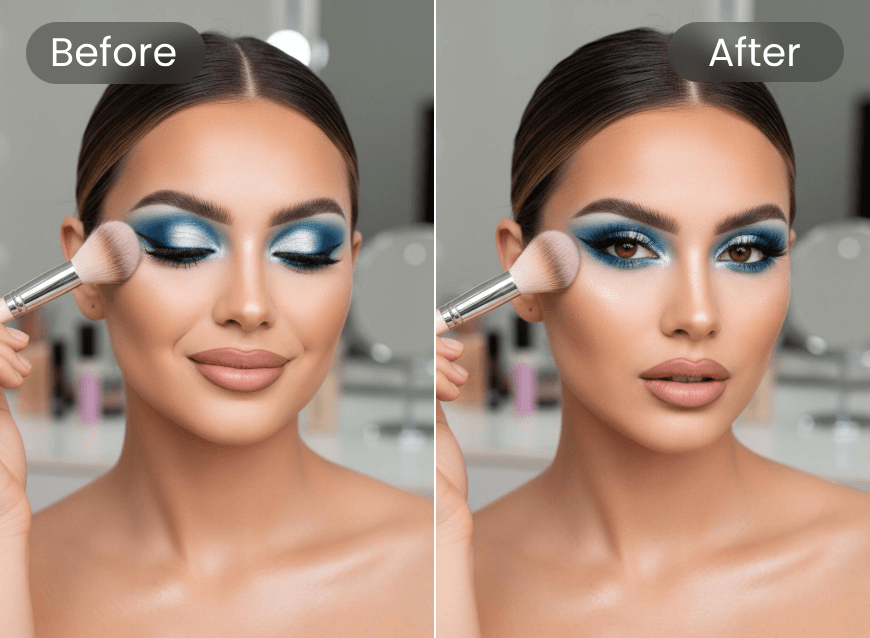
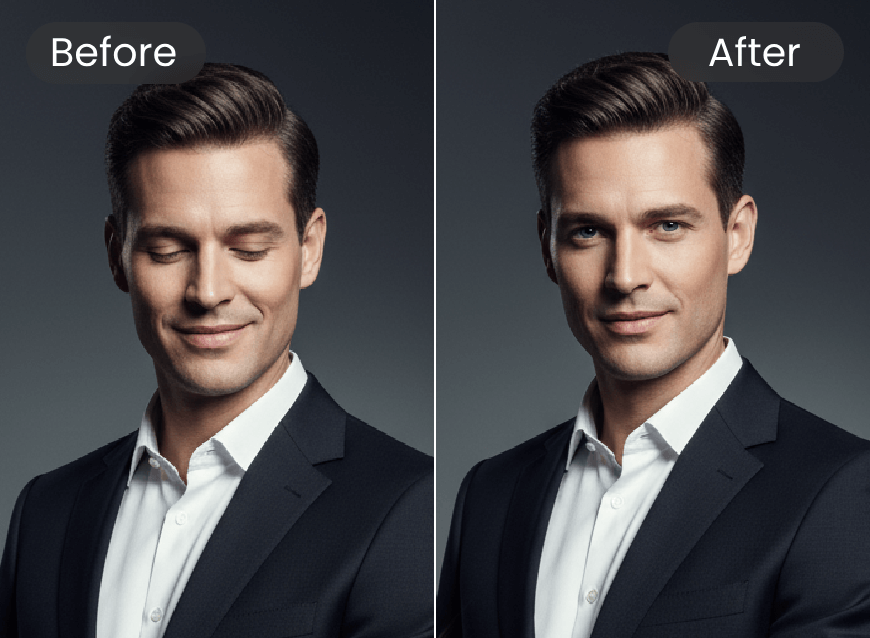
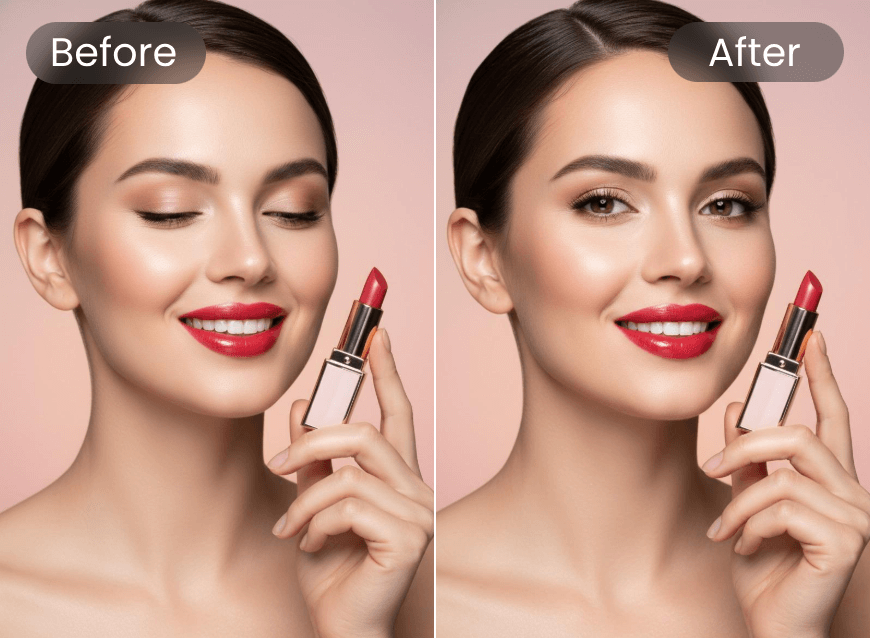
Whether it is a blink, a glance away or a tired look, our AI open eye tool can open eyes naturally without distortion, weird textures or fake-looking effects. You will get high-quality eye-opening visuals and can download them in high-resolution PNG. Try Clipfly now to restore lively, expressive eyes in seconds to brighten your photos.
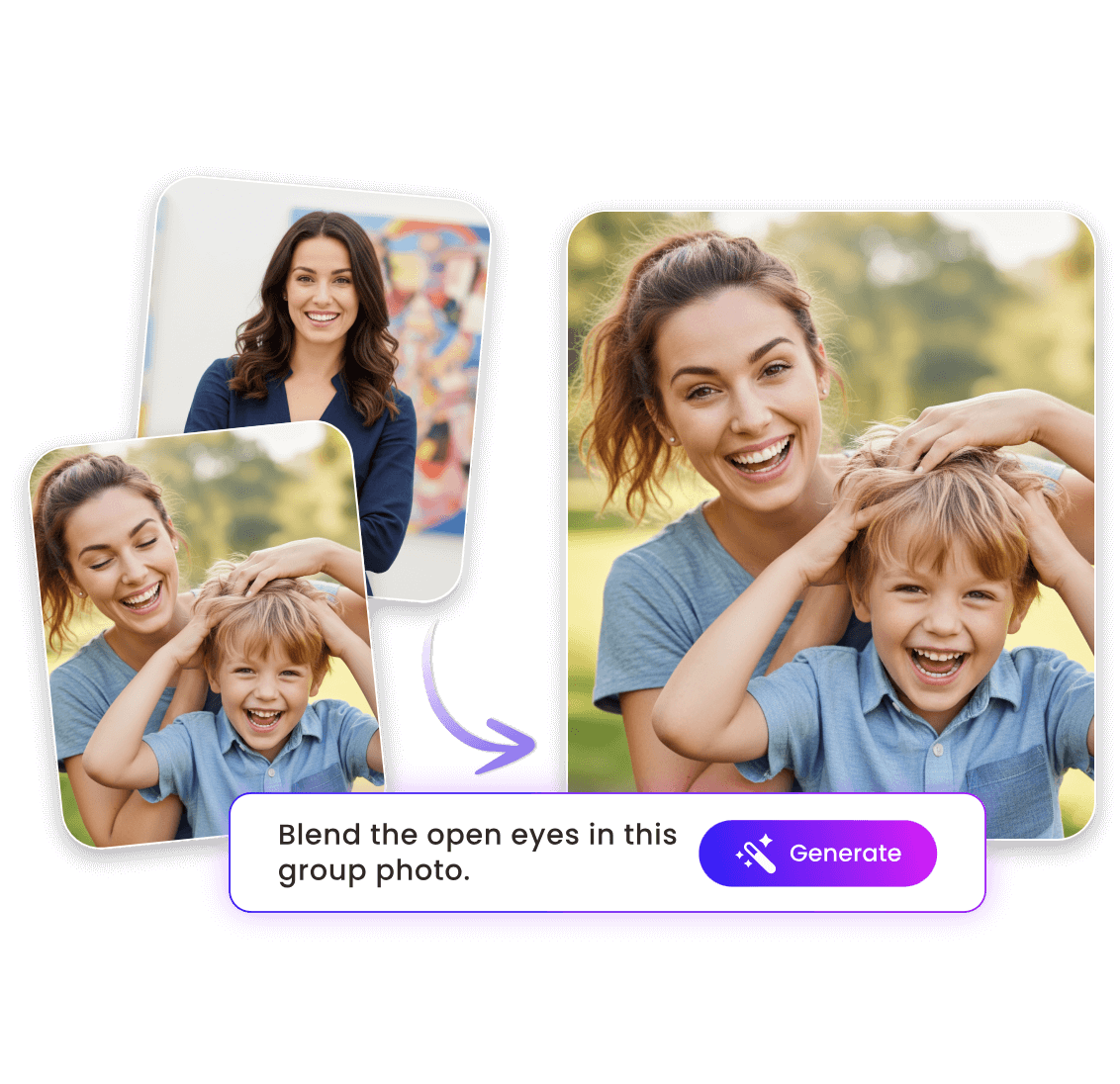
Get Natural Eye Opening with AI Using a Reference Photo
Unlock natural, lifelike, eye-opening results with your own eyes. Our open eye photo editor can present you with an open-eye visual through a reference photo. Simply upload a blinked or squinting image and a photo in which the figure’s eyes are fully open. Then, use your prompt to let our tool replace the closed eyes with the open ones.
The real features of your open eye image will be carefully studied to preserve identity, emotion and lighting for seamless correction or accurate look recreation. Level up every memory and make every shot worth sharing with Clipfly today.
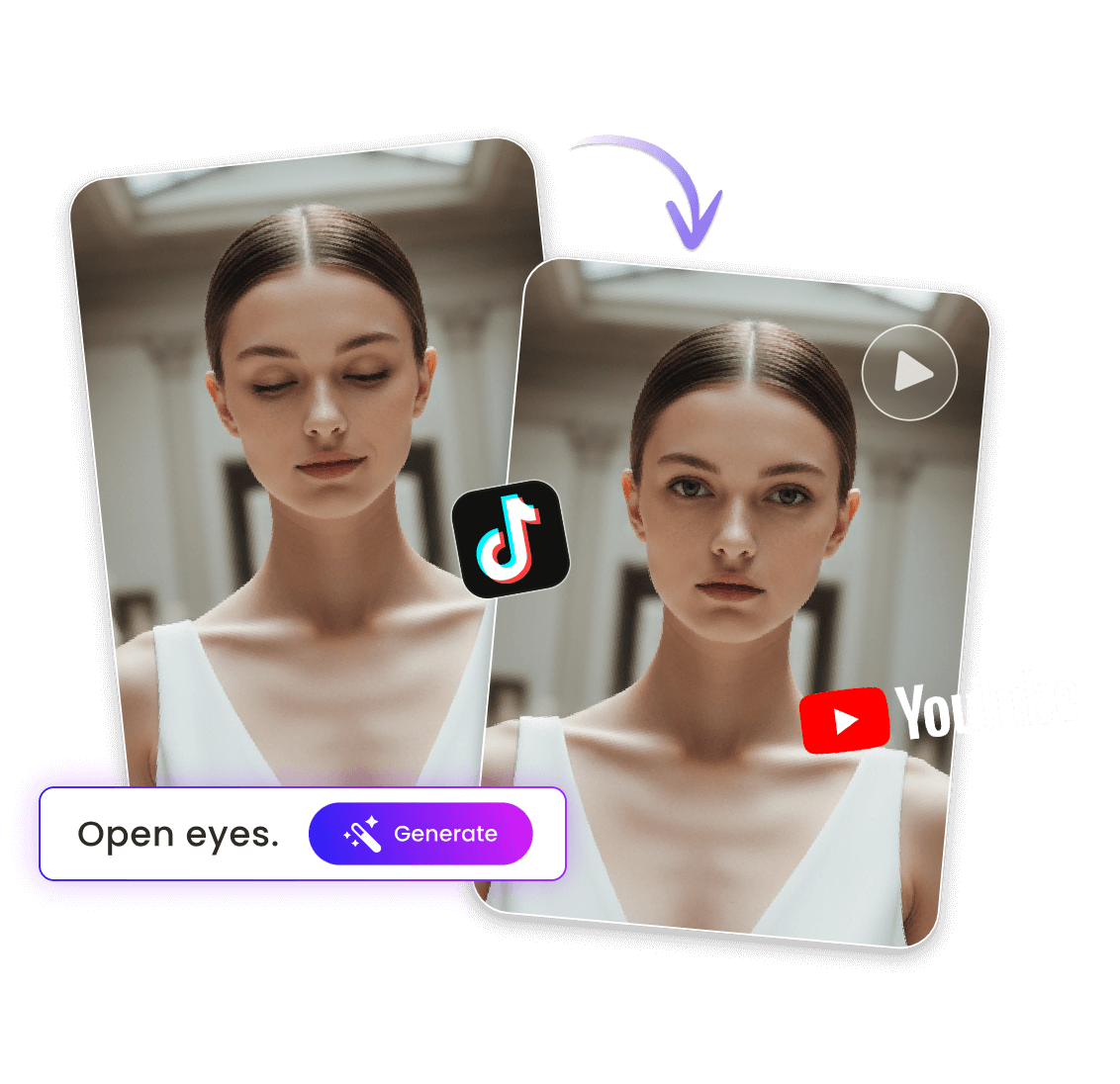
Convert Closed Eyes to Open Eyes in Motion
Why limit yourself to still pictures when you can create cinematic magic? With Clipfly, also an AI video generator armed with advanced image-to-video technology, you can effortlessly transform your static photo into a dynamic video. Just add your closing-eye photo and animate it into a short clip where your eyes gently open, which will look like a scene from a film.
Also rely on our video editor to add music, apply video filters, insert captions and more to make it more vivid. Then, share this short video on your social media like TikTok, YouTube Shorts, Instagram Reels, etc., to boost engagement and win more followers.
Open Eyes in Photo for Better Visuals
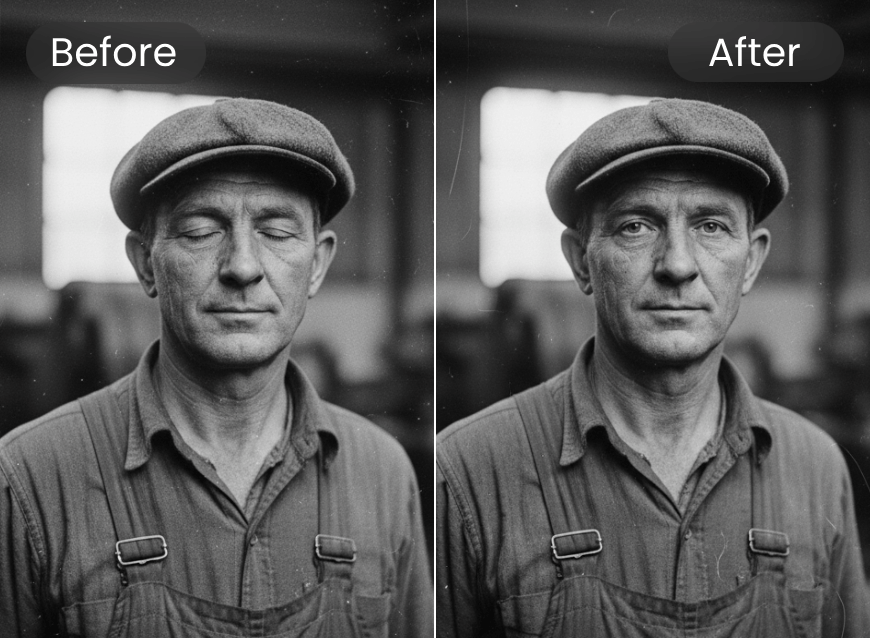
Rely on our photo eye opener to fix closed, squinting, blinking, dull and lazy eyes in any image. Restore the original glam of your visuals right now.
More than an Eye Opener AI
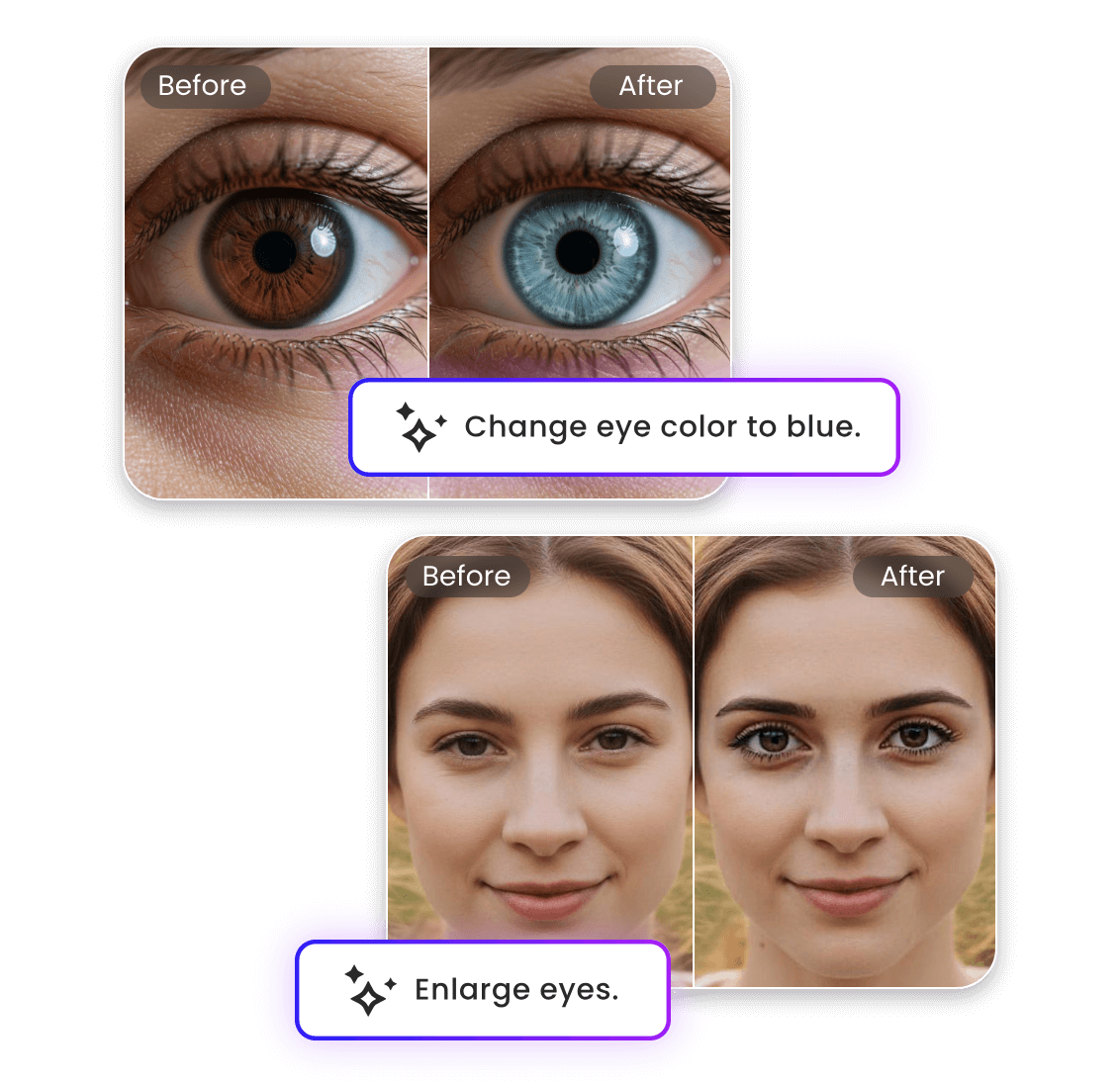
Clipfly does not limit its functionalities to eye opening. It allows you to make any adjustment to your eyes in a photo with your prompt. For example, input your descriptions to conveniently change your eye color, make your eye larger, remove the red eye and even correct your expression. Almost no manual operations are required and you can be your own photo editor to retouch your eye-closing visuals.
Why Open Eyes in Photo with Clipfly?

Easy and Fast
Our picture eye opener provides a user-friendly interface with no complex settings and enables users to fix closed eyes in seconds. So, even beginners will find it effortless to operate.
Prompt-Based Eye Opening
Unlike other apps that achieve eye-opening results with an AI replace tool, our eye opener AI lets you convert closed eyes to open eyes in photos through your natural-language prompts. No intricate manual operations are needed.

Realistic Results Without Watermarks
Our eye-opening AI will offer you natural-looking eye effects blended into your original visual seamlessly. Also, no watermark will be expected in your open-eye results, which can be directly used for later use.
Totally Online
Our AI eye opener is an online tool that is compatible with all kinds of devices, including iPhone and Android smartphones. So, you can enjoy convenient eye opening on the go.