







Kling 3.0 AI Model Online Free
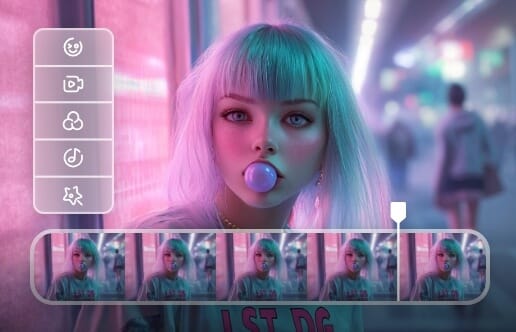
Kling 3.0 is a unified multimodal video model for creation and editing. Upload images, video references, or existing videos to generate AI clips with consistent subjects, multi-scene control, and native audio-visual output.
*Image / Video Reference to Video Generation.
*Uploaded Video Editing.
*Video Extension & Scene Expansion.
*Multi-Scene Video Control with Native Audio Output.
Kling 3.0 Omni Model for Versatile Video & Image Creation
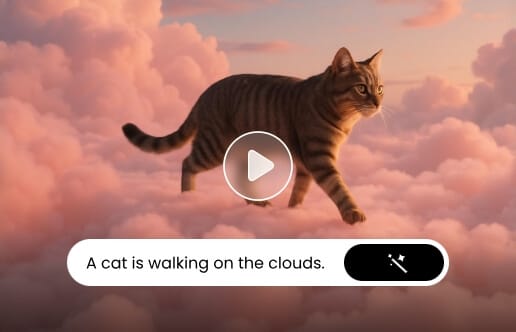
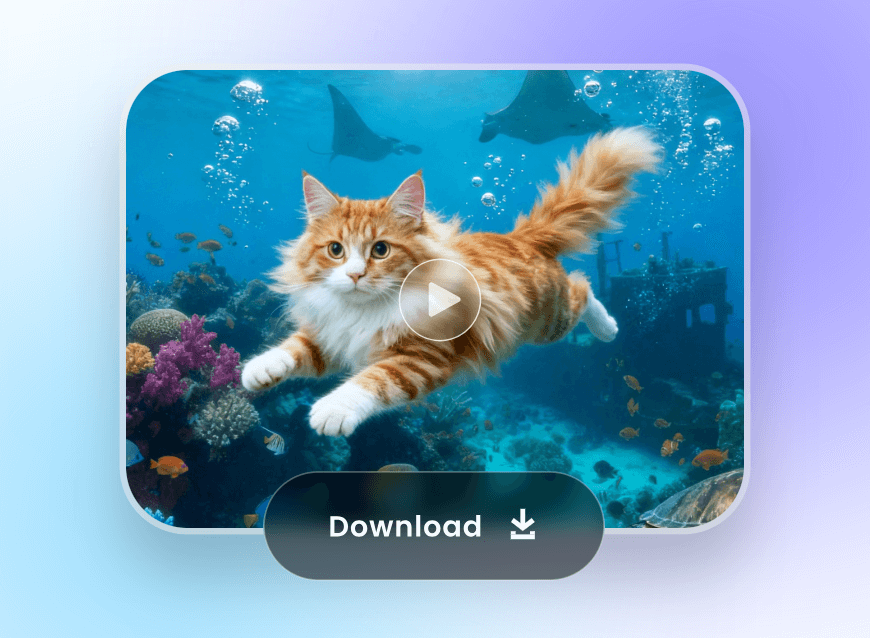
Kling AI 3.0 Omni model, available online for free, lets you create videos and images seamlessly using advanced multimodal AI. It supports both text and image inputs, producing high-quality, realistic results in seconds.
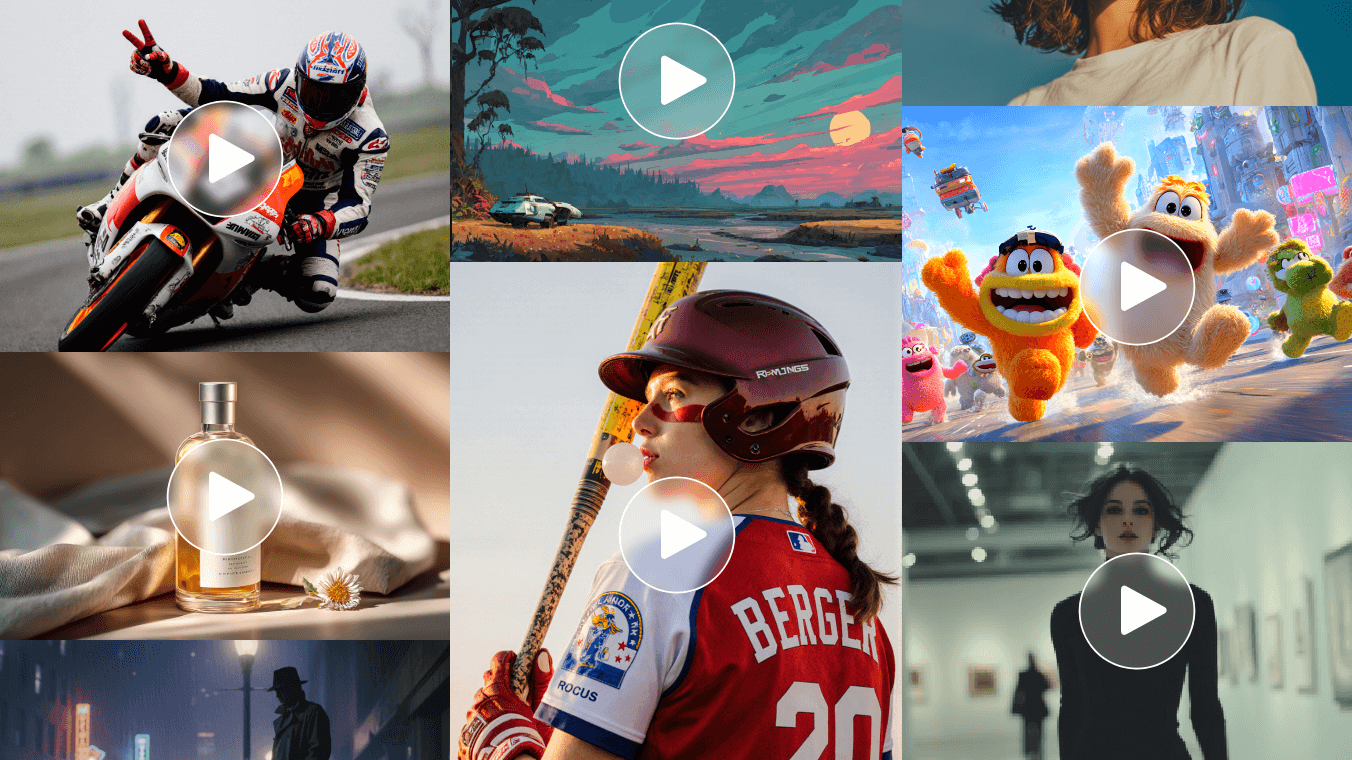
Unlimited New Video Generator & Editor with Kling 3.0 Video Model
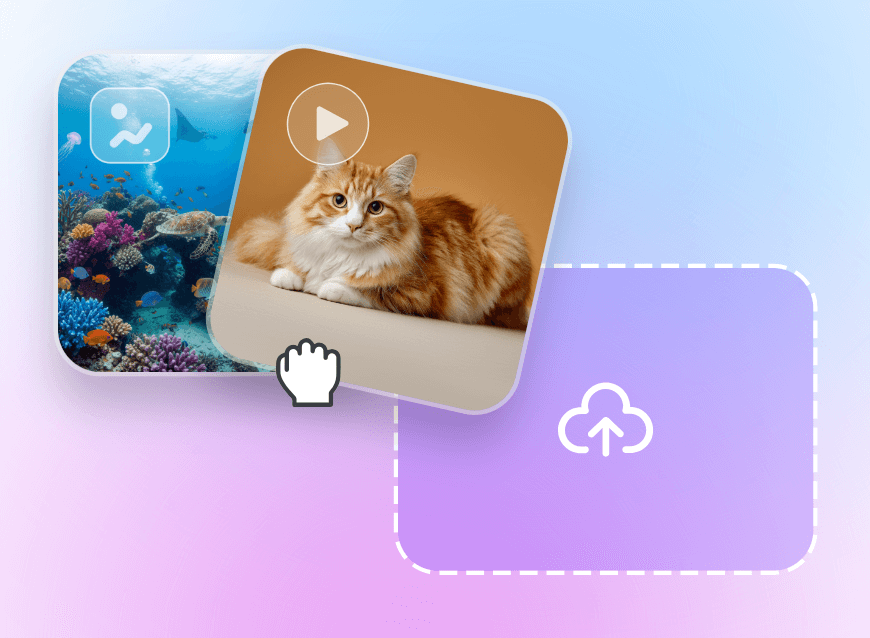
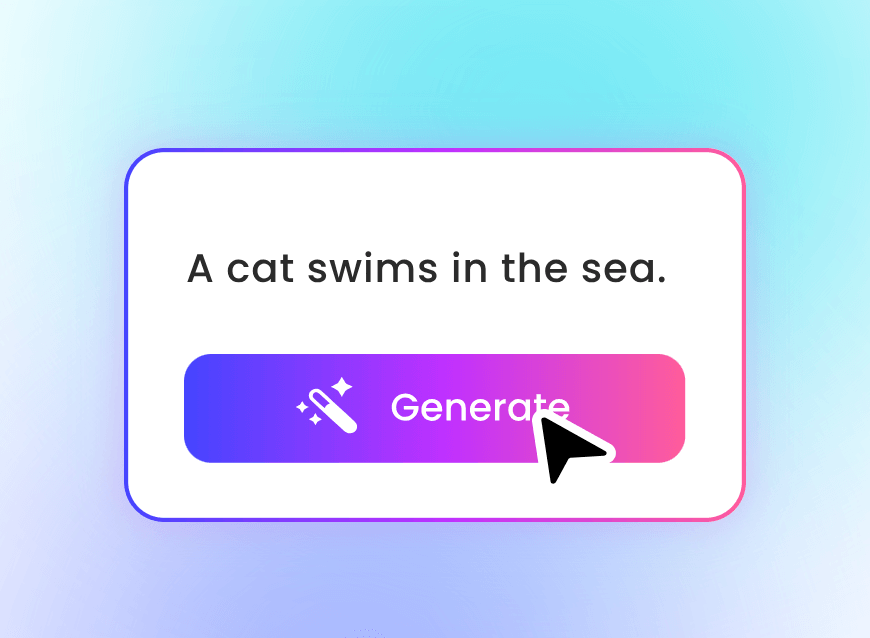
Kling 3.0 empowers users to generate and edit videos seamlessly with its unified multimodal AI system. You can upload a reference video, up to four images, enter text prompts, or combine them all to create high-quality AI videos.
With Kling 3.0, you can also add, change, or remove objects from the video, control multiple scenes, and generate native audio-visual output—including multi-language speech and sounds—giving you precise control over storytelling, motion, and timing up to 15 seconds.
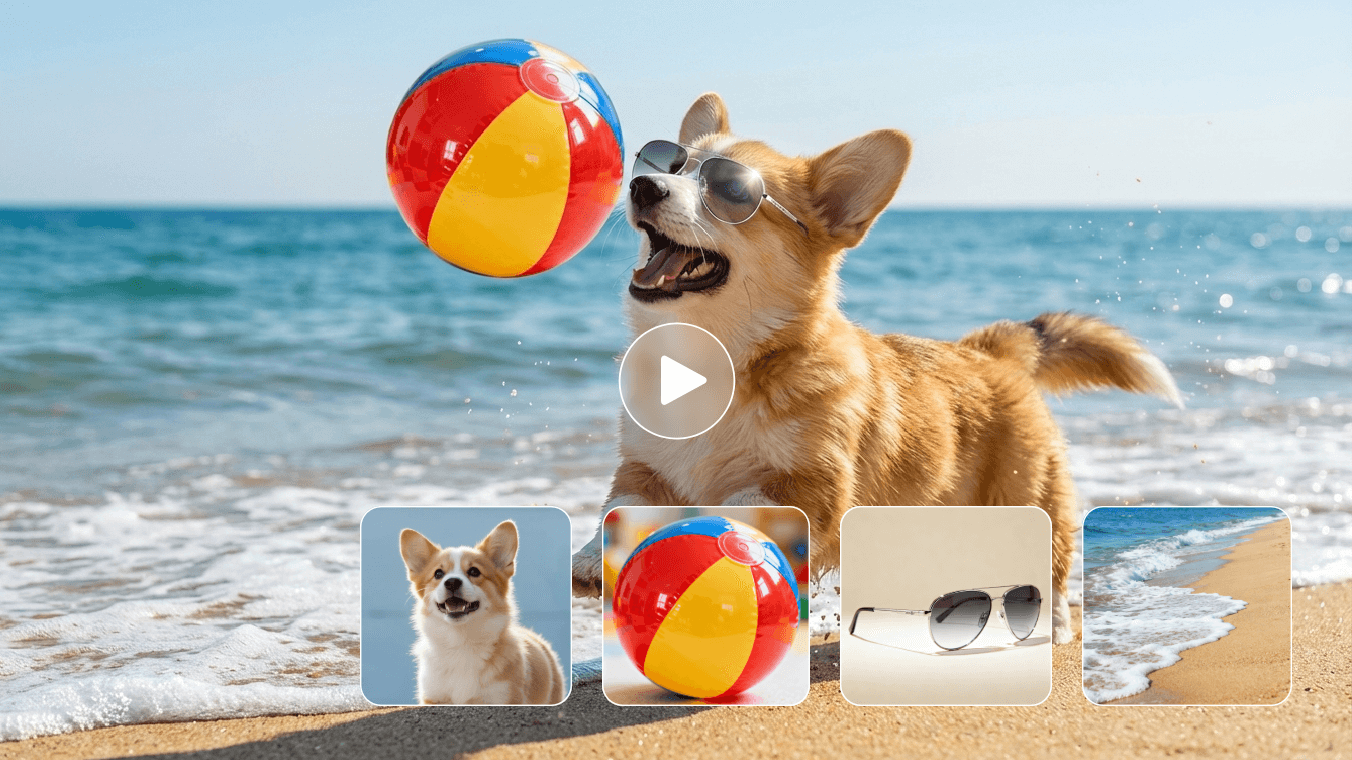
Creative Kling 3.0 Image Model to Fulfill Your Imagination
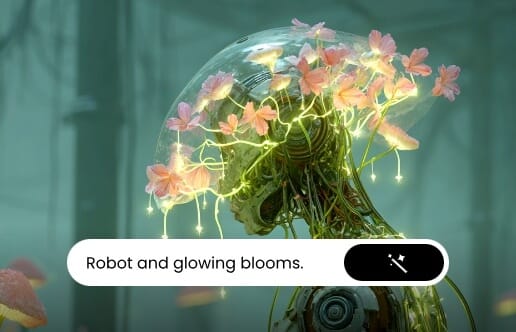
With the Kling 3.0 AI image model generator online, creating high-quality images from text or image prompts is faster and more precise than ever. Kling 3.0 supports multi-modal input, allowing you to use text, up to ten reference images, or a combination to generate photorealistic outputs with consistent characters and style.
New features include multi-scene storyboard generation, ultra-high-definition 2K–4K rendering, and enhanced photo. Each image maintains concept integrity while enhancing visual continuity, producing professional-grade results ready for use across multiple platforms.
What is the New Updated Multi-Modal Kling 3.0 AI Model
Kling 3.0 is the next-generation video and image AI model from Kling AI, designed to unify multi-modal input and output in one system. It retains all previous generation features while introducing advanced subject consistency, multi-scene control, and native audio-visual output.
With Kling 3.0 online, creators can generate videos or images using text, image, or video references, control multiple scenes, add or remove objects, and output multi-language speech. It also supports ultra-high-definition 2K–4K images and videos up to 15 seconds, making it a comprehensive tool for producing professional-quality visual content efficiently.
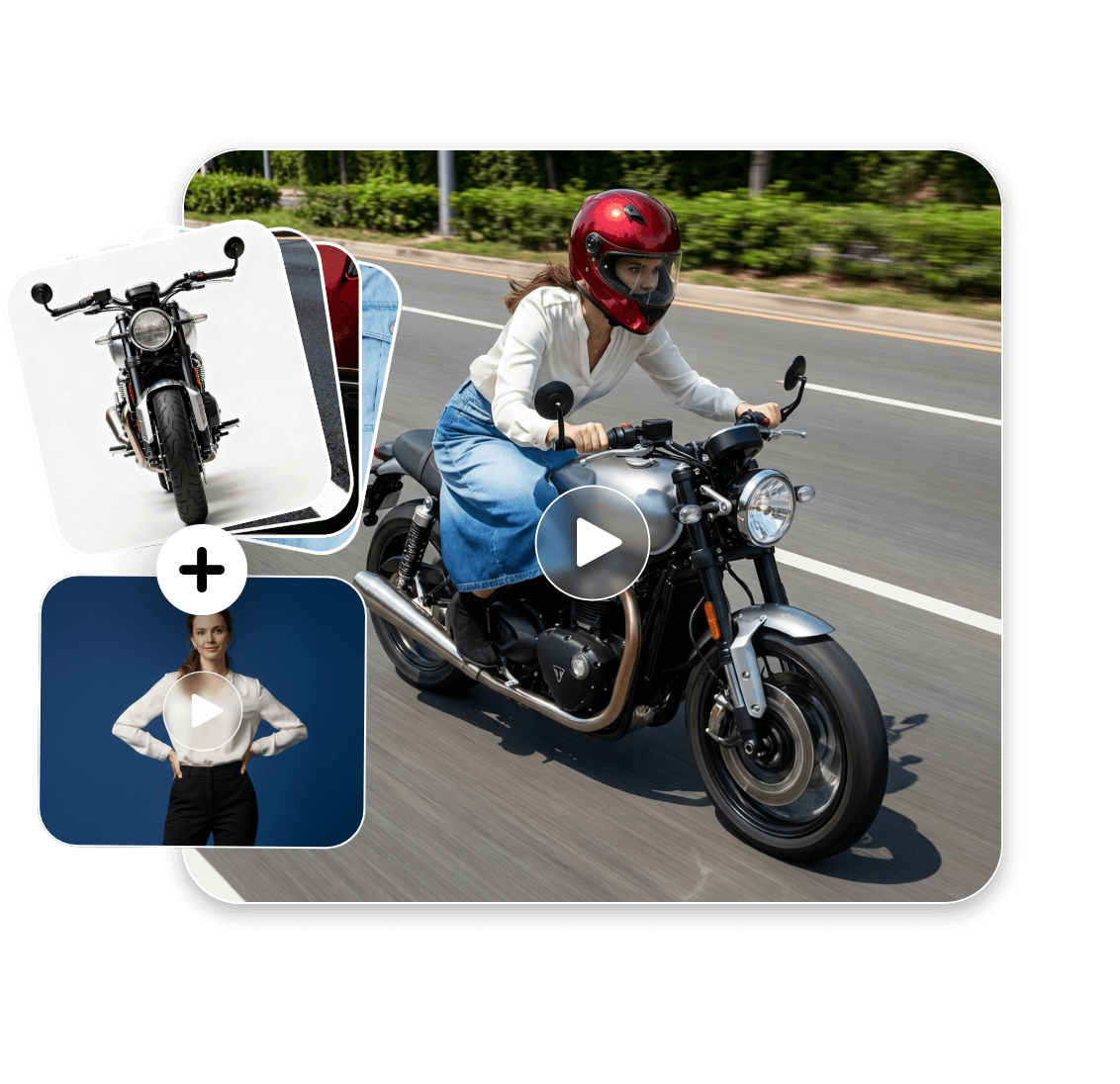
Input Video, Pictures, and Text References for Kling 3.0 Video Model
A Video + Four Pictures
Kling 3.0 AI video model lets you upload a reference video plus up to four images. The AI uses video motion, image cues, and optional text prompts to guide generation, creating realistic, visually consistent videos that preserve subject integrity and style across multiple scenes.
No Video + Up to Seven Pictures
Without a reference video, you can upload up to seven images, with optional text prompts. Kling 3.0 generates dynamic videos, maintaining style, composition, and object consistency. You can control multiple scenes, and produce videos up to 15 seconds with ultra-high-definition output.
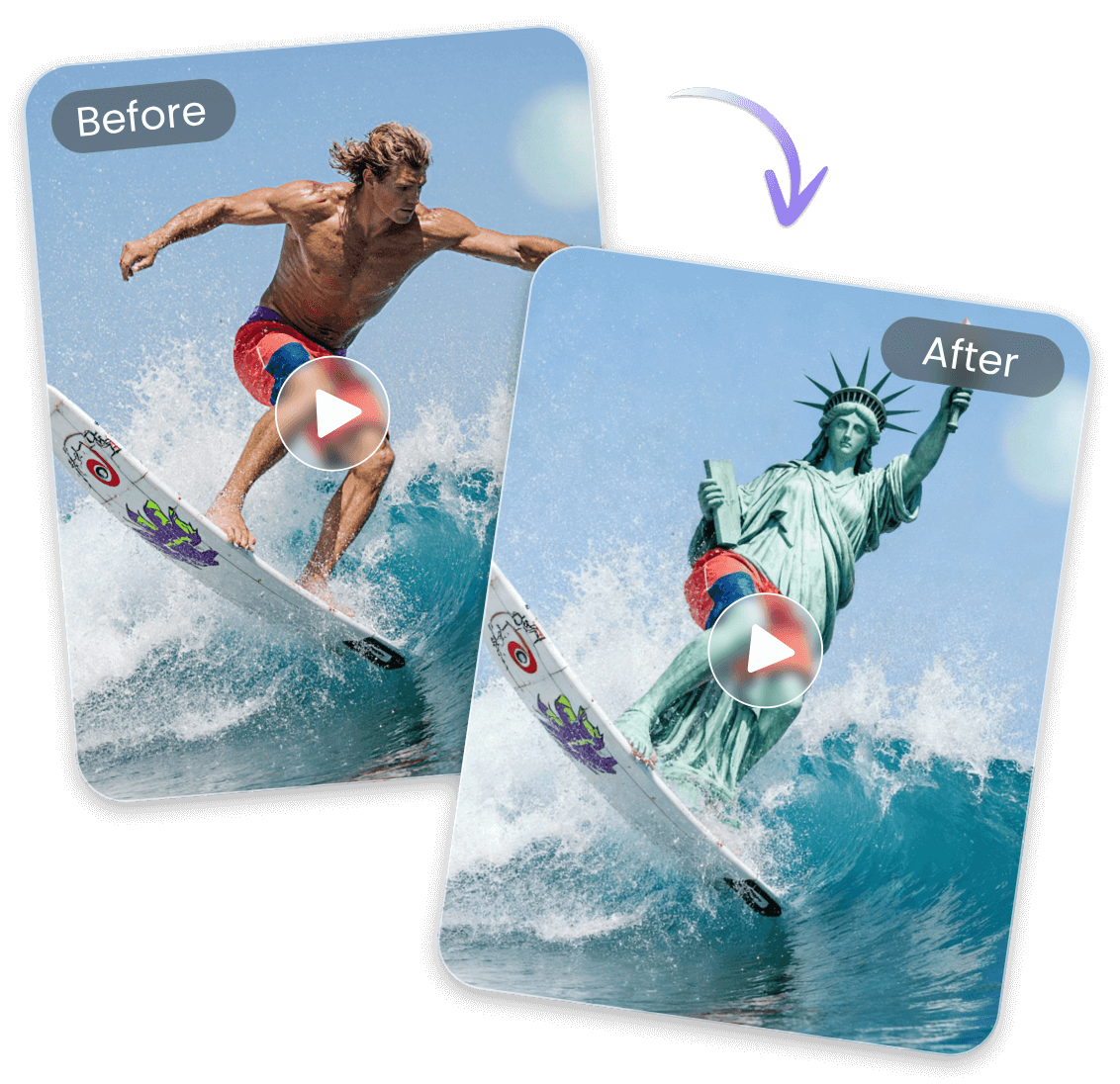
Upload Your Clip to Edit Directly Through Text Prompt
Kling 3.0 online AI supports direct editing of uploaded videos, not just new creation. You can upload an existing video and adjust scenes—add, remove, or replace objects, control multiple camera angles, and manage scene timing up to 15 seconds.
With native audio-visual output, including multi-language speech, Kling 3.0 reduces reliance on external editing tools. For creators, marketers, or content teams, it provides a one-stop solution: generate, edit, and polish professional-quality videos efficiently within a single workflow.
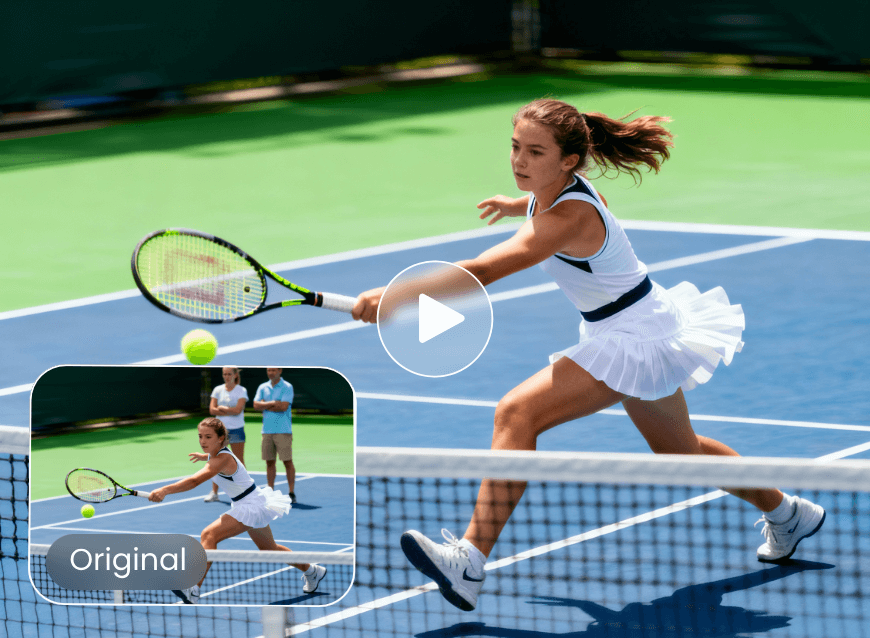
Add or Remove Object from Your Video
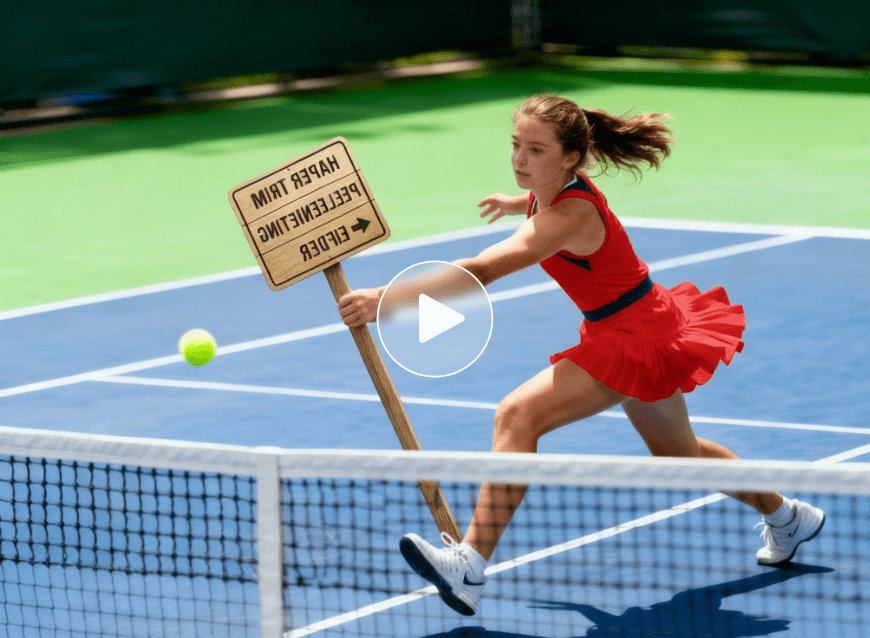
Kling 3.0 AI lets you adjust scenes by adding or removing elements from the video for cleaner, updated results.
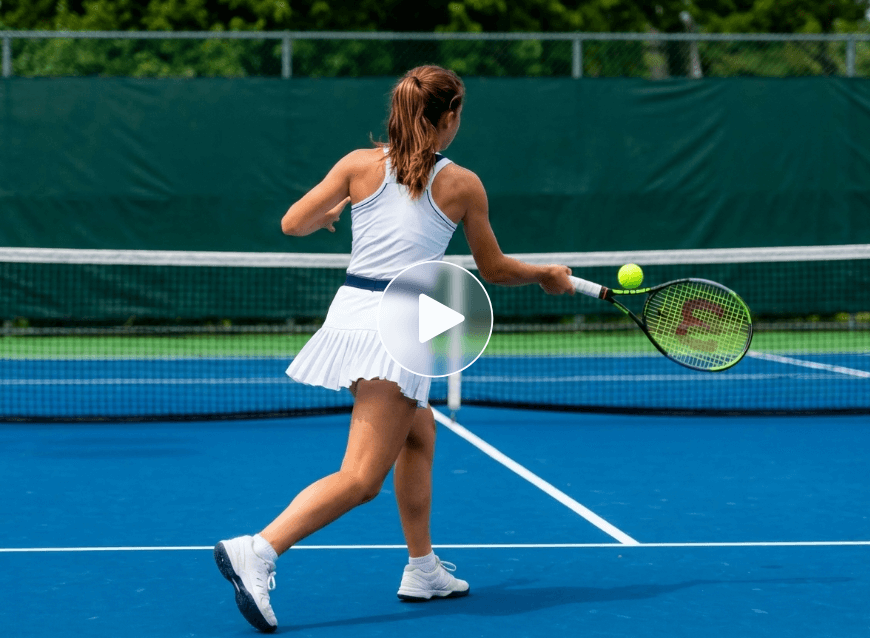
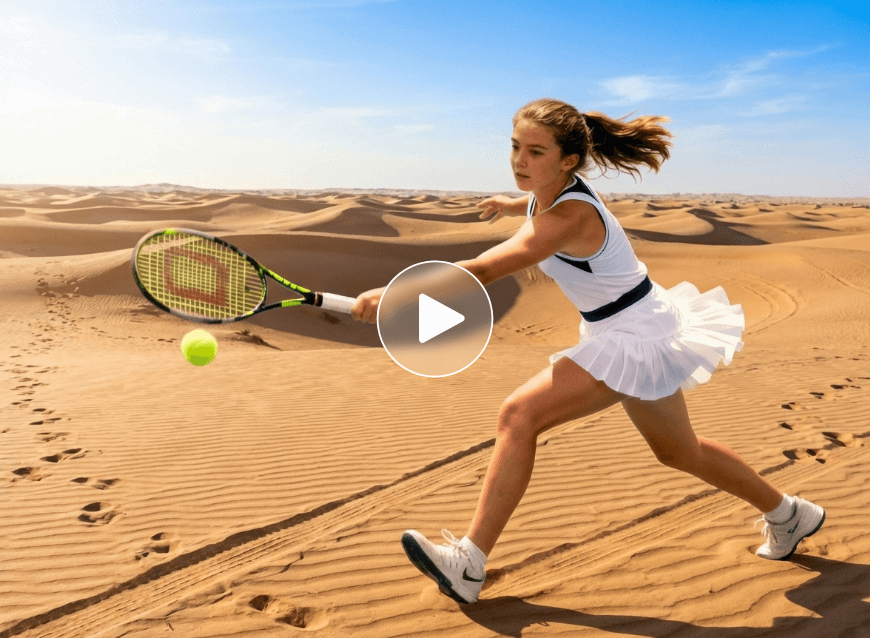
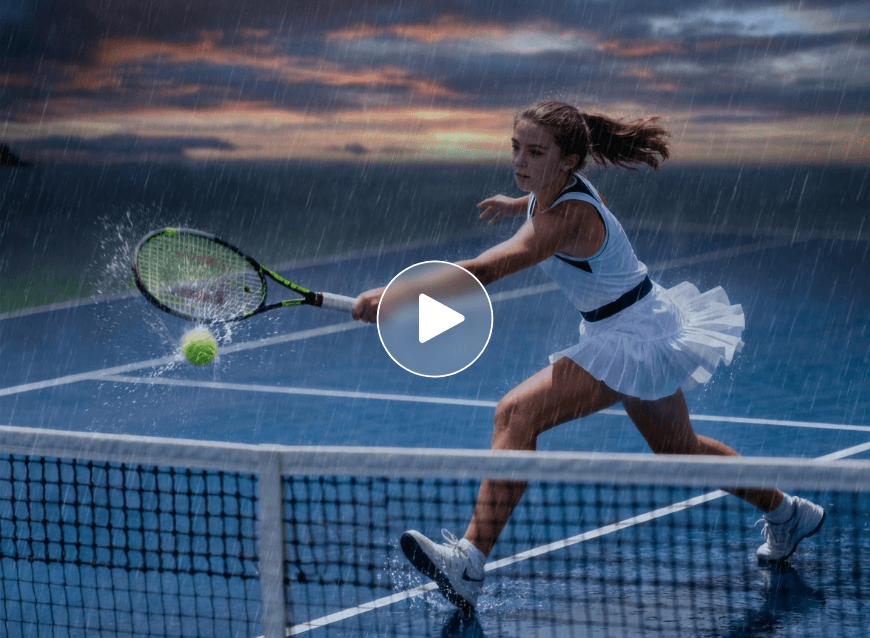
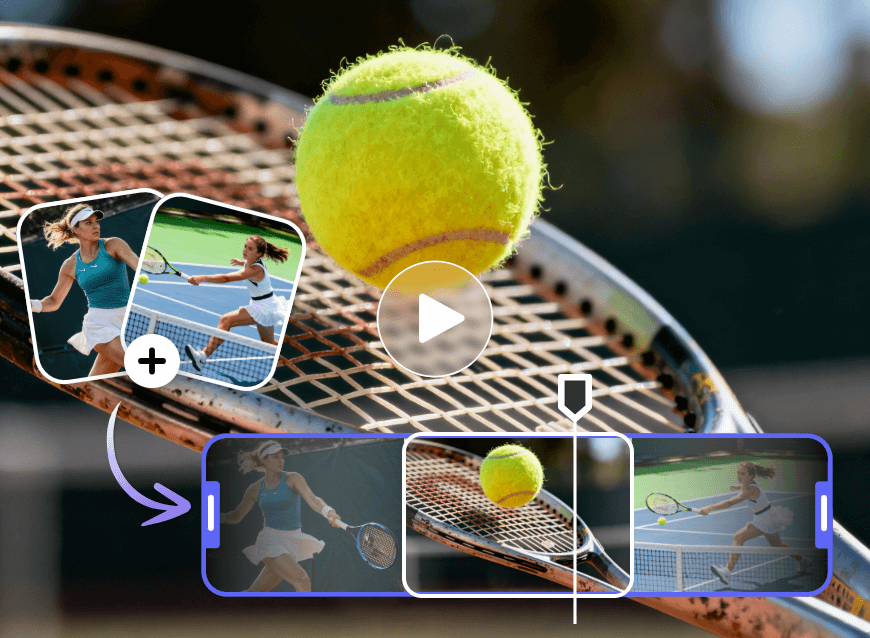
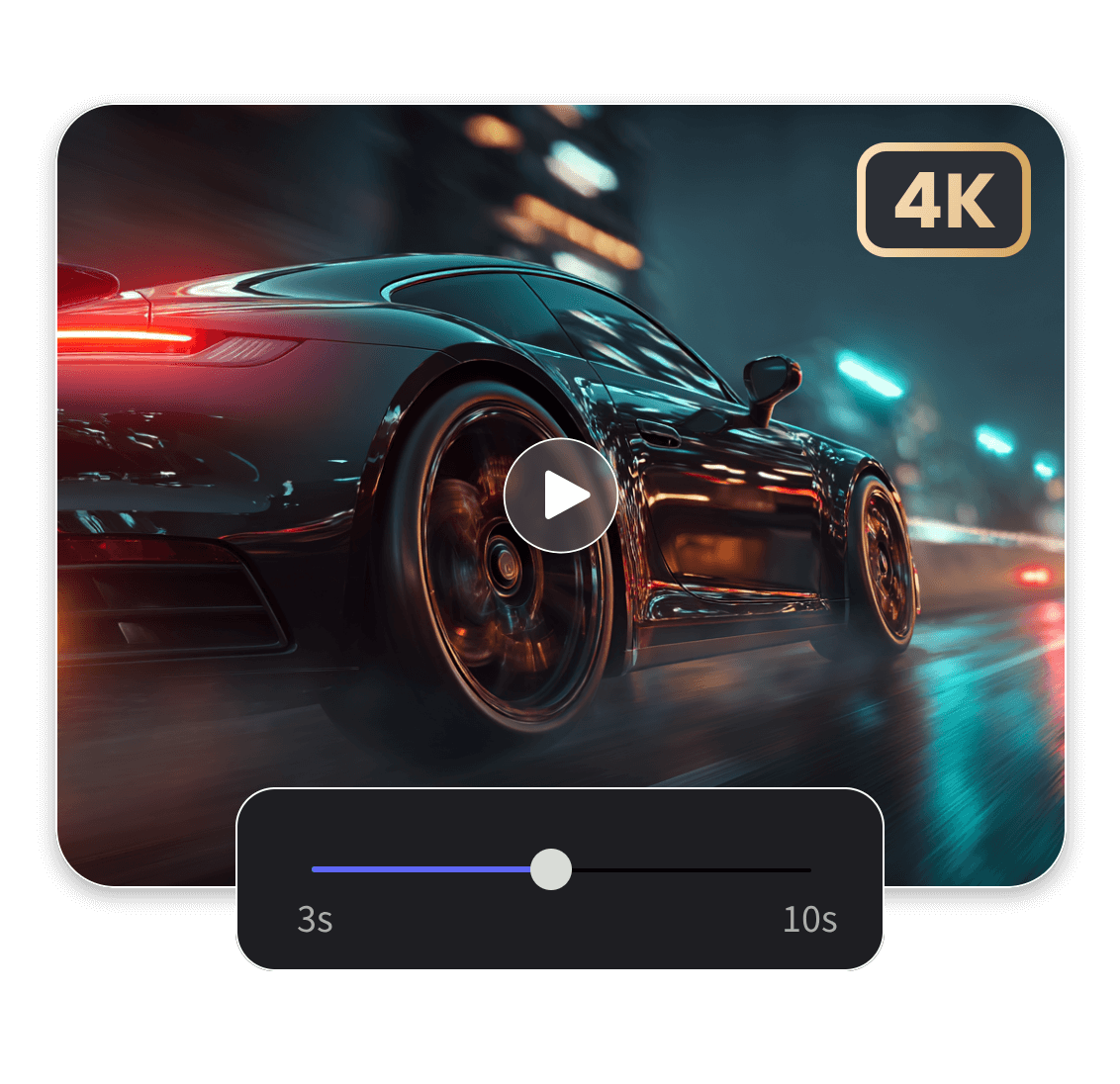
Kling AI 3.0 Customizable Video Length and Ultra-High Definition
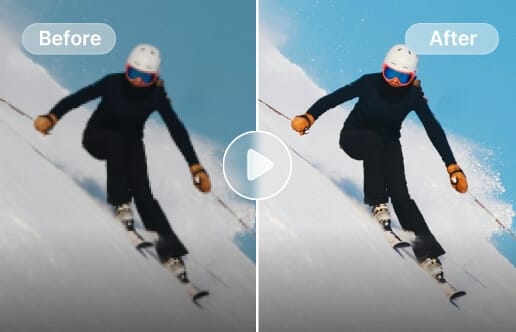
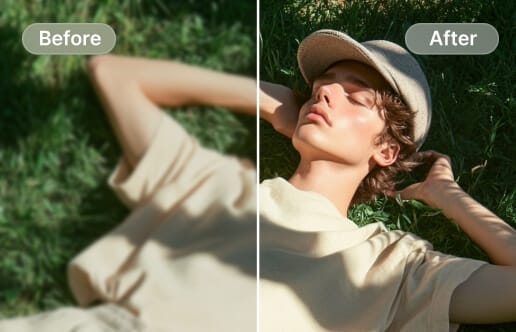
Kling 3.0 Omni video AI lets you define your video duration, up to 15 seconds, and delivers ultra-high-definition output. Users are no longer limited to short, low-res clips—videos can be customized in length and upscaled for clarity.
This precise control suits different needs, from quick social media clips to multi-scene cinematic sequences. With continuous AI resolution improvements, Kling 3.0 supports 4K-ready video enhancement, producing sharp, detailed renders ready for professional use.
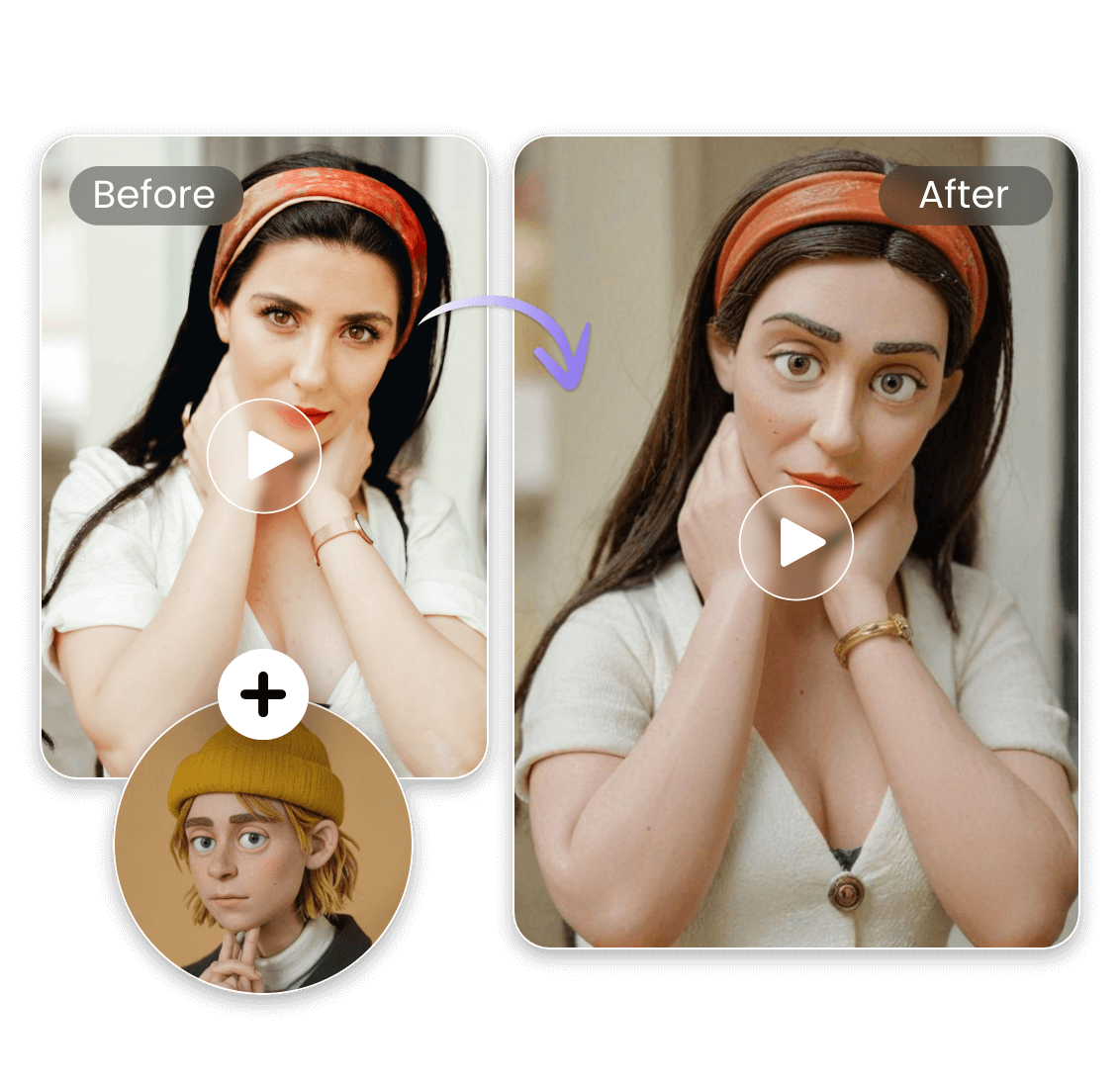
Feel Free to Make Video-to-Video Style and Effect Change
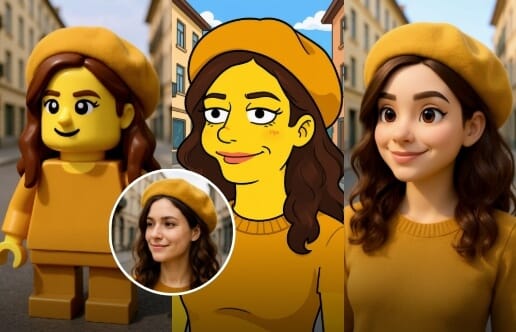
Kling 3.0 AI lets you fine-tune the look and feel of your video with advanced effect controls. Choose cinematic, anime, clay, cyberpunk, or other styles, and apply them across multiple scenes with consistent characters and objects.
This flexibility ensures your videos match brand identity, creative project requirements, or audience expectations. Style customization, combined with multi-scene control and native audio-visual output, makes every video unique, professional, and aligned with your creative vision.

Eaily Extend Video Length to Grow Content Without Looping
With Kling 3.0 online, you can extend video length and expand scenes beyond the original content, adding new sequences or prolonging motion with precise multi-scene control. This allows creators to build longer stories, add extra frames for editing, or enhance cinematic pacing.
AI video extension maintains subject and object consistency across scenes, integrates native audio-visual output, and supports multi-language speech. Kling 3.0 empowers creators to produce richer, more engaging videos with professional-quality visuals, rather than just looping content.
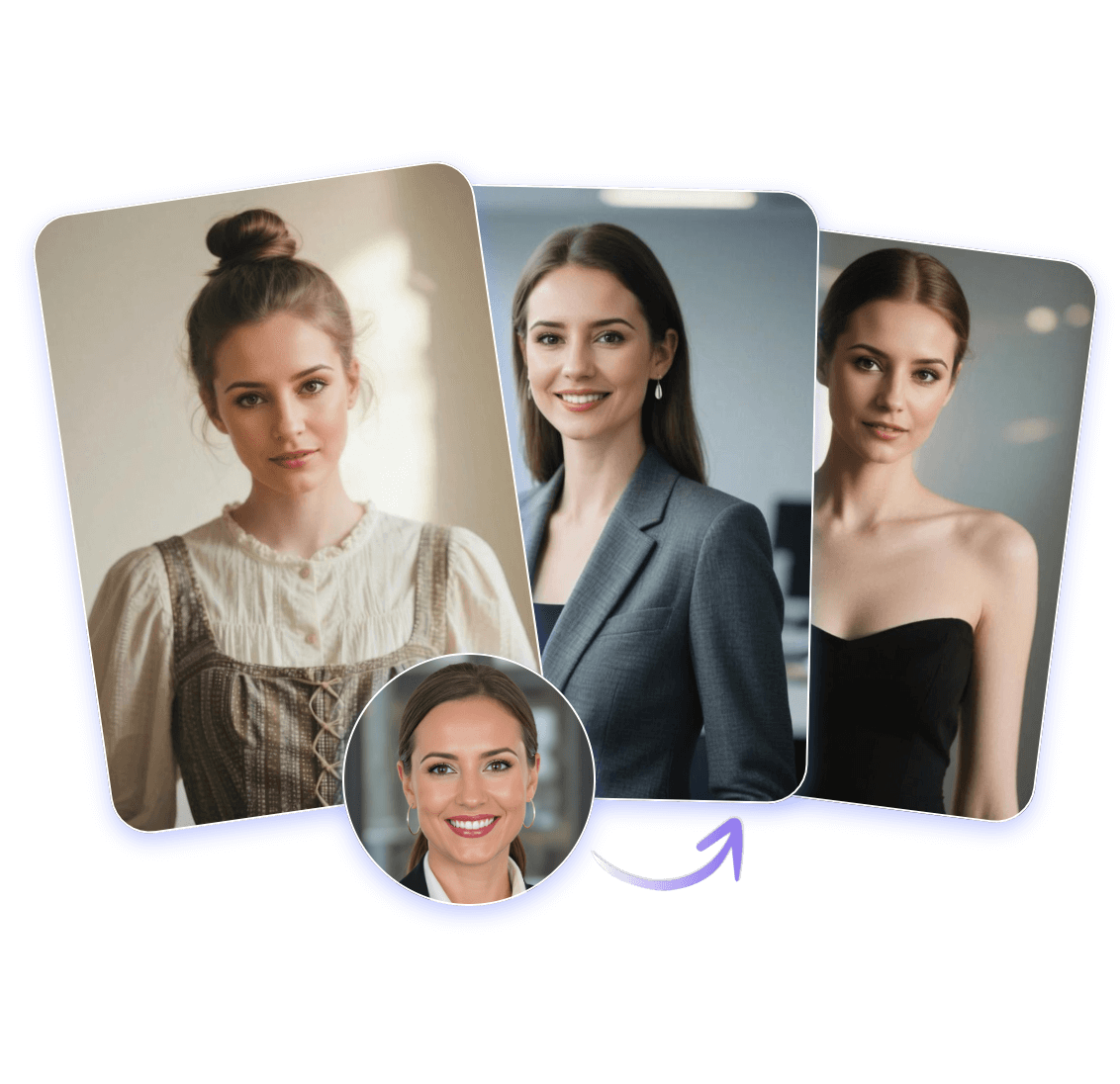
Strong Consistency of Characters, Products and Style
Kling 3.0 Omni video AI emphasizes consistency across frames and clips, keeping characters, objects, and overall style stable. It supports multi-modal inputs—text, images, and videos—while maintaining subject integrity across multiple scenes and camera angles.
This consistency is essential for brand videos, series content, or product showcases, ensuring a uniform, recognizable identity. With native audio-visual output and multi-language speech, Kling 3.0 helps creators produce coherent, polished video series without unexpected shifts in design, style, or appearance.
Create and Edit Images as Expected for Kling 3.0 Image Model
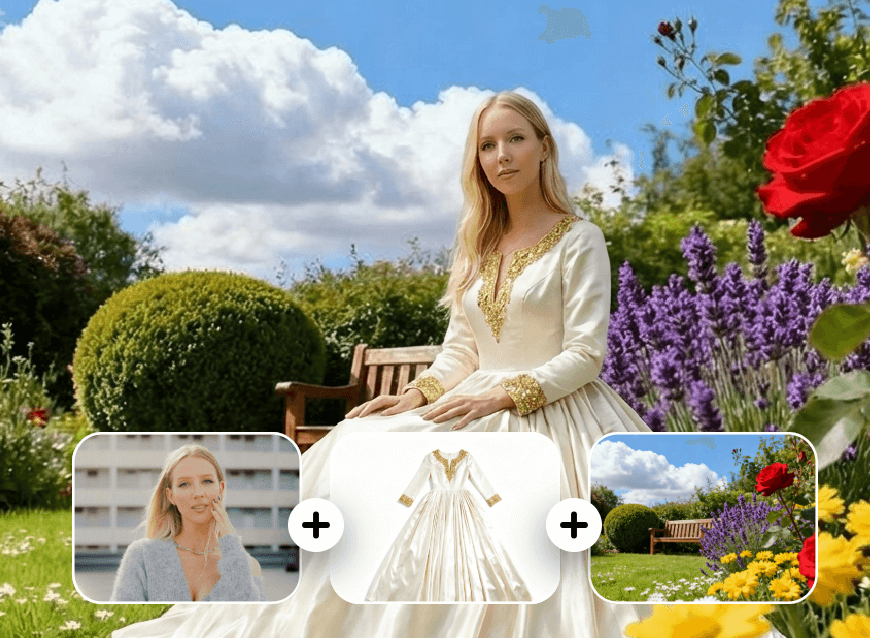
Combine Multiple Images into One Output
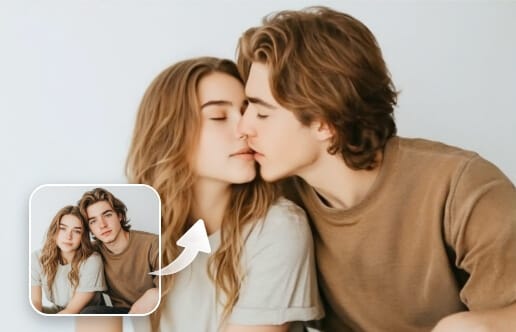
Kling 3.0 AI image combiner infuses several reference images into one clean result, keeping style and details aligned.
Explore Next-Gen Video Production with Kling 3.0 AI

Create Video Ads Quickly with AI
Kling 3.0 video AI makes it easier for brands and marketers to produce short promotional clips without heavy editing. Upload reference images, text prompts, or draft videos, and Kling 3.0 refines motion, style, framing, and audio-visual output across multiple scenes.
This allows teams to generate polished, on-brand content faster, including multiple versions for different platforms, while maintaining consistent characters, objects, and overall style. Native multi-language support ensures videos are ready for global campaigns.
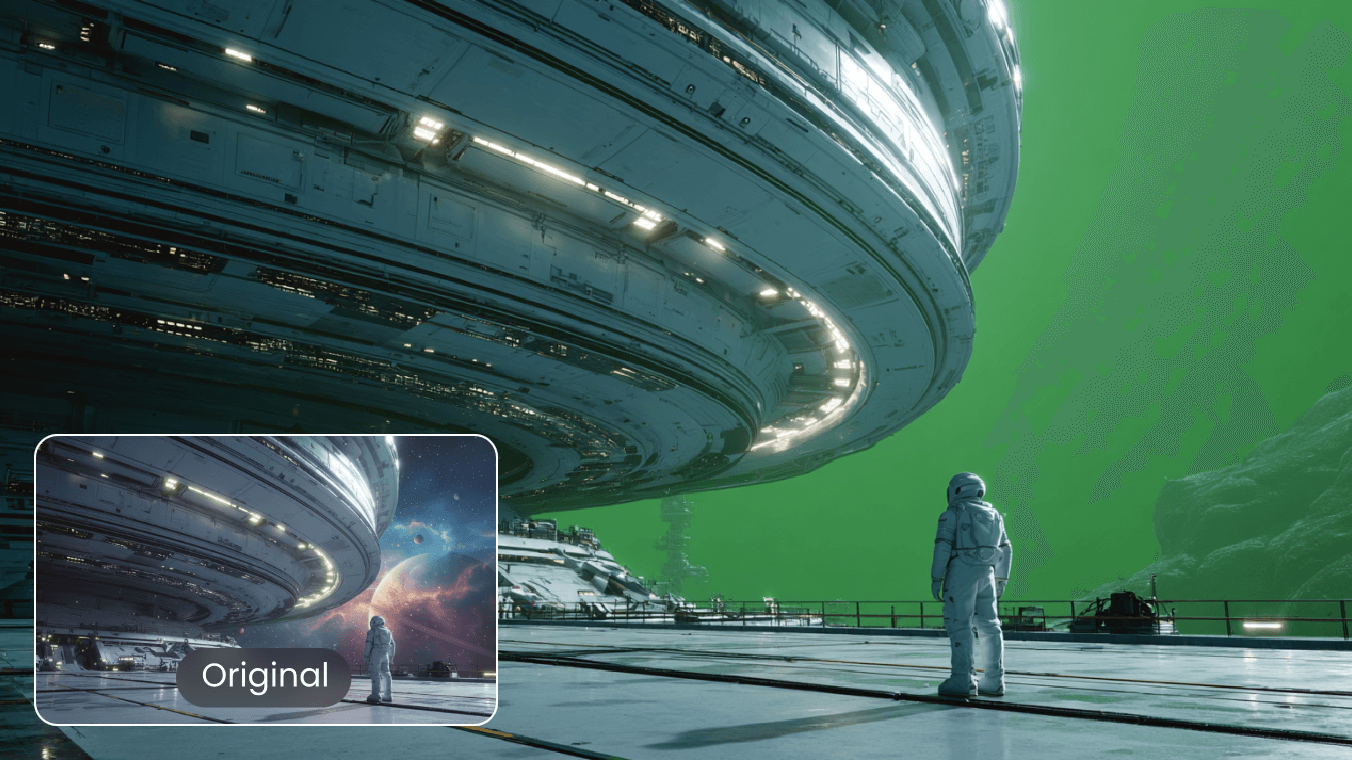
AI Green Screen Adding and Removal
Kling AI 3.0 video model online handles green screen in video clips with steady results, even when subjects move or lighting shifts. After removing the green screen, you can drop the subject into any scene and keep the edges natural. This works well for product videos, tutorials, or creator content where quick, flexible compositing is needed.
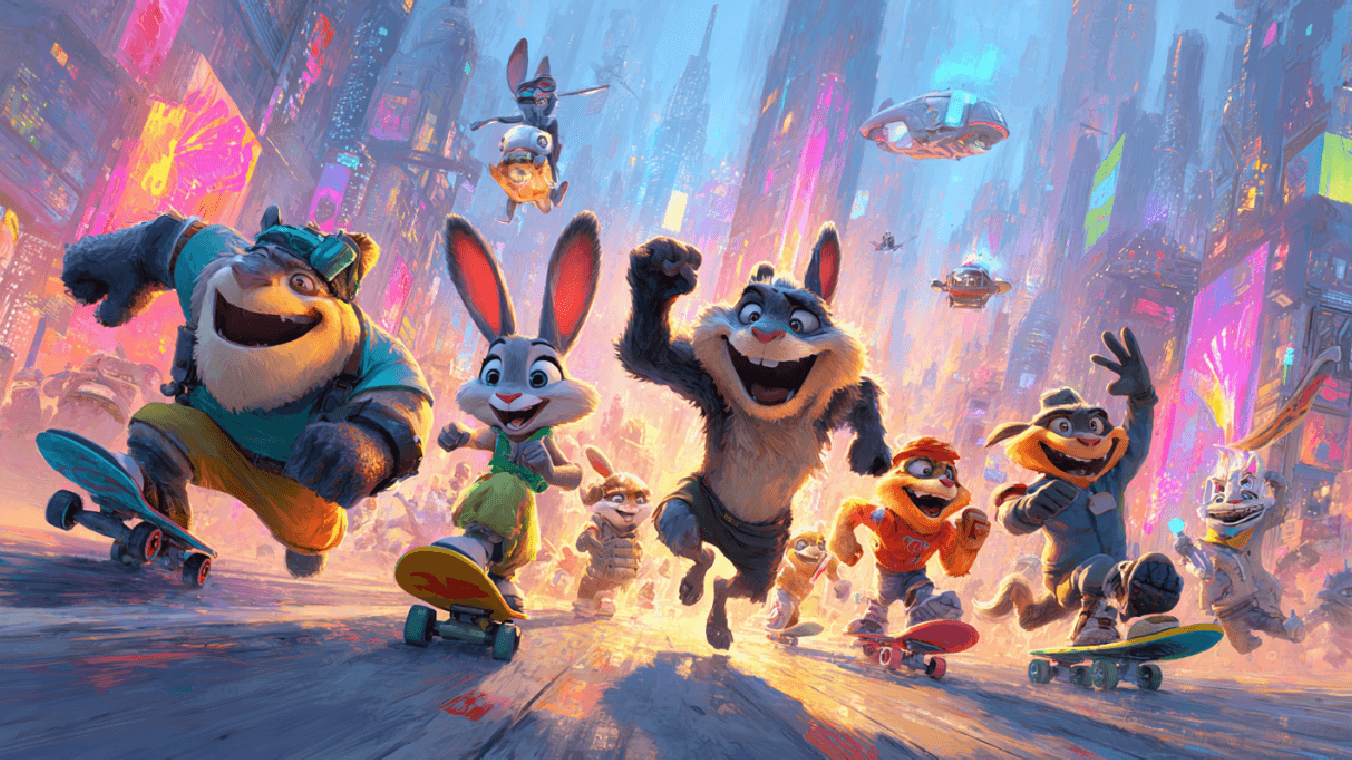
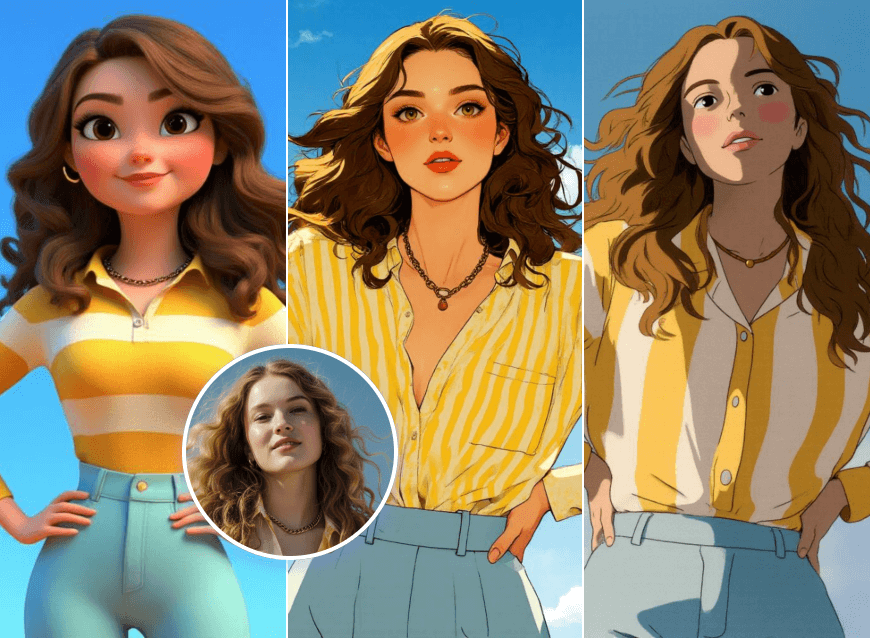
Create Anime-Style Animation with Kling AI
Kling 3.0 online video model generates anime-style animations from images, storyboards, or text prompts, producing smooth frame transitions and expressive character motion. It preserves line work, color palettes, and stylized timing, maintaining consistent character design across multiple scenes.
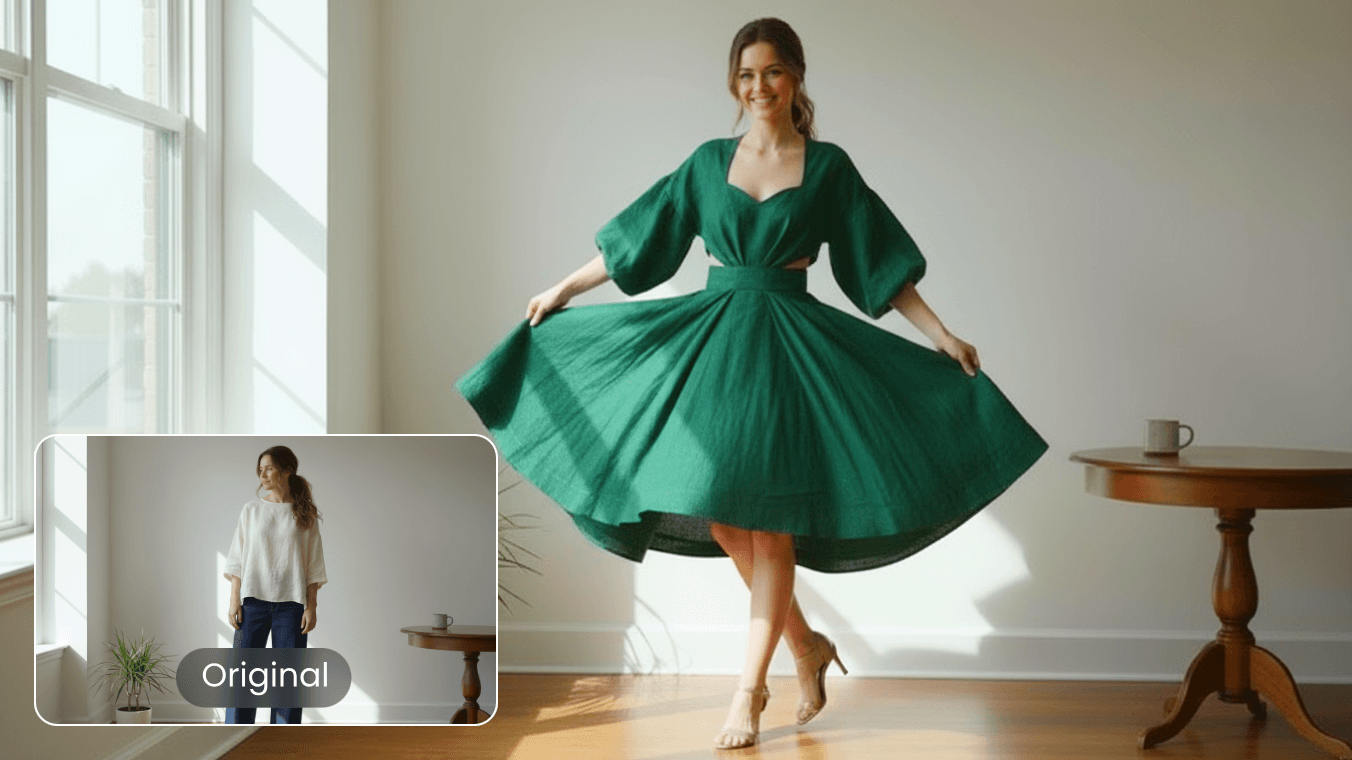
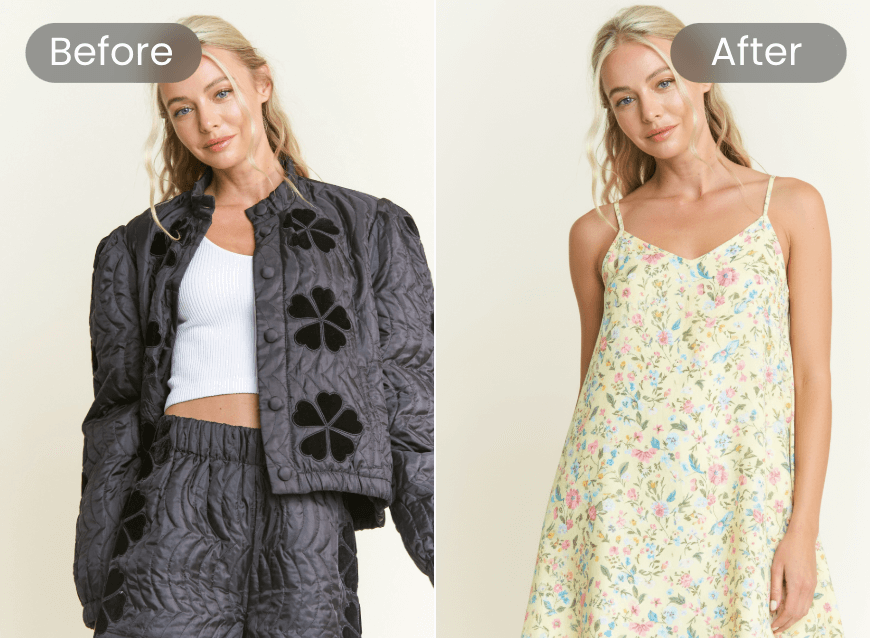
Virtual Outfit Changes for Video Characters
Kling 3.0 Omni video AI can change clothing in your videos while keeping the person’s face, body shape, and movements consistent. You can switch outfits for product demos, fashion previews, or character design projects without reshooting footage. Multi-scene and multi-modal control ensures the result looks natural and coherent across all frames.
Why Choose Kling AI 3.0 Generator in Clipfly?
Faster Content Production
KlingAI video generator create videos quickly without spending hours on manual editing.
Stable Character Results
Kling 3.0 Omni model keeps faces and designs consistent across every generated video clip.

Flexible Reference Options
Kling video 3.0 AI generator uses images or videos to guide motion, style, and structure.

High-Quality Visual Output
Kling 3.0 Omni video model AI generates clean, sharp, and detailed clips suitable for any platform.

Watermark-Free Export
Kling AI 3.0 gets clean, watermark-free videos ready for direct publishing anywhere.

Free and No Login Required
KlingAI video 3.0 generates videos instantly without any fees or account registration needed.