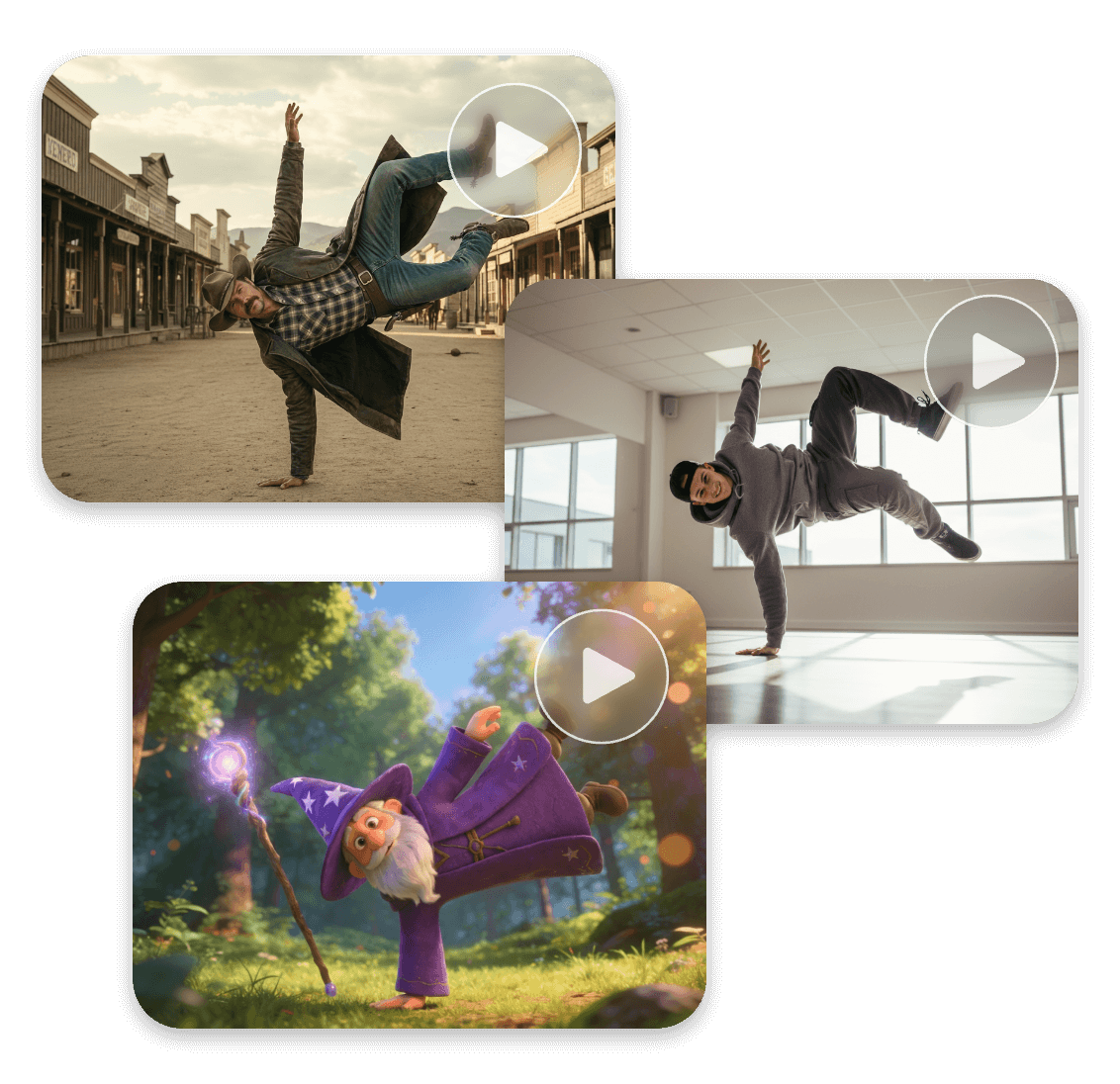

Kling AI Motion Control Online Free

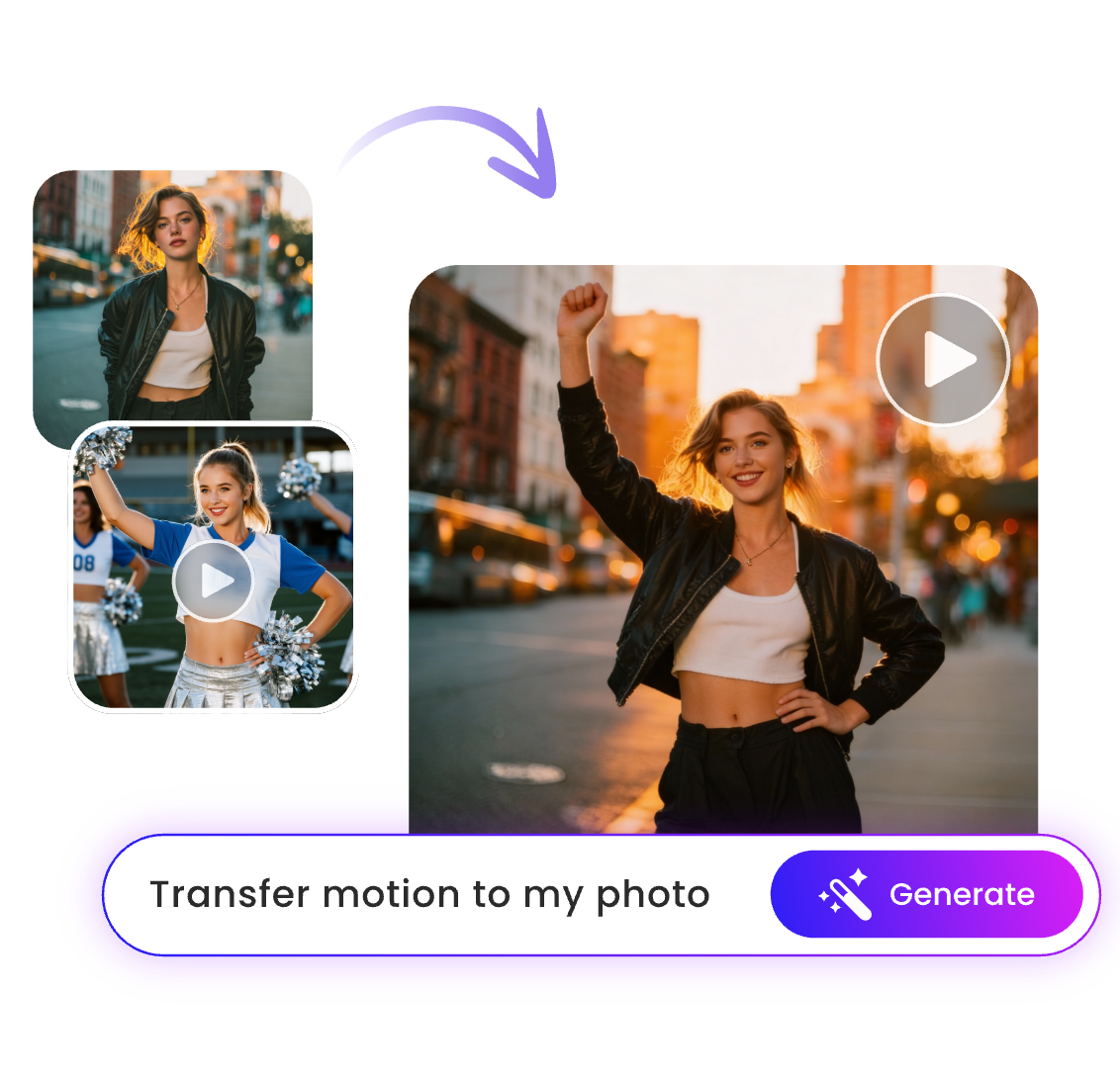
Kling Motion Control is an AI-powered technology that transfers motion from a reference video to any photo, instantly turning a static image into a dynamic video. It generates cinematic 24fps videos in under 5 seconds.

Unlike other motion control tools, Kling AI video generator delivers more accurate, natural, and consistent motion results without distorted limbs or glitchy body parts. Now you can use Kling motion control AI generator on Clipfly for free with no skills required.

Top Use Cases of AI Motion Control

Social MediaFilmmakingAnimationE-commerce

Social Media: Create Viral Dance Challenges

Use AI motion transfer to make your photos join the latest dance trends on TikTok and Instagram. Ideal for social media creators, this feature lets you apply viral dance moves to static images using just a short motion reference clip.

Filmmaking: Direct Your Own Movies

Control character acting and camera angles with Kling AI model on Clipfly. Motion transfer lets you precisely control how characters act in every scene. Create cinematic, commercial-ready shots for your trailers.

Animation: Skip Mo-Cap and 3D Modeling

Generate professional-quality character animations without complex 3D modeling or expensive motion capture. Simply upload a video of yourself acting, and our physics-aware AI will transfer that performance to your anime or cartoon character seamlessly. Ideal for creating animation or game actions.

E-commerce: Captivate Customers with Motion Posters

Turn static product photo into a dynamic motion poster that can grab customers' attention and better display your product. Use AI motion control to add product rotation or subtle movements and boost your click-through rates.

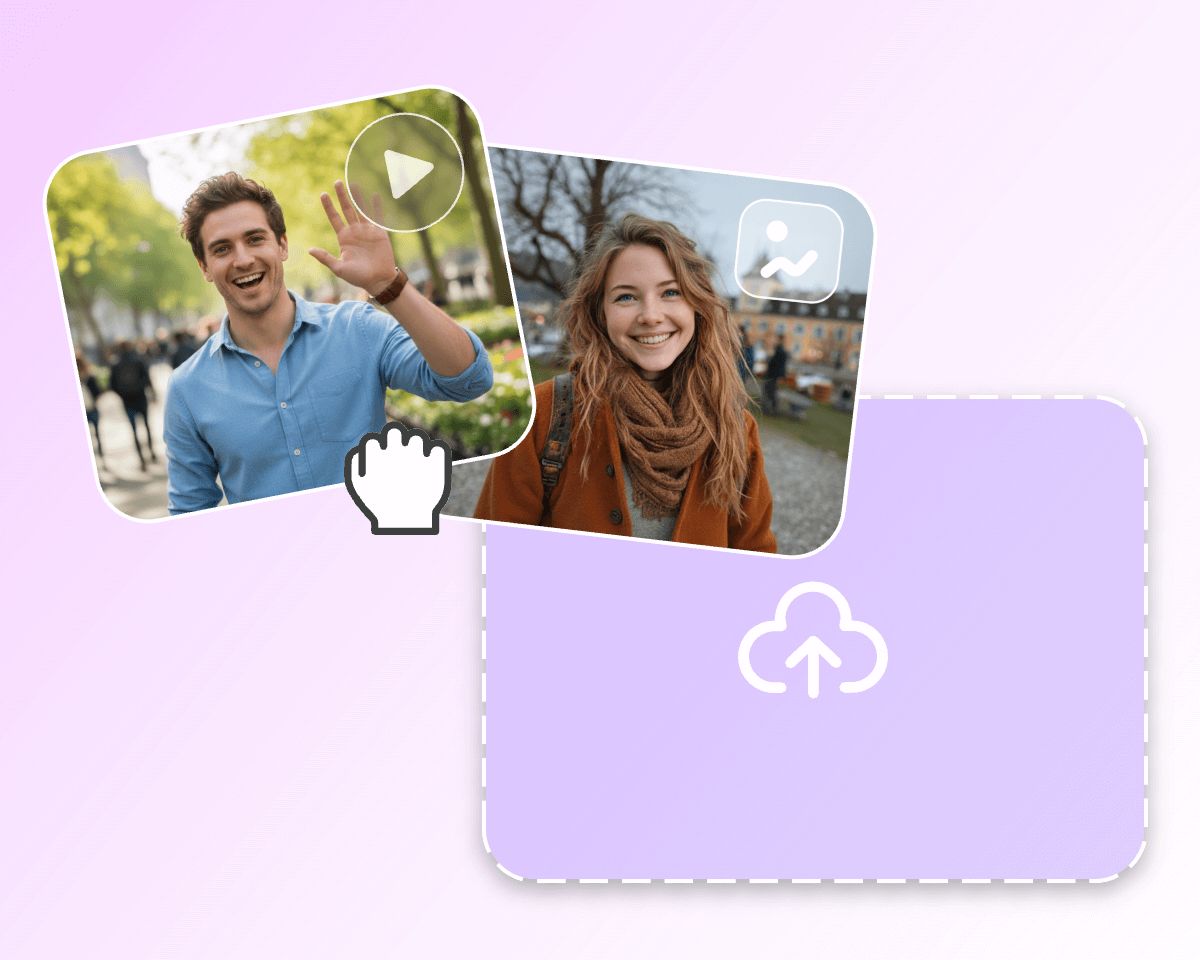
Upload an image and a motion reference video on clipfly ai motion control tool

How to Use AI Video Motion Control on Clipfly?

  • Upload a photo and a reference video

    Access the Kling motion control model on Clipfly. Upload a photo and a reference video that you want to transfer motion from. Kling AI can detect and analyze any photo from a person to a cartoon character. It can also accurately capture motion from videos, whether it’s a dance clip or a talking video.

  • Generate and download the video

Try AI Motion Control
An image that displays the kling motion control tool

What is Kling Motion Control & How Does It Work

Kling motion control is the AI-powered technology that transfers motion from a reference video to any character image, transforming static photos into animated video clips. Using advanced deep learning models, it precisely analyzes body movement, posture, and facial expressions, like walking, gesturing, and dancing.

Unlike traditional tools, Kling AI motion control preserves subtle movements, so the AI-generated content is much more realistic, smooth, and physically realistic. With Clipfly, you can access this technology instantly and stand out from other creators today.

Try AI Motion Control
Upload an image and a reference video and apply the motion to the image

Create Precise Motion Transfer Videos with Zero Skills Required

AI motion control video generator is designed for beginners. Anyone can create professional-quality videos without experience in 3D modeling, animation, or motion design. There’s no need to deal with manual keyframes or expensive motion capture setups.

Also, the generated motion video is professional-level, delivering accurate movement, natural facial expressions, precise timing, and realistic physics. The result is clean, detailed, and stable, with no blurry edges or body distortion.

Try AI Motion Control
Use ai motion control to apply one motion pattern into multiple styles or images

One Motion Reference, Infinite Possibilities

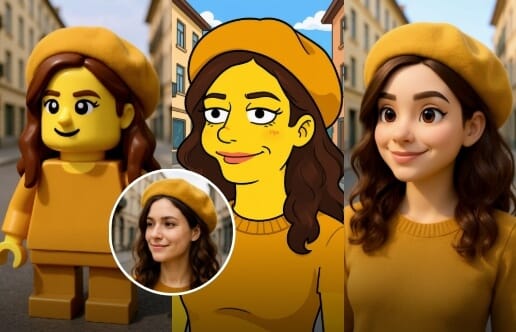
Record only one motion reference video and you can generate a wide range of variations with different characters, styles, and environments. No reshooting or regeneration.

Simply pair the same motion reference with different images, and the AI will swap characters while maintaining consistent movement. This makes content creation faster, more scalable, and highly cost-effective. Whether you're content creators, animators, or e-commerce managers, try this tool to turn image to video on Clipfly now.

Try AI Motion Control
The ai motion control tool on clipfly is private and ethics first

Ethical AI & Data Privacy for You to Create with Peace of Mind

Clipfly is committed to data privacy and ethical AI practices. We never share your personal information, and your uploaded images and videos are not used for model training.

At the same time, we encourage positive and responsible use cases such as social media content, filmmaking, marketing, and digital art. You can experiment with AI motion transfer on Clipfly confidently, without concerns about privacy, ethics, or content ownership.

Try AI Motion Control

What Makes Kling AI Motion Control Video Generator Stand Out

Compare how Kling AI motion control outperforms traditional methods in speed, cost, and ease of use.

FeatureKling Motion Control on ClipflyTraditional Motion Tools
Skill LevelZero skills neededRequires 3D modeling & rigging skills
CostFree online access on ClipflyExpensive mo-cap suits & software
SpeedUnder 5 secondsHours or days of rendering
RealismPhysics-aware & LifelikeOften robotic or "glitchy"
ControlSimple motion transfer from videoComplex keyframe adjustments
UseageShare-ready & commercial-ready for everyoneMostly for Hollywood studios

Why Use Kling Motion Control AI Generator On Clipfly?

Easy to use icon

Beginner-Friendly

Use the Kling AI model on Clipfly with zero learning curve. Our intuitive interface makes it easy for anyone to get started and create motion videos right away.

Advanced AI text to image models

Fast Generation

Powered by the latest Kling 2.6 model, Clipfly generates AI motion control videos in under 5 seconds, so you can create your work almost instantly.

High quality icon

High-Quality Result

Clipfly lets you create cinematic-level video in up to 24fps and 1080 resolution. Every result is share-ready and commercial-ready, perfect for social media, marketing, and creative projects.

Secure private

Protected Privacy

We strictly protect your personal information and will not share your uploaded material and generated video with any third parties.

All in one icon

Multiple AI Models in One Place

Clipfly gives you access to multiple advanced AI models, including Kling and Veo3, all in one platform. You don't need to subscribe to different plans on various platforms. Create in Clipfly effortlessly with any AI models you like.

Free to use icon

Free Credits

Clipfly offers newcomers free credits so you can use them to generate AI video motion control for free.

AI Motion Control Video Generator FAQs

What is AI motion control?

How to use Kling motion control for free?

Does Klong AI motion control require skills?

What are the main features of Kling motion control systems?