







Met Gala AI Image Generator: Join the Met Gala Trend
Describe a look, or upload a photo — Clipfly's Met Gala AI image generator turns your idea into a high-fashion red carpet portrait in seconds. From dreamy couture to bold makeup, explore endless styles and join the viral Met Gala AI trend.
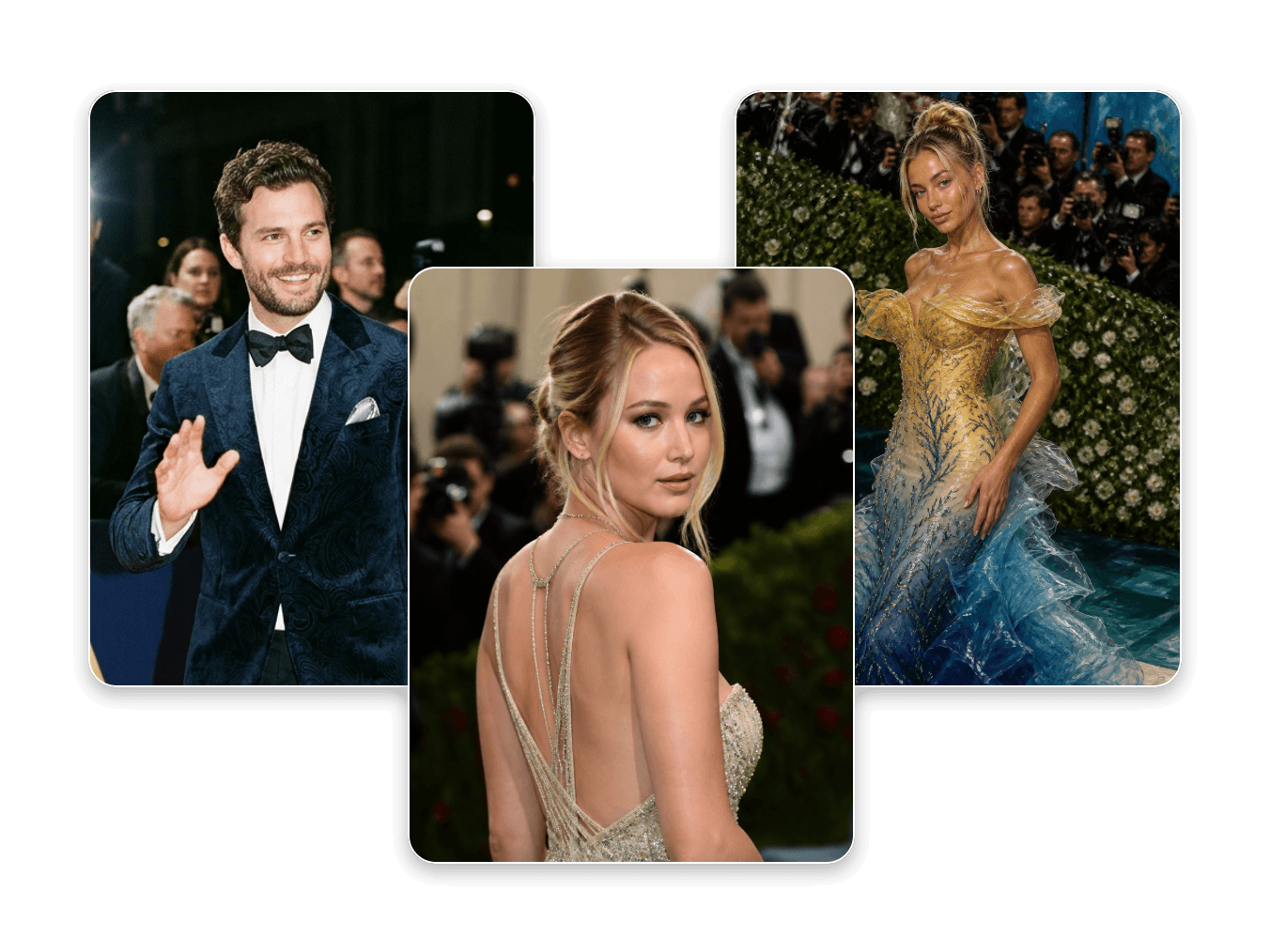
Explore Image Examples with Met Gala AI Prompts
Not sure where to start? Browse these AI-generated Met Gala looks — each one comes with its prompt, ready to spark your own idea.
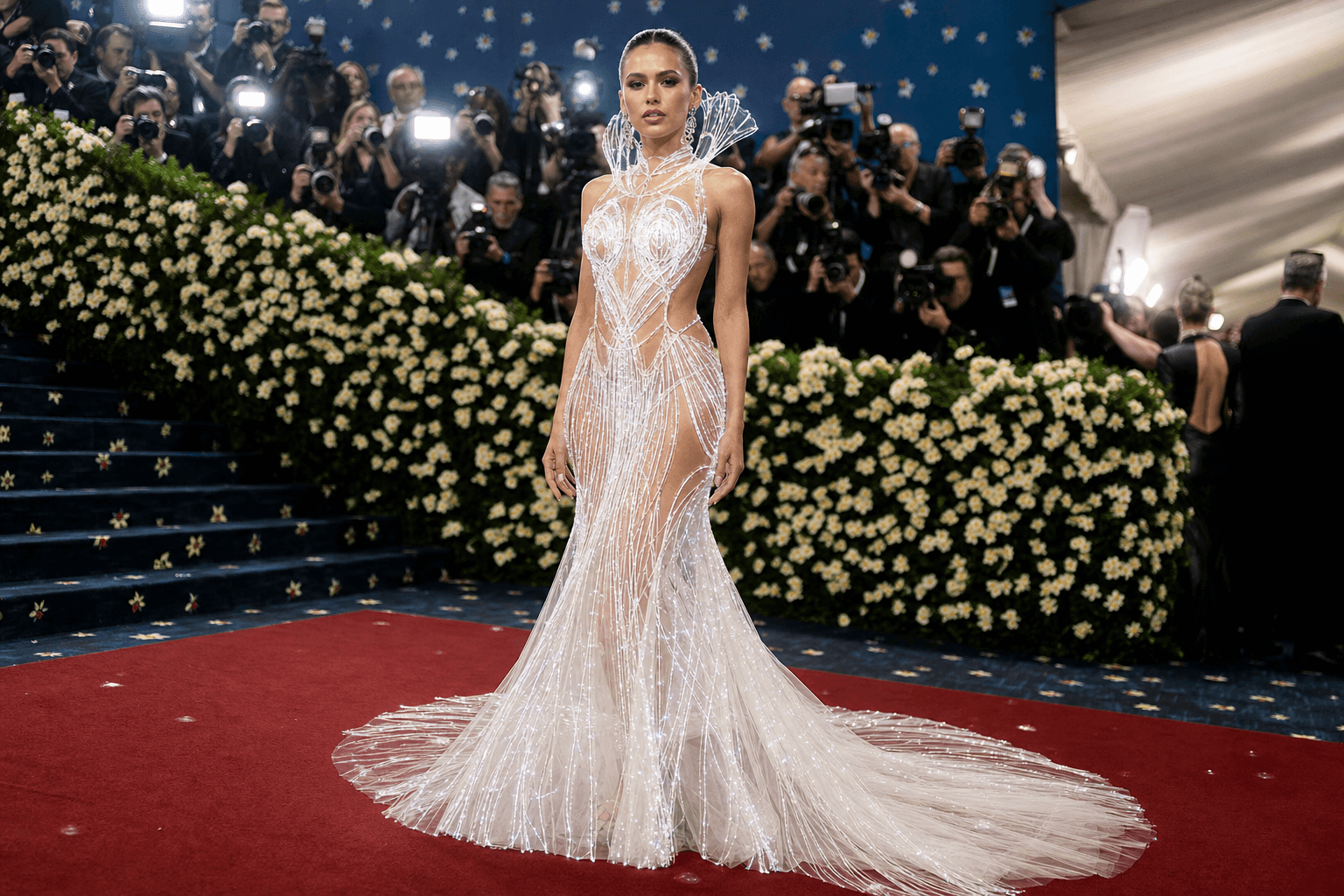
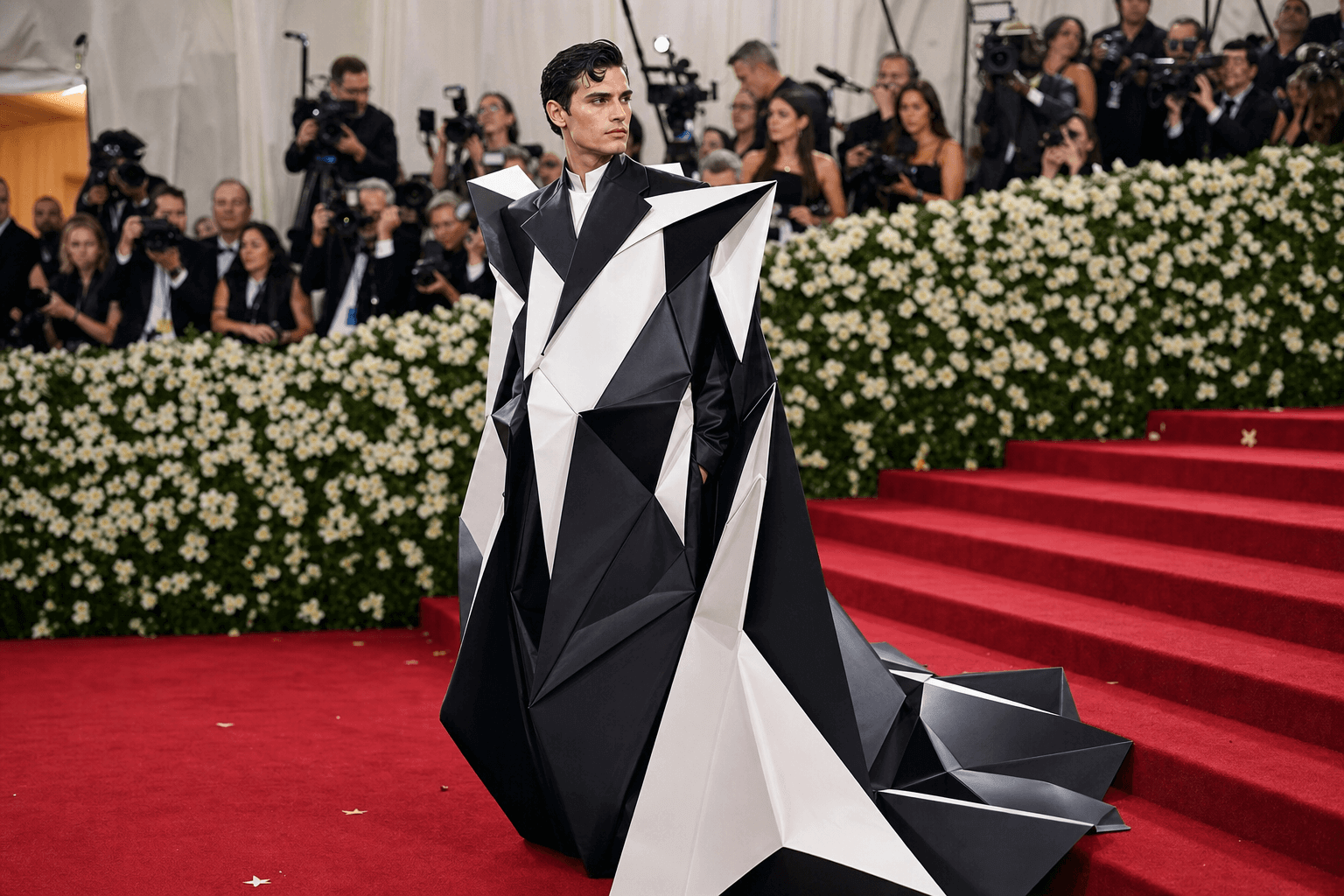
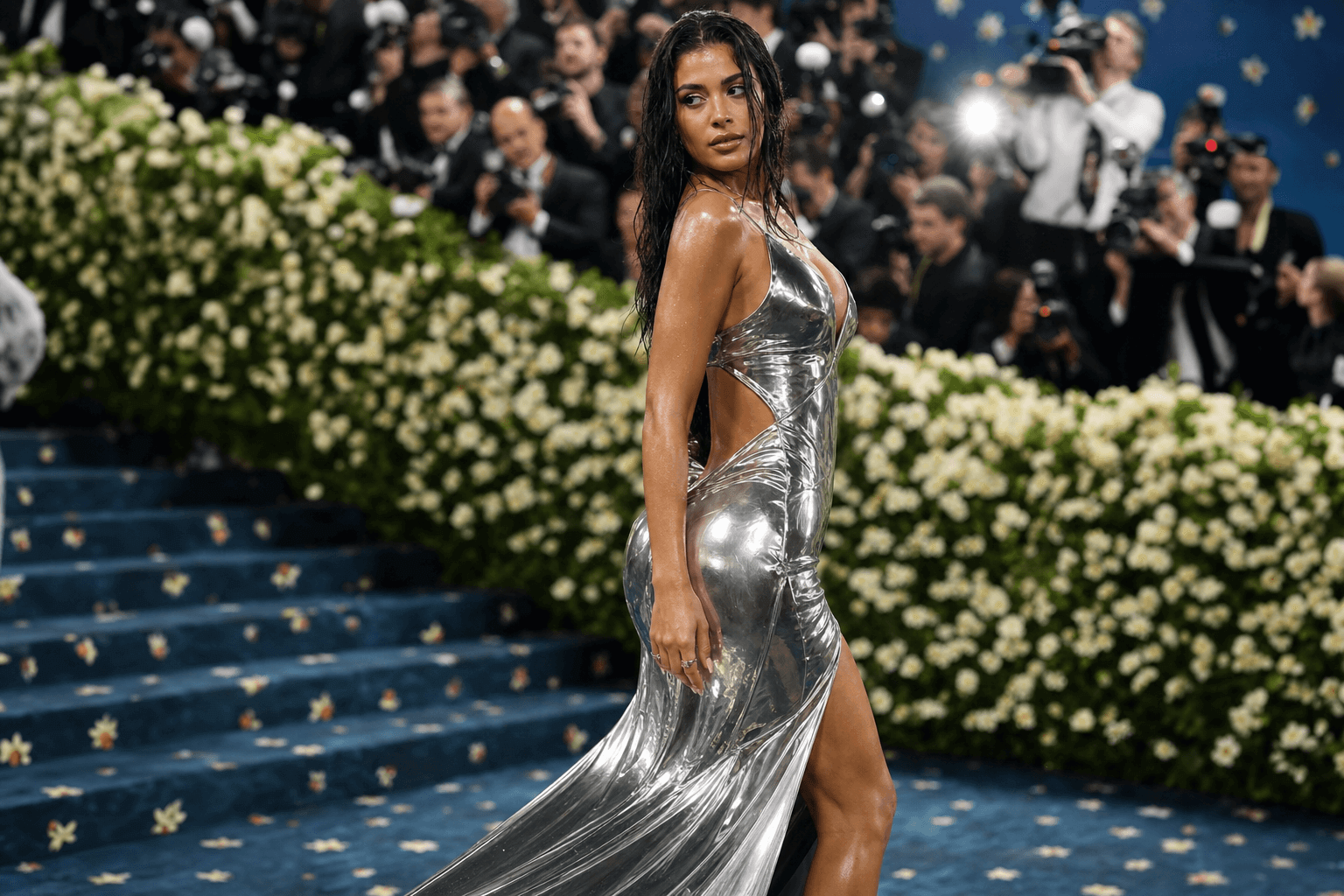
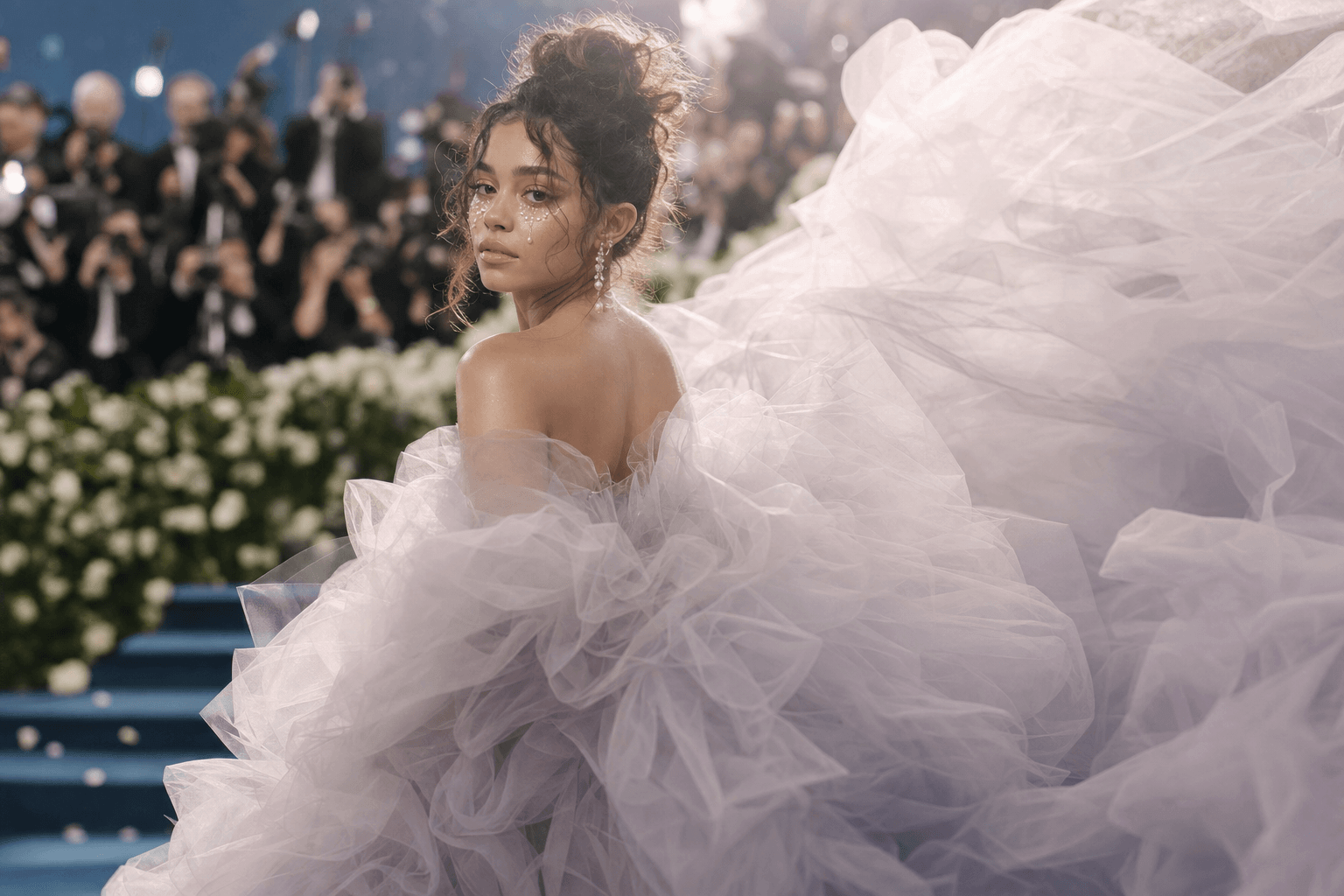
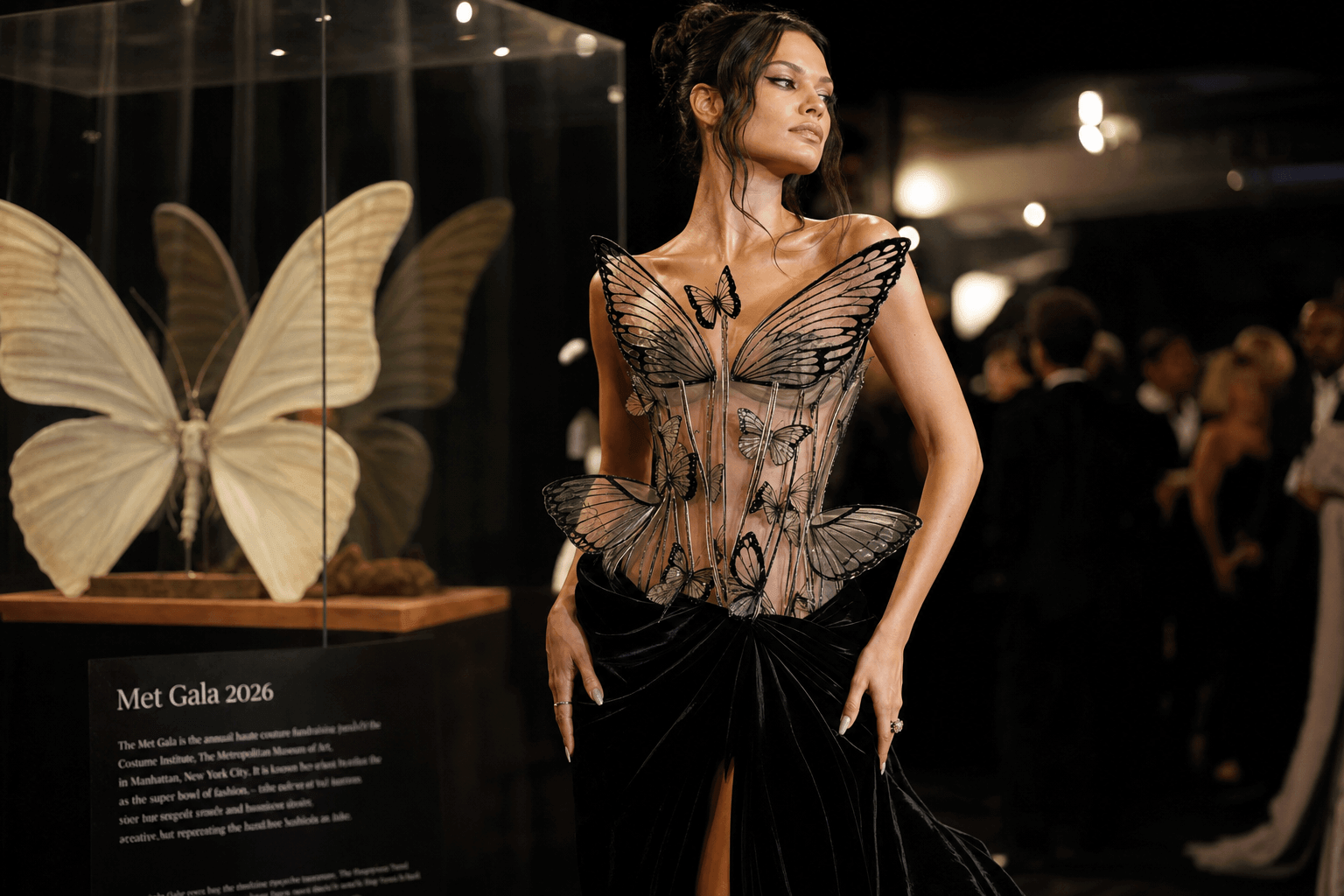
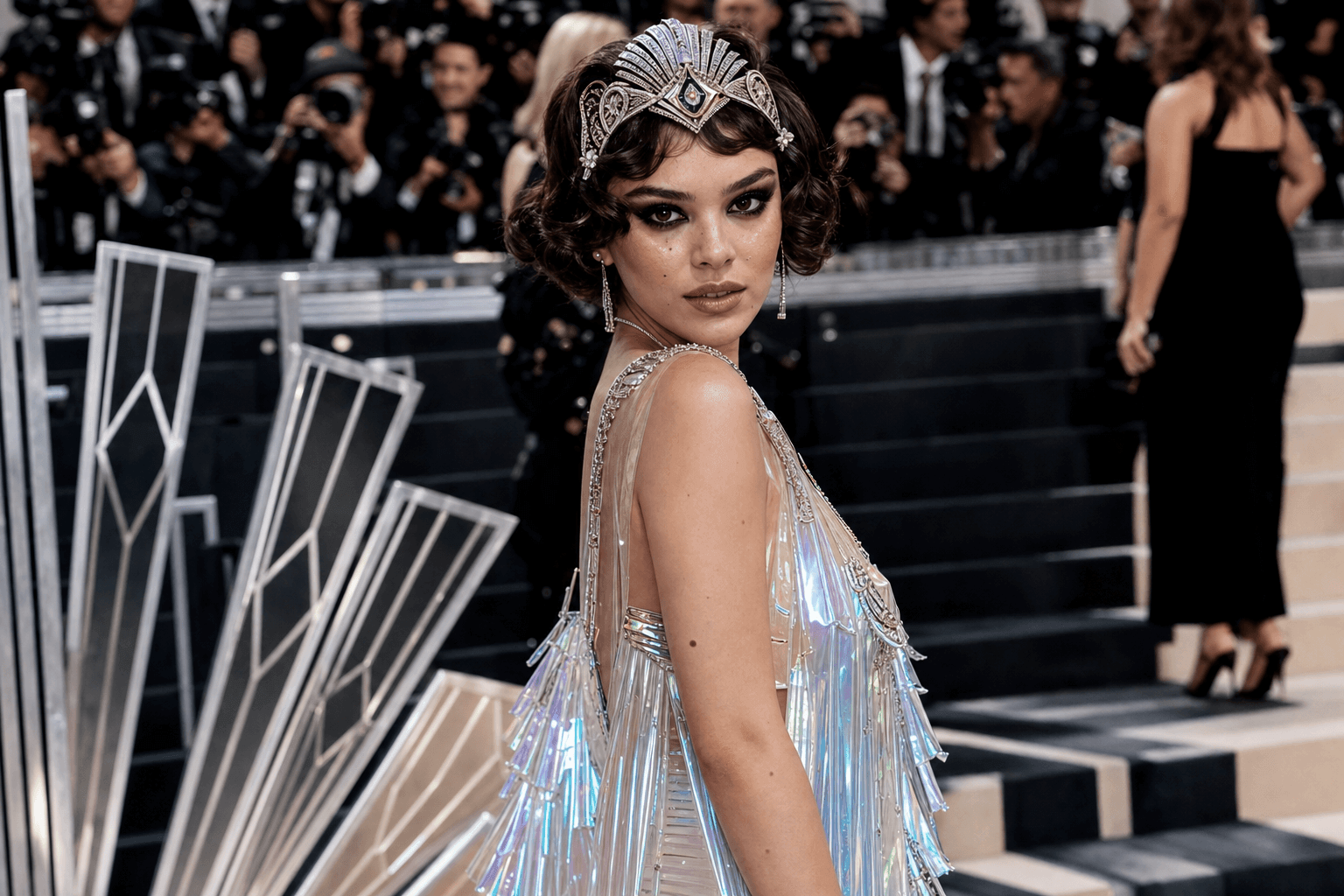
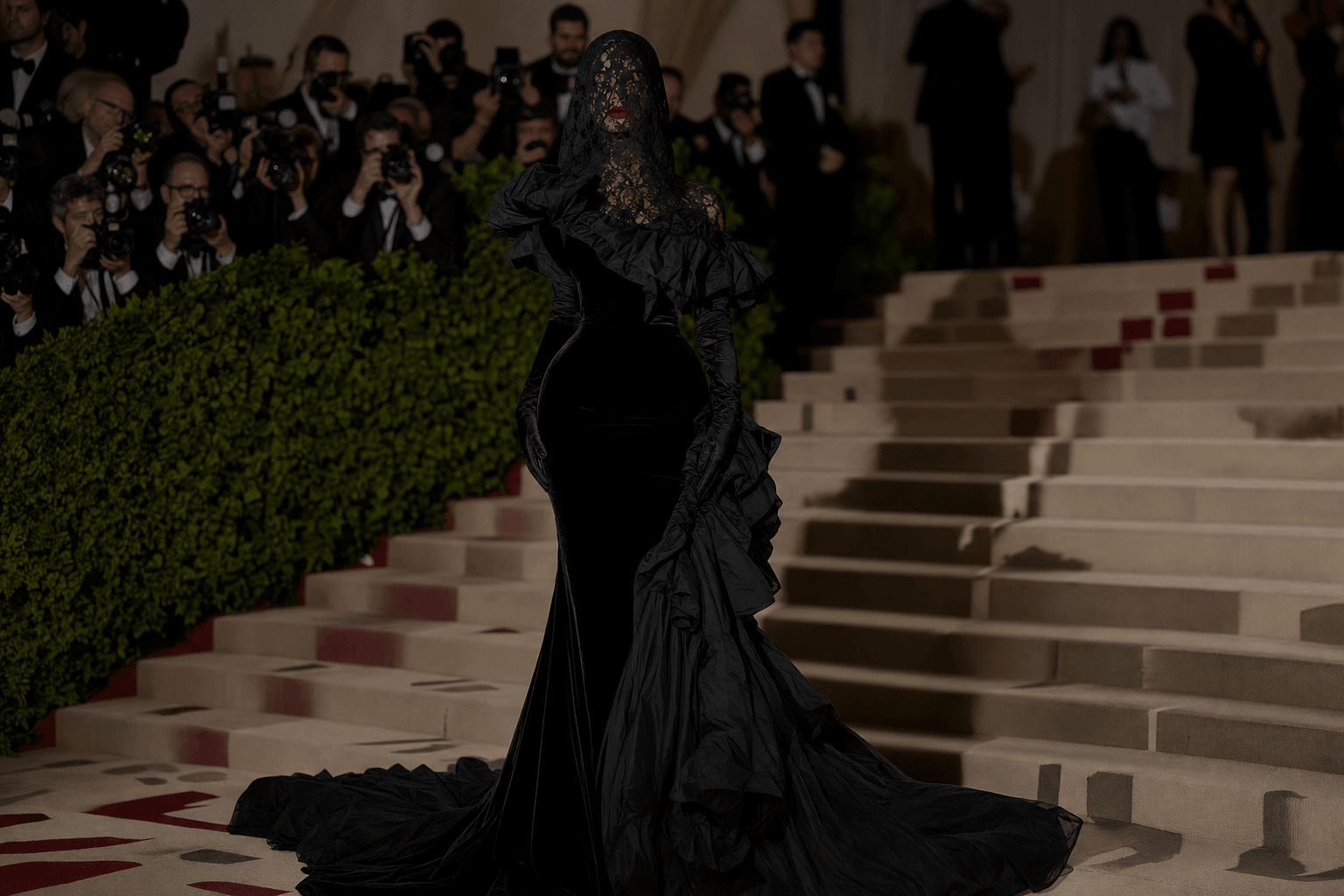
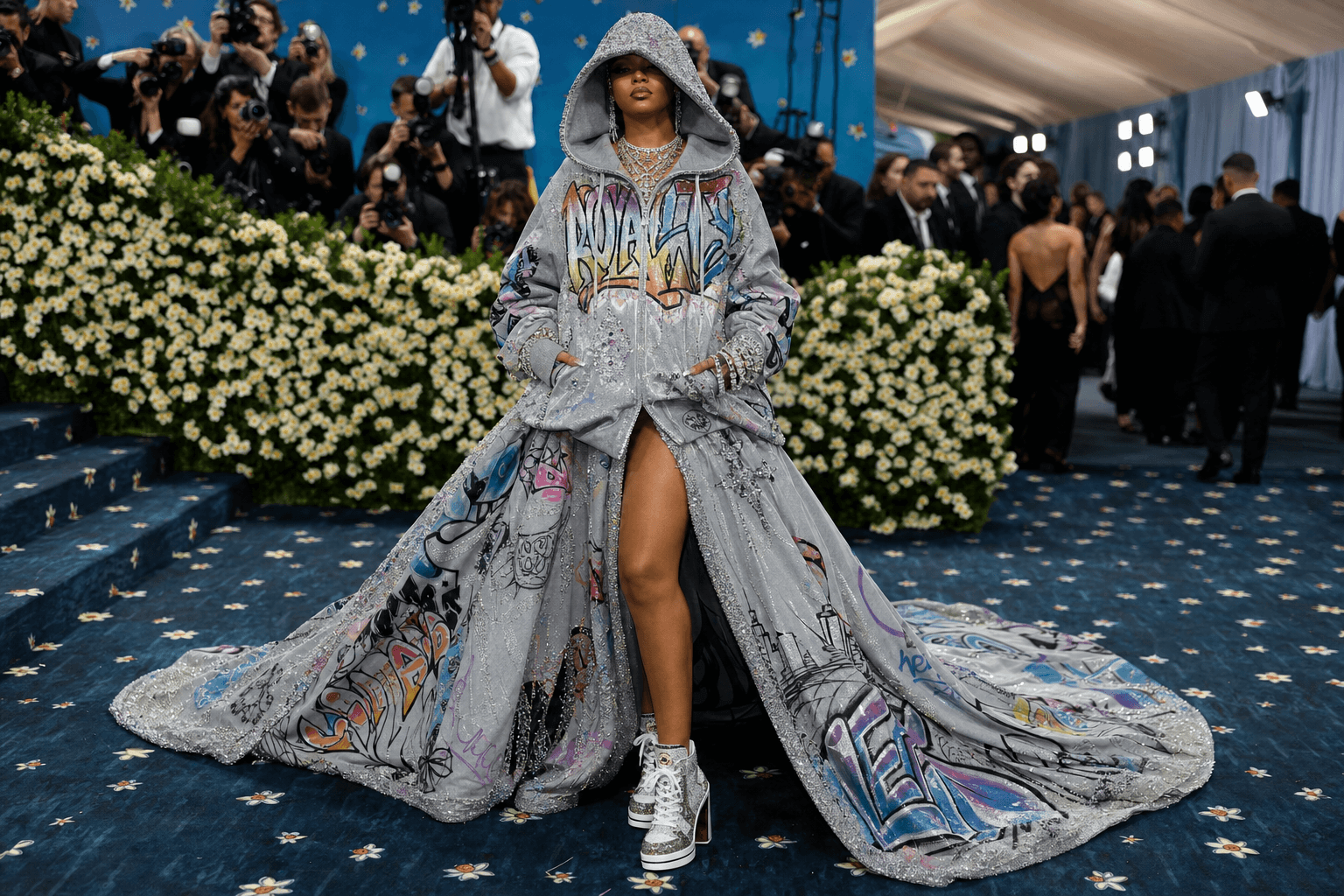
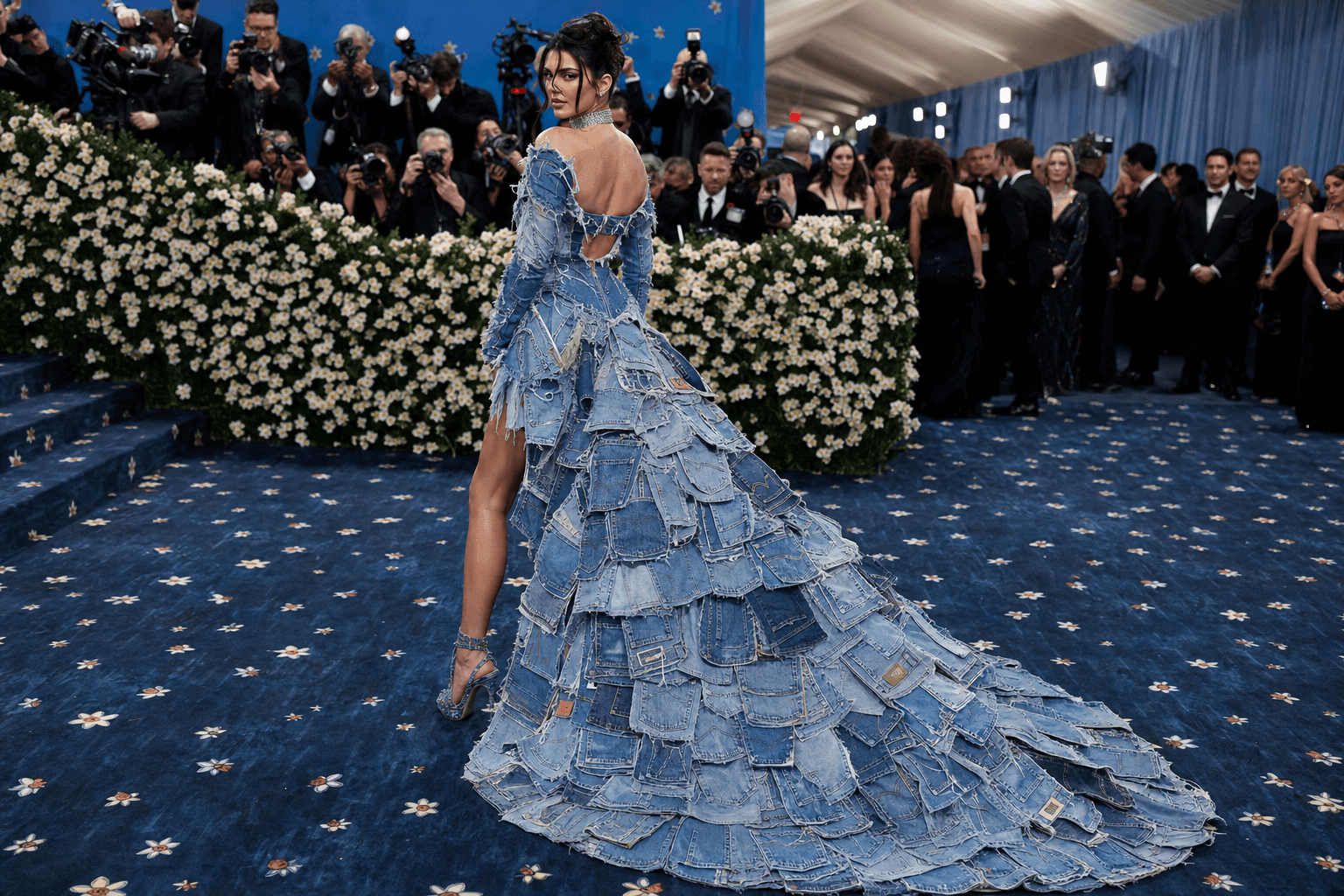
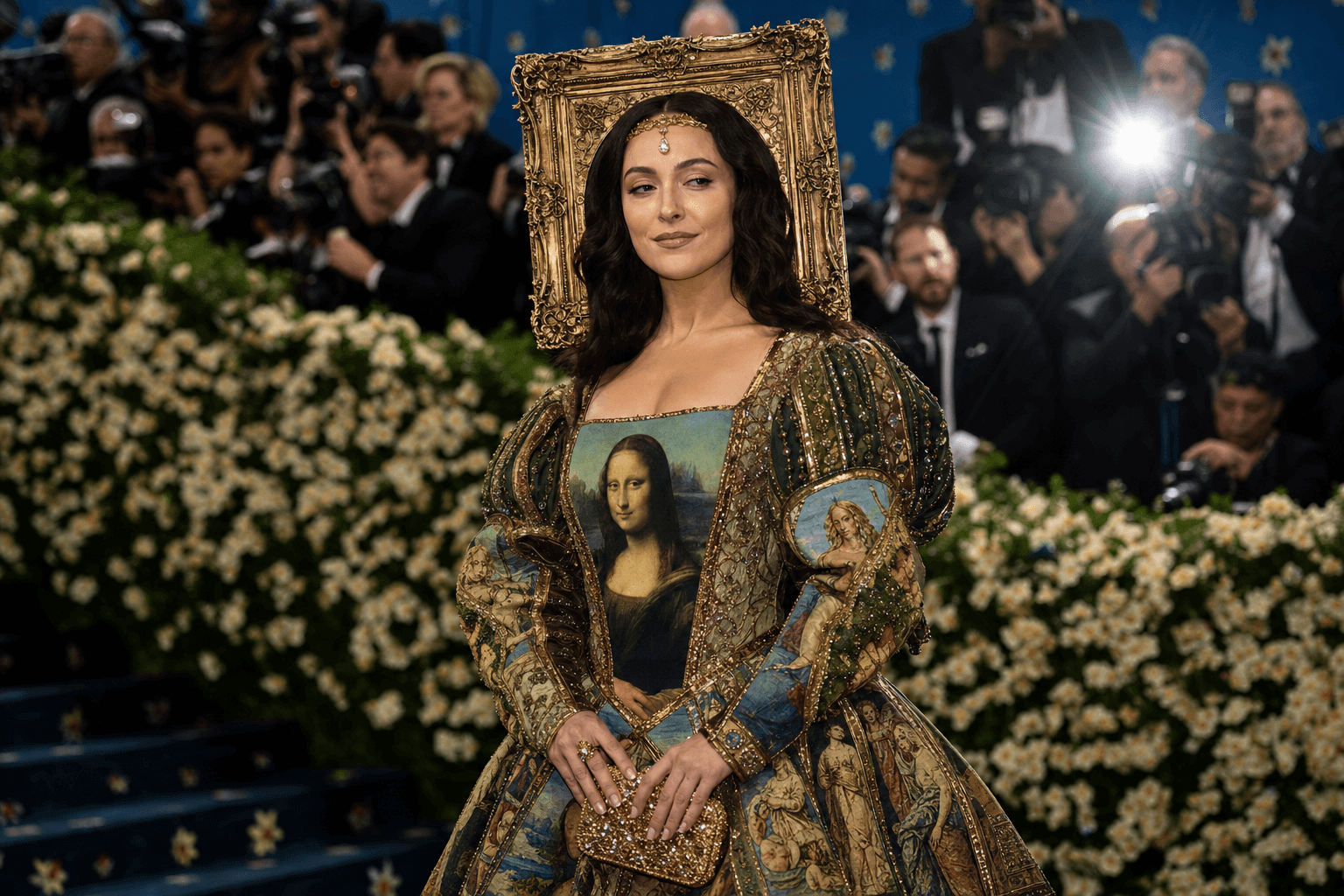
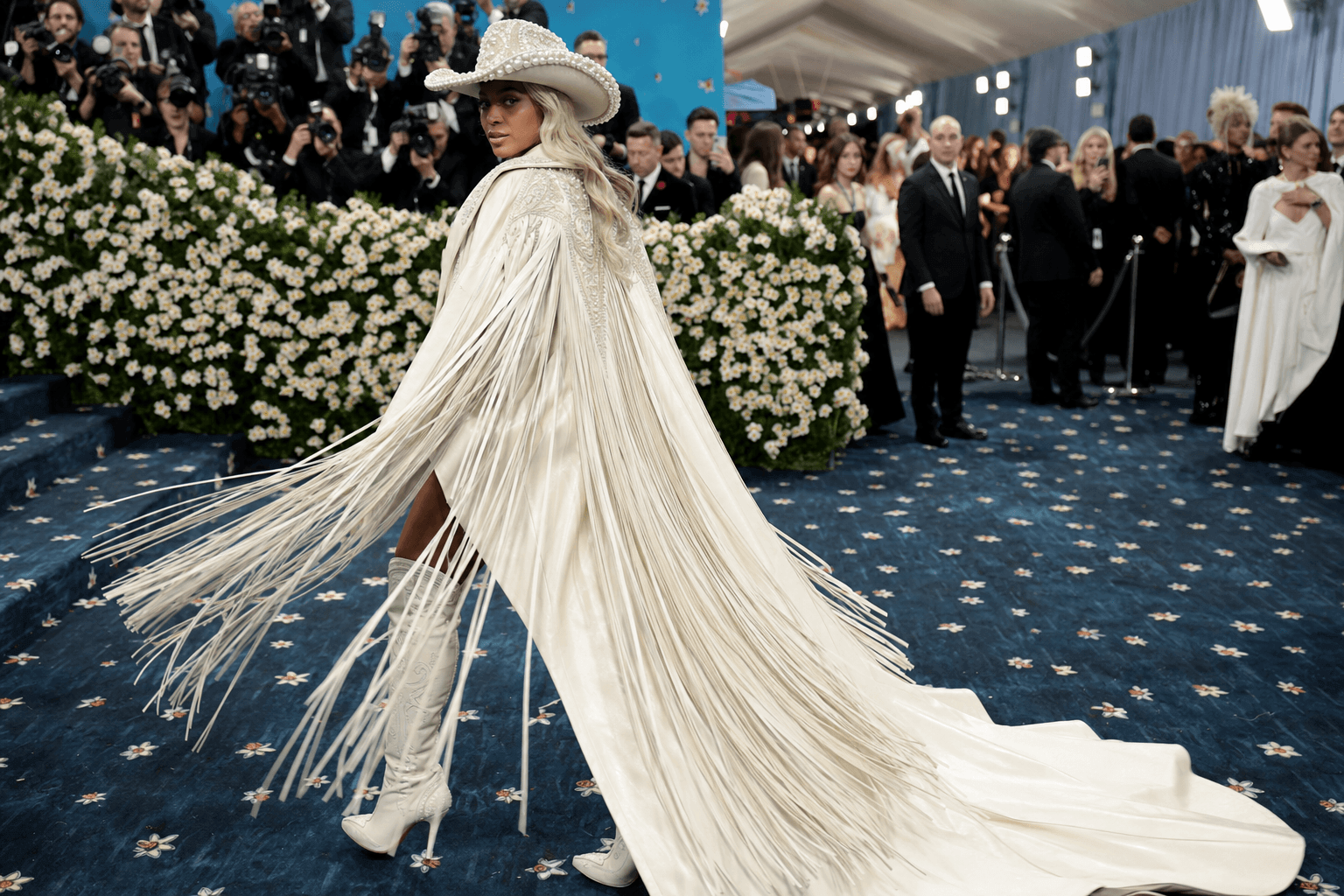
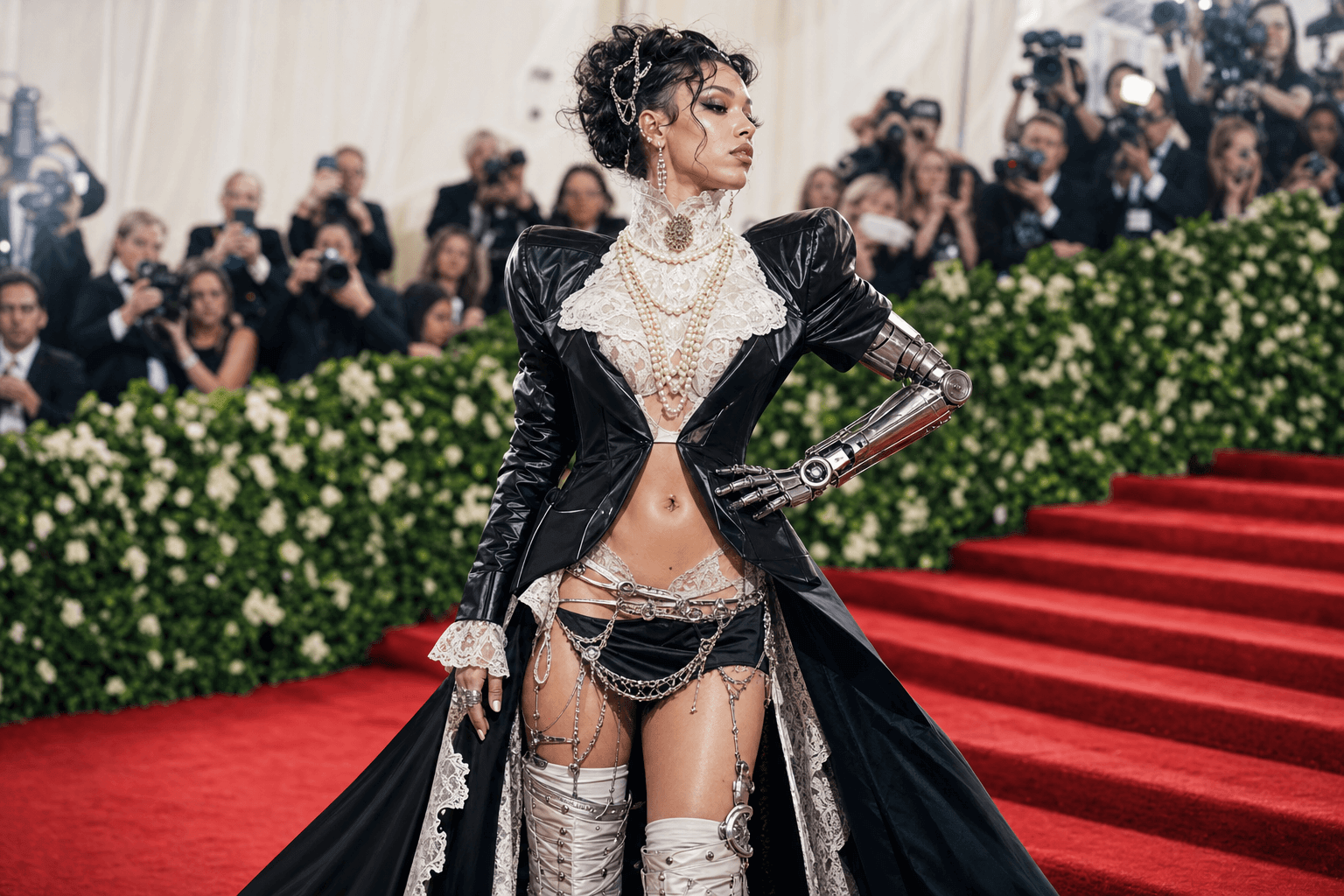
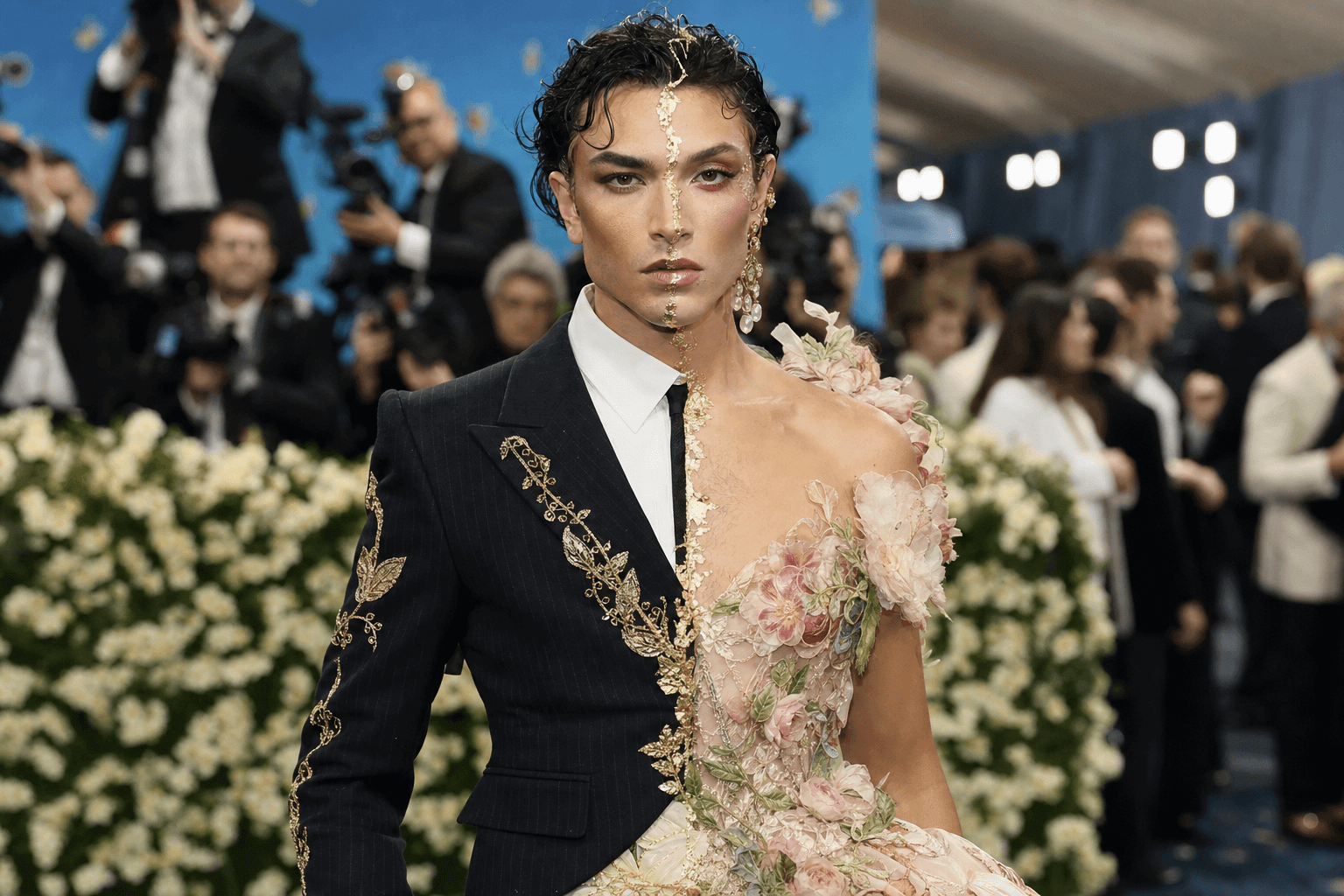
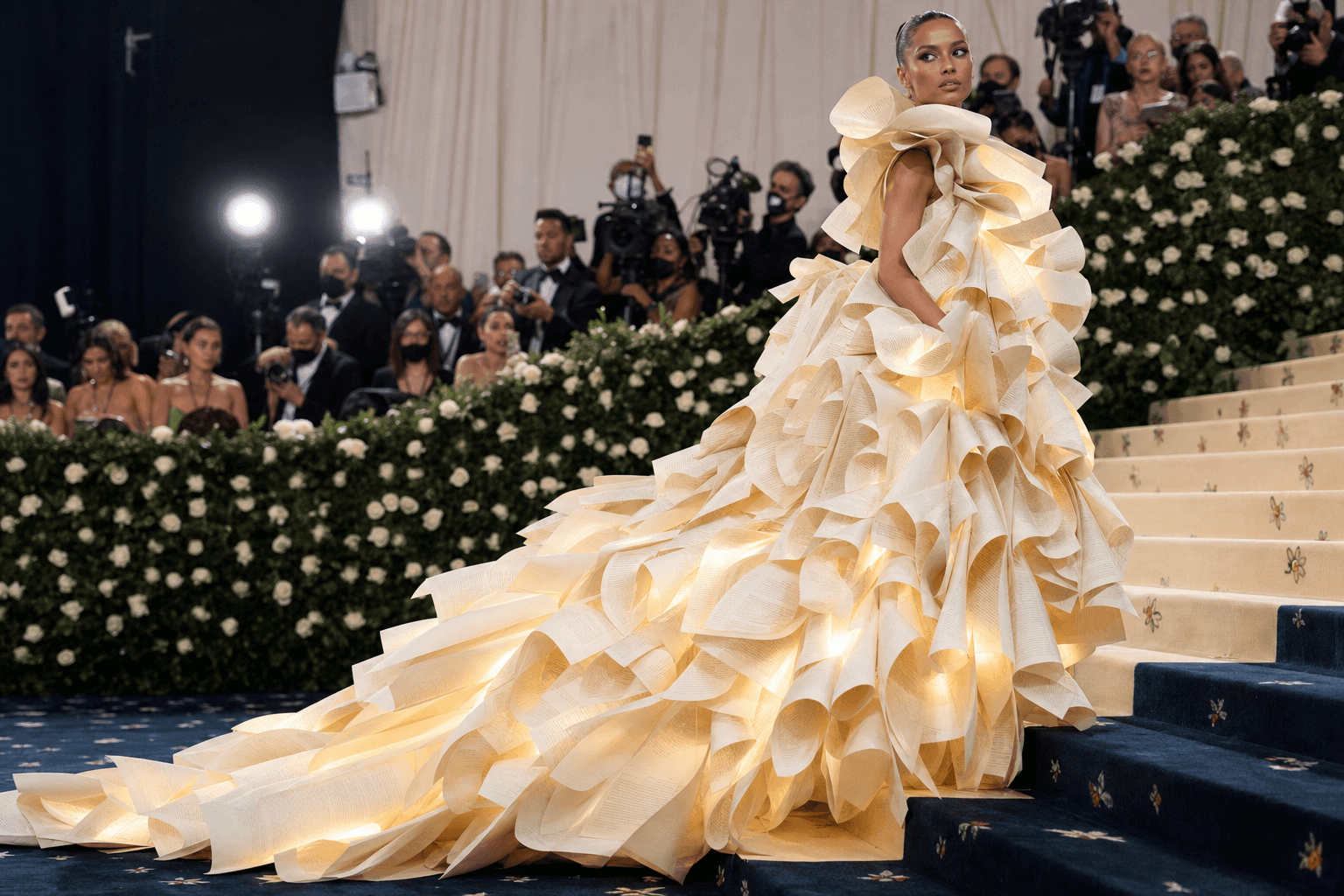
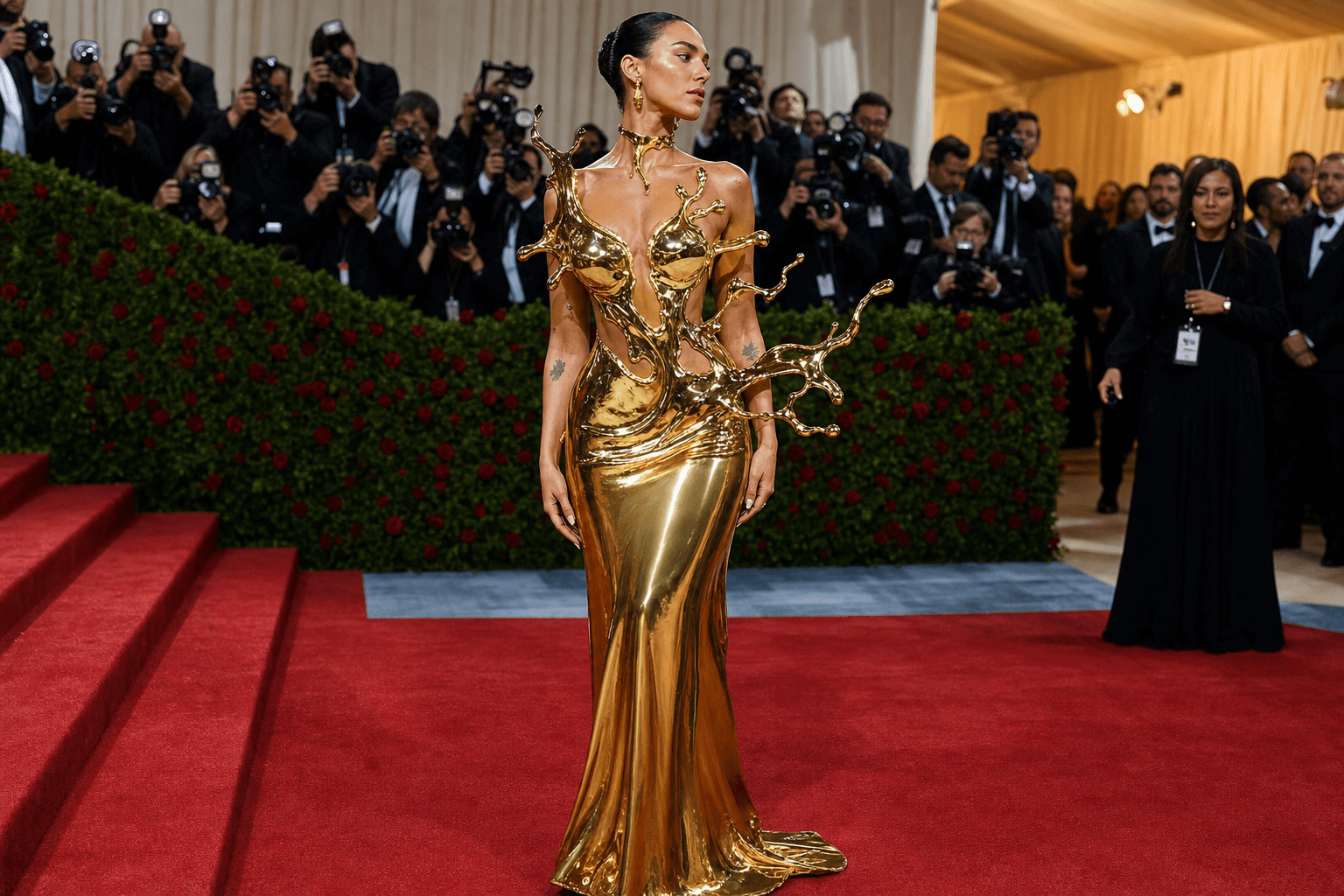
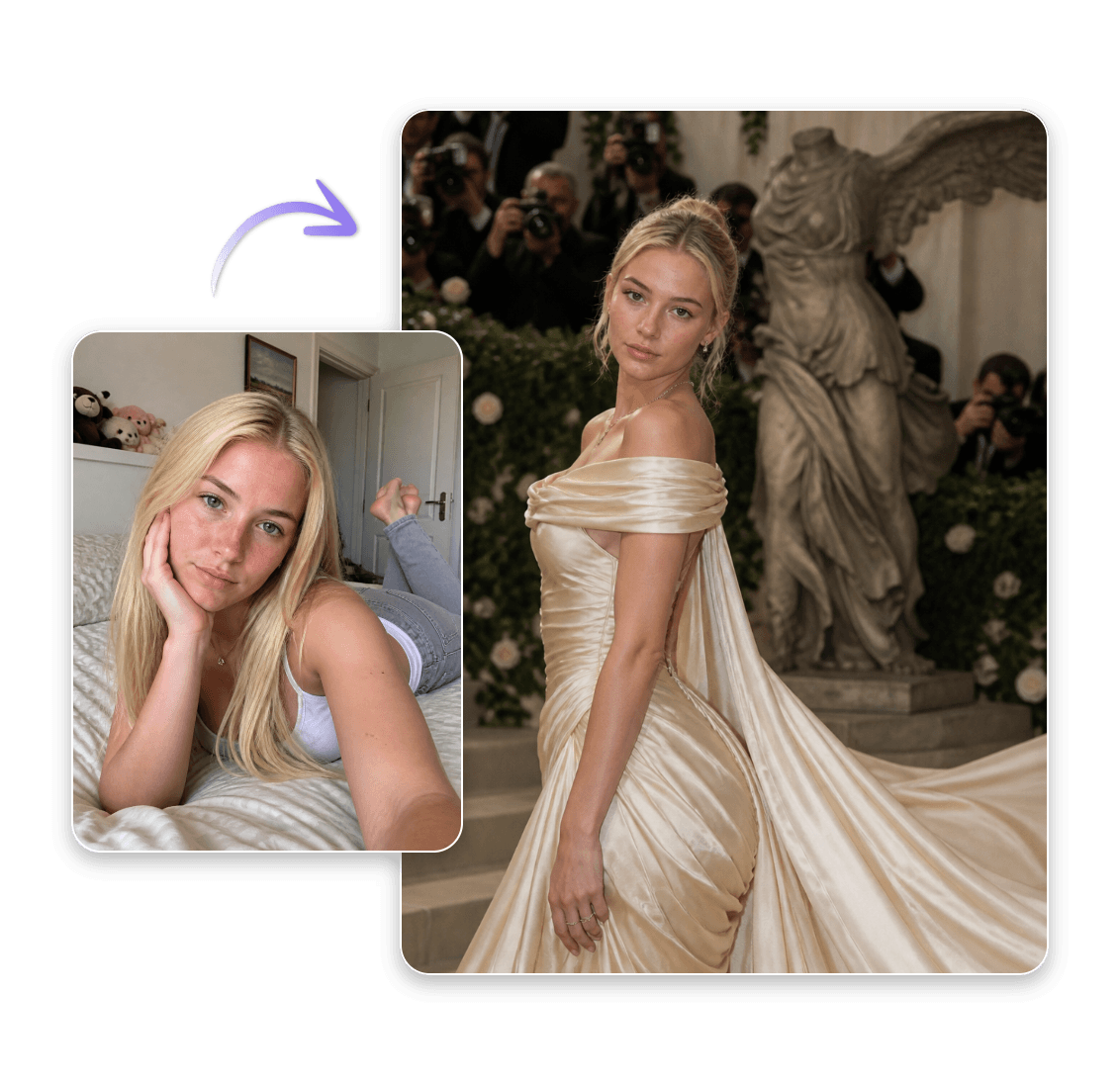
Turn Any Photo Into a Met Gala Moment
Want to see yourself or anyone on the Met Gala red carpet? Our Met Gala AI generator can transform any photo into a high-fashion Met Gala look. Here's how easy it is:
1. Go to Clipfly’s AI image generator and select the image-to-image mode, upload your photo, and describe the final look you want.
2. Choose your model — GTP Image 2.0 may give the better, most polished results.
3. Pick how many images you want — up to 4 in one go — and set your quality & aspect ratio.
4. Hit Generate and watch your photo transform into a high-fashion Met Gala portrait.
5. Download your new red carpet look and share it instantly.
Generate Met Gala Red Runway Videos with AI
A look is great. A look in motion is unforgettable. With Clipfly's AI video generator, you can bring your Met Gala vision to life in two ways: generate a virtual model strutting the red carpet from text alone, or use a preset video template to turn any static photo into a flowing runway moment because some entrances deserve to move.
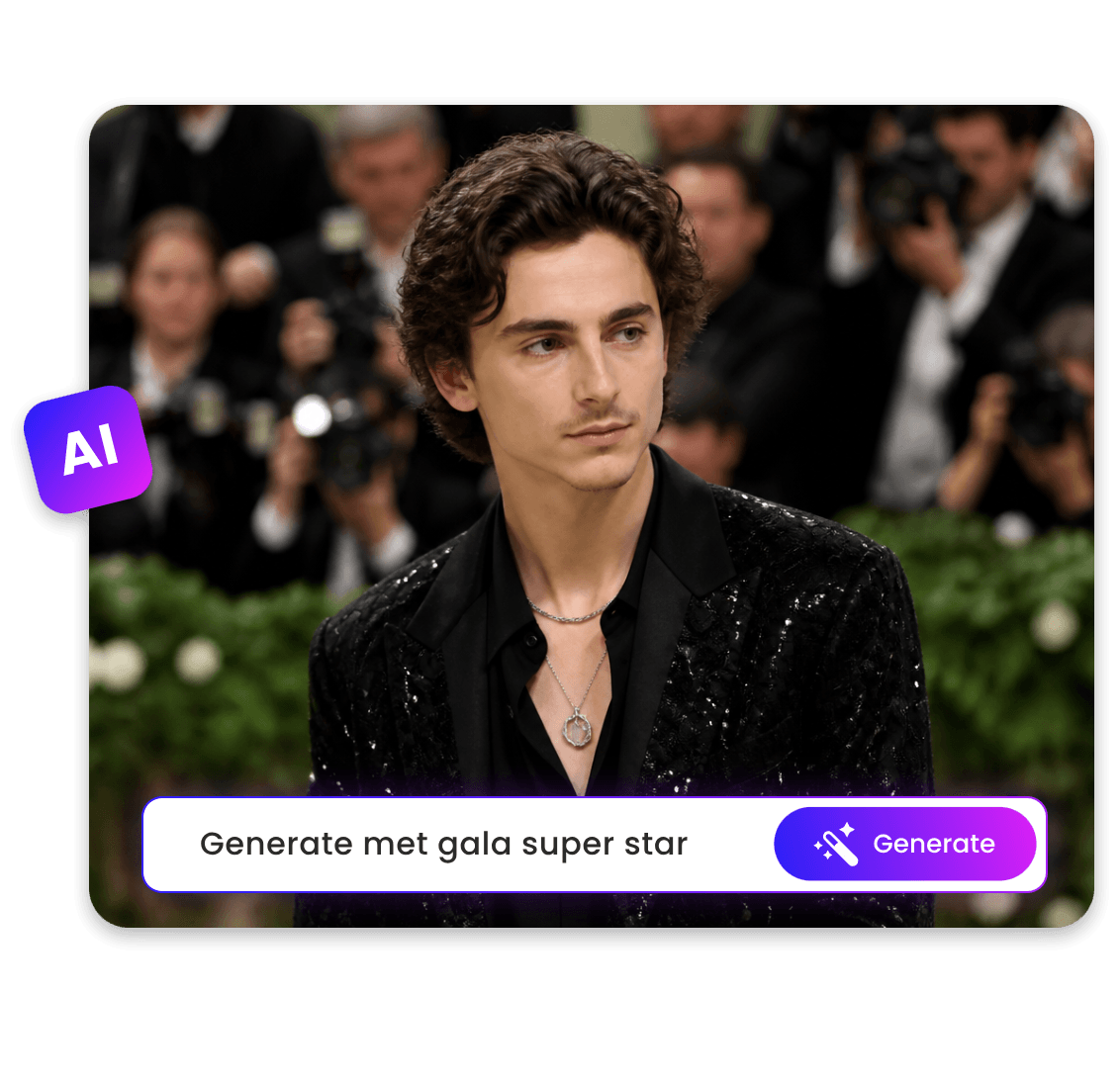
Create Met Gala Red Carpet Looks from Text
Are you also obsessed with the dazzling looks on the Met Gala red carpet? With Clipfly's AI Met Gala image generator, just describe the look in your head and get a high-fashion Met Gala portrait in seconds. Want to know how? See the steps below:
1. Select the text-to-image mode and type in exactly what you want your Met Gala photo to look like.
2. Pick your model and adjust the settings to your liking.
3. Hit Generate, and your high‑fashion AI portrait is ready to download and share.
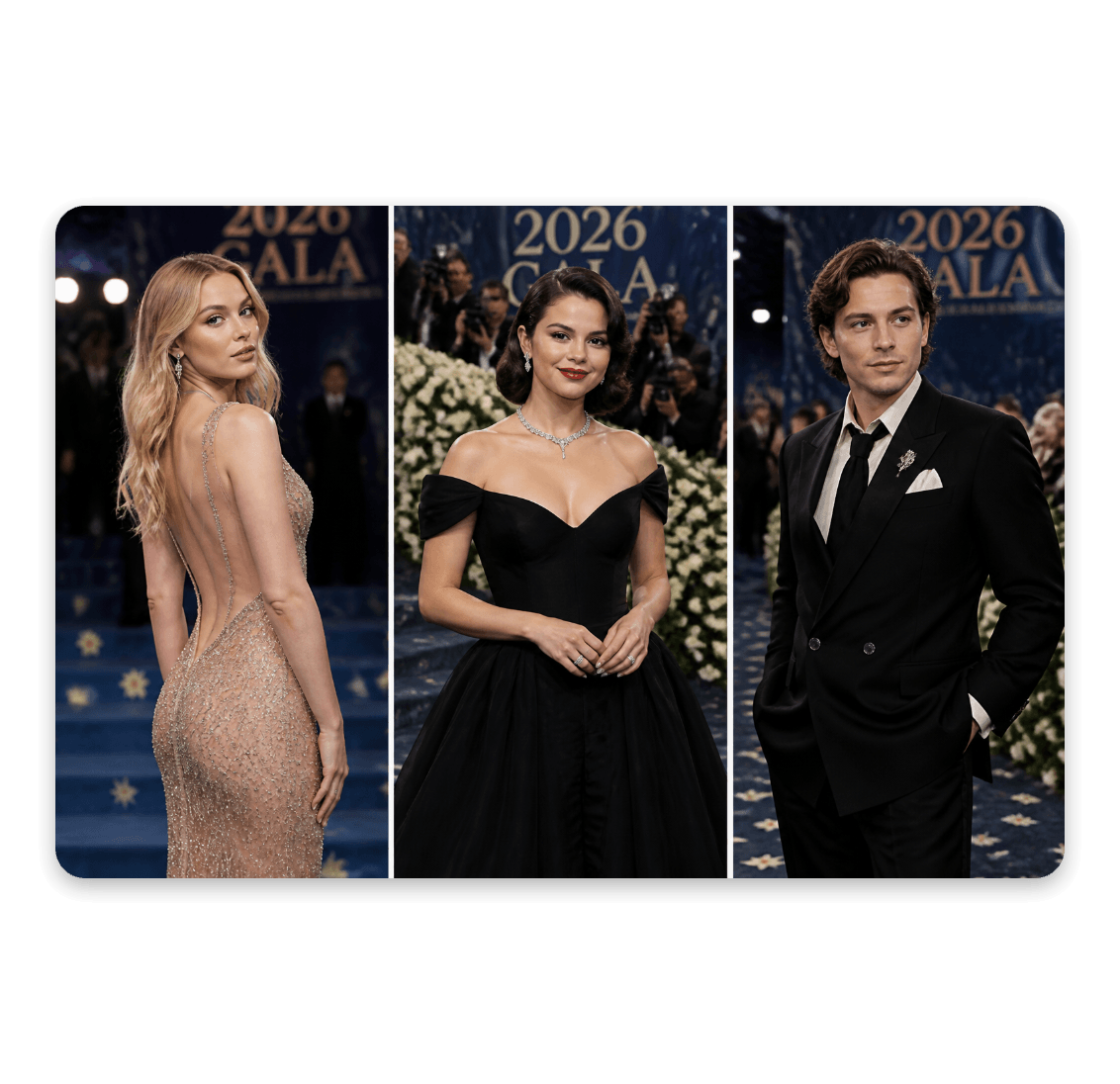
How to Craft Prompts for Better Met Gala AI Images
If you've ever stared at the text box thinking, "I don't know what to write," you're not alone. A great Met Gala AI image starts with a well-crafted prompt — and it's easier than you think.
Be specific about the look.
Instead of "a dress," try "a sculptural gold gown with a three-meter train and dramatic shoulder spikes." The more detail, the better the result.
Describe the vibe, not just the clothes.
Words like "moody lighting," "paparazzi flash," or "museum spotlight" shape the entire atmosphere of your portrait.
Mention fabric and texture.
Silk, liquid metal, crushed velvet, transparent tulle — textures give the AI something to work with beyond the silhouette.
For image-to-image: describe the transformation, but keep the essence.
Uploading a photo? Focus on what you want to add or change — a pearl-encrusted blazer, smoky eye makeup, a couture twist — while letting the AI preserve the subject, pose, and overall composition that make the photo yours. That way, the result feels like a true red carpet version of you.