








Remove Filter from Photo Online
Remove filter from photo online with Clipfly's filter remover. Upload your image to remove unwanted photo filters, restore natural colors and details, and get a clean result in just a few clicks.
Remove Filters from Photos Instantly
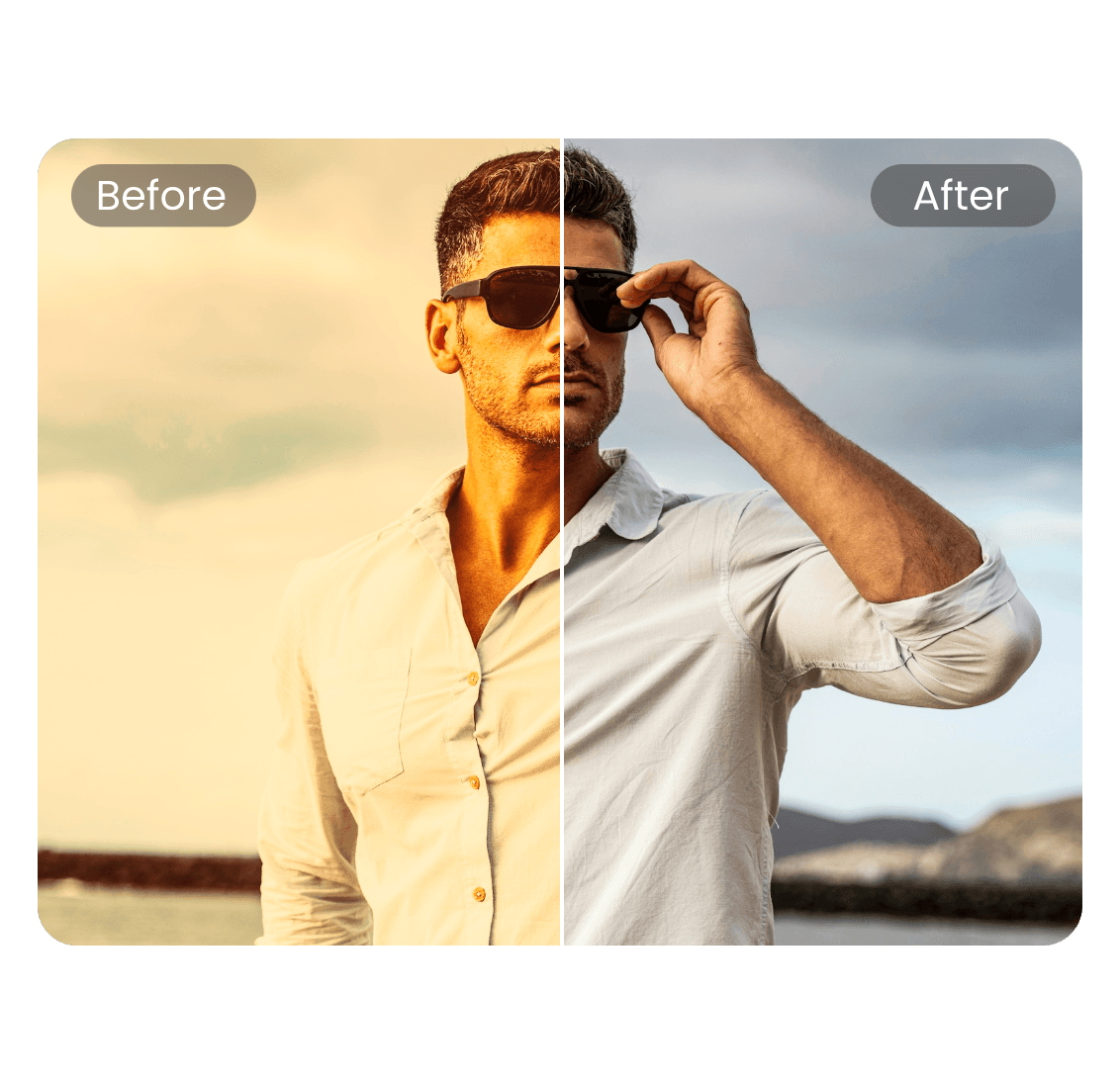
Remove filter from photo in just a few clicks with Clipfly's online filter remover. Upload your image and let the tool remove unwanted filters, color effects, and overlays without complicated editing. Whether you want to remove photo filter from a portrait or clean up a picture for further editing, Clipfly makes filter removal simple.
Restore Natural Colors with a Photo Filter Remover
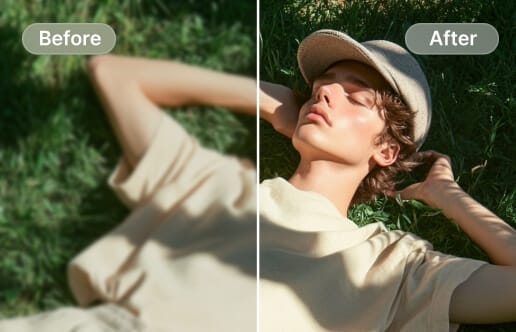
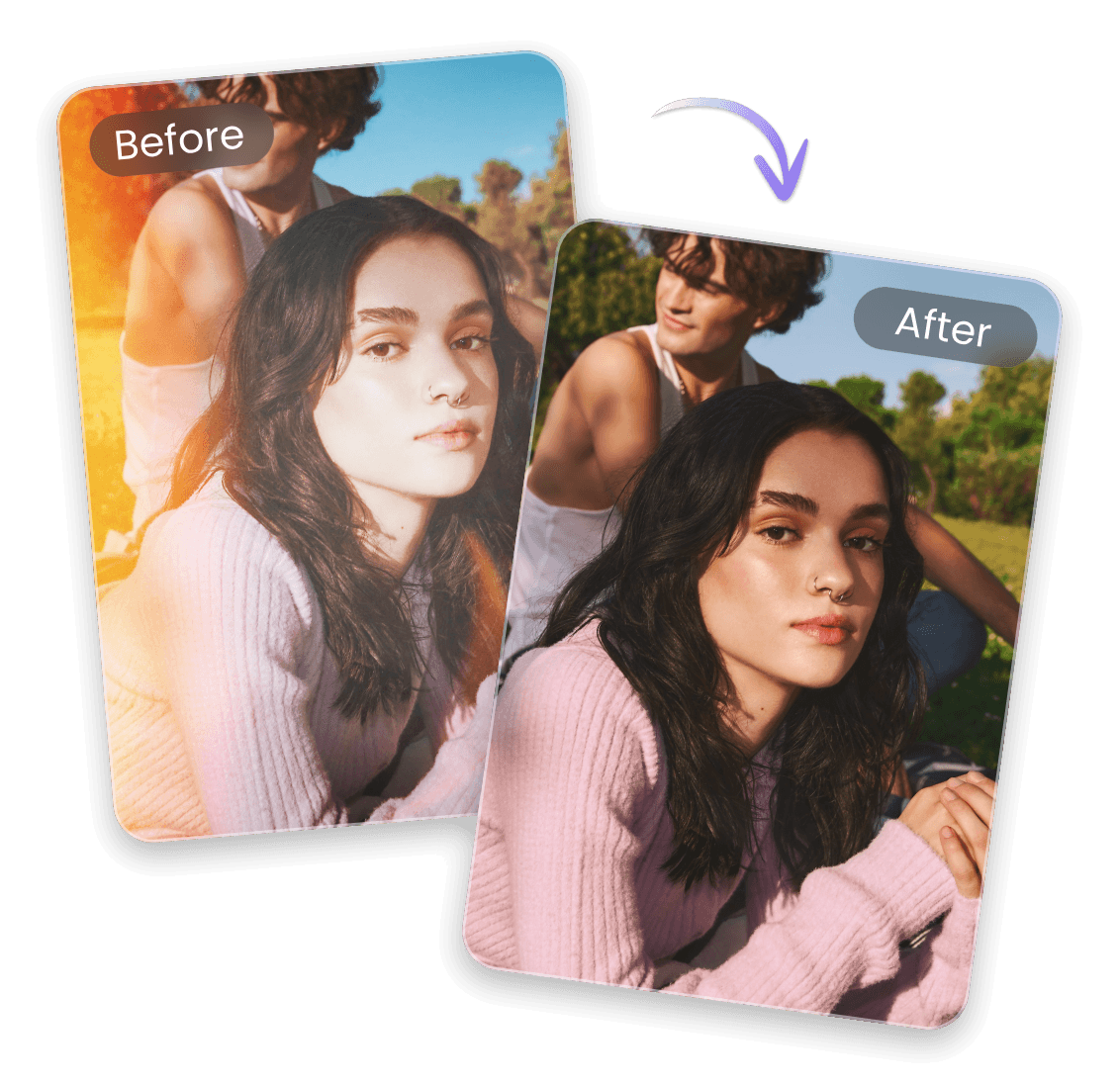
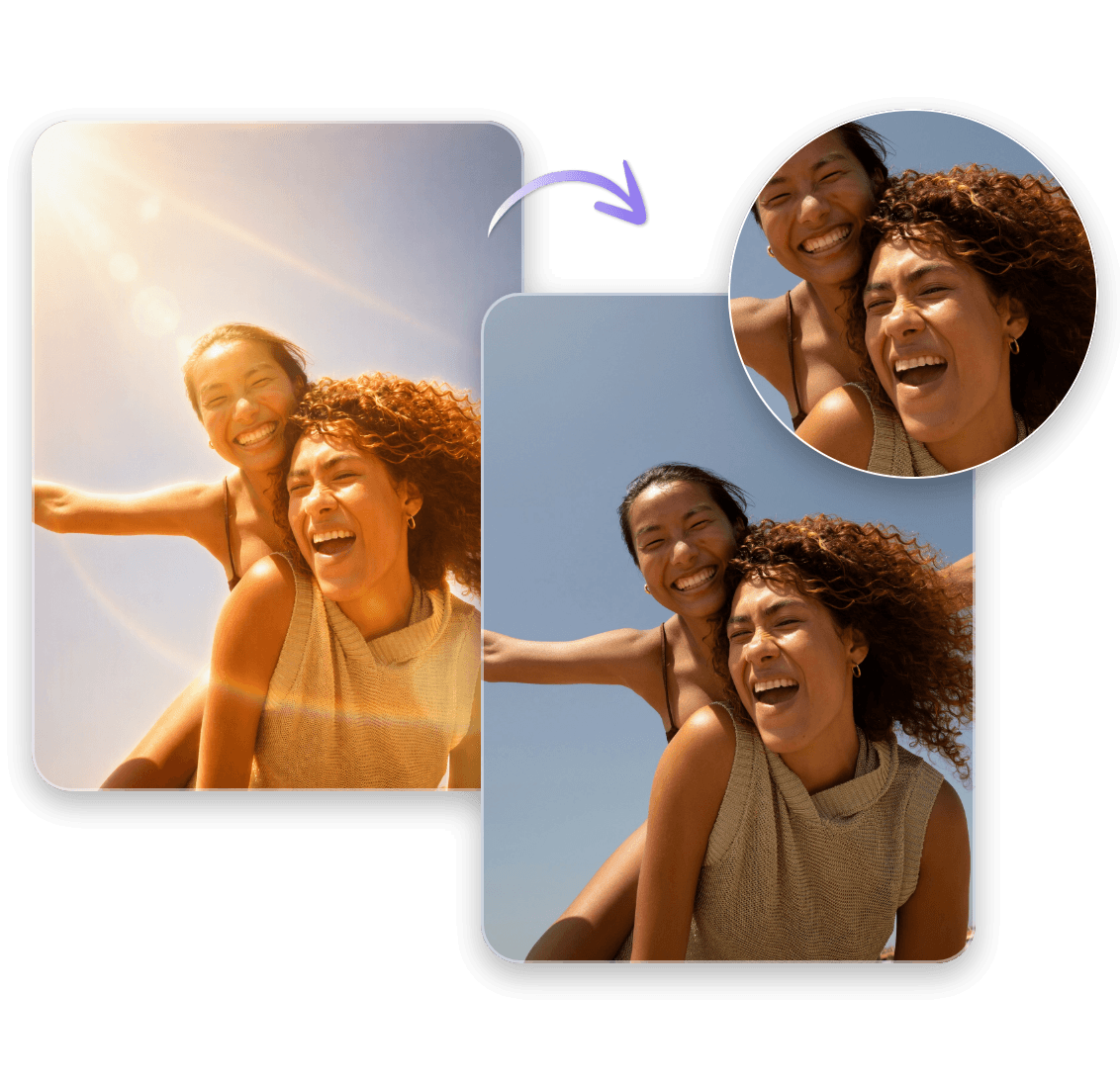
Filters can change the colors, skin tones, and overall look of a photo. If the photo filter feels too strong, use Clipfly to remove filter from photo online and get a more natural-looking result. Our photo filter remover helps clear unwanted effects while keeping the main subject and visible details intact, making it easier to edit or reuse your photos.
Remove Filter from Photo to Keep Details Natural
Heavy filters can add unwanted color casts or change the way details appear in a picture. Clipfly's filter removal tool helps remove these effects while keeping important colors, textures, and facial details looking natural without replacing image parts. Use the filter remover from photo online to clean up an edited image, remove a photo effect, or unfilter a photo before making further edits.

AI Filter Remover for TikTok, Snapchat, and Other Filters
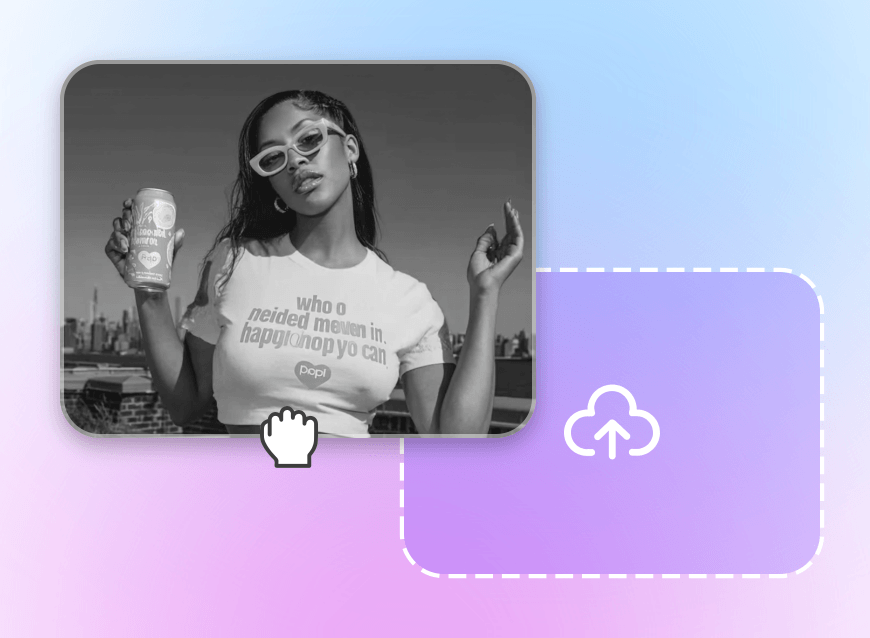
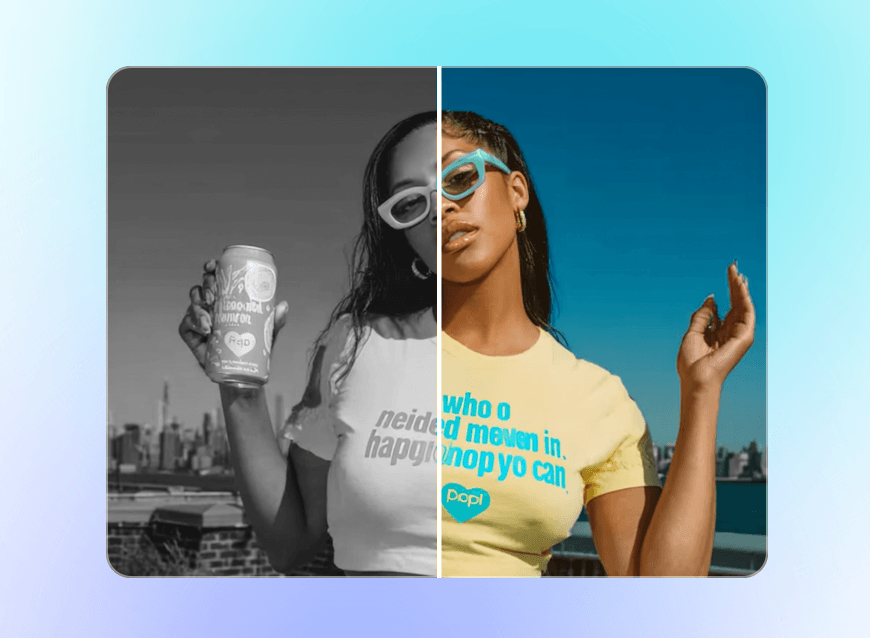
Use Clipfly as an AI filter remover to clean up common photo effects and social media filters. You can remove TikTok filters, Snapchat filters, beauty effects, vintage looks, black and white filters, and other unwanted overlays from your photos. If you're looking for a TikTok filter remover online or a filter remover from photo, simply upload your image and let Clipfly handle the filter removal for you.
Remove Matcha Filter from Photos Online
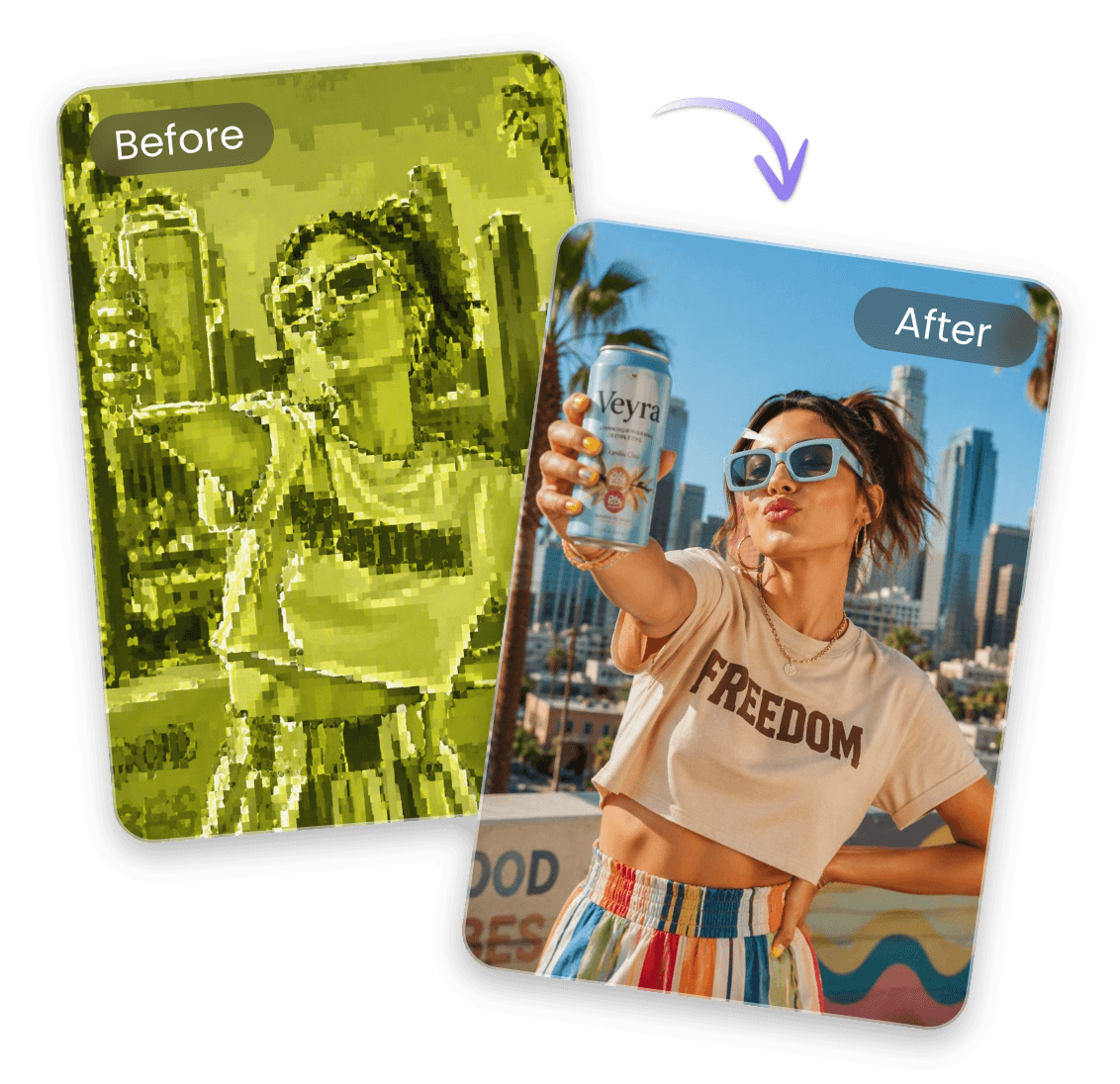
Want to see a photo without the matcha effect? Clipfly can help you remove matcha filter from a picture and get a cleaner, more natural-looking version. Use it as a matcha filter remover to remove unwanted green tones and other visual effects from a filtered photo. If you're wondering how to remove matcha filter from a TikTok photo or screenshot, upload the image to Clipfly and try the filter removal tool online for free.

Highlights of Clipfly's Photo Filter Remover

Instant Filter Removal
Remove unwanted filters with a single click. Clipfly keeps the process simple, so you can clean up a filtered photo without complicated editing.

Restore Colors & Details
Bring back more natural colors, skin tones, lighting, and visible details while keeping the original subject and composition intact.

Natural-Looking Results
Get a cleaner, filter-free photo that looks natural instead of over-processed. Preview the result before downloading your edited image.