







PixVerse AI Video Generator Online Free
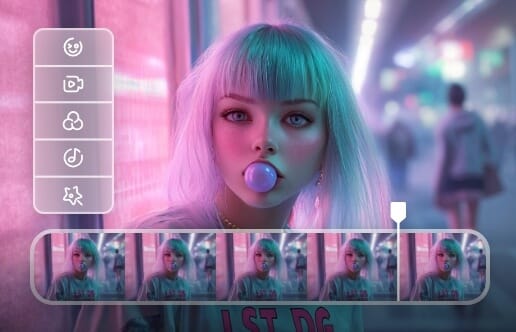
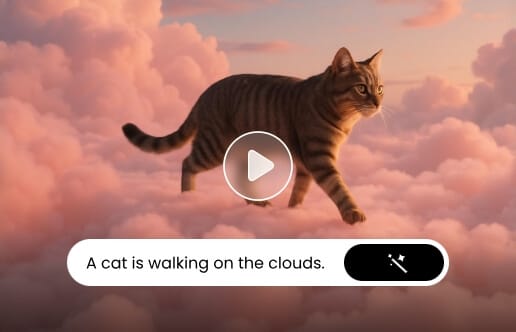
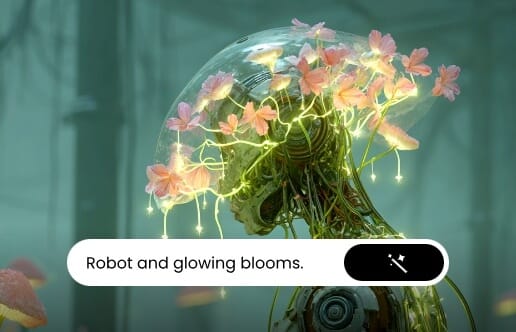
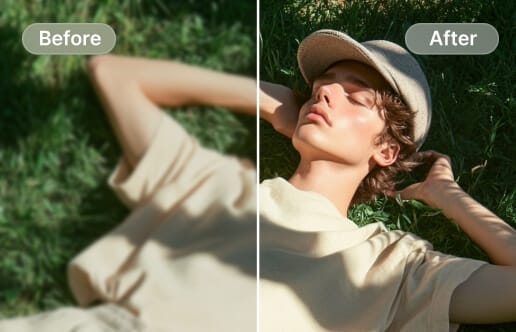
Turn text or image into 1080p, cinematic AI video clips with our latest Pixverse AI video generator. Simply enter your descriptions or upload your photo to create social clips, product ads, storyboards and more with multi-shot motion control, character consistency, visual continuity and natural audio. No video production and editing skills required.
What is PixVerse AI Video Generator?
PixVerse AI video generator is an advanced, high-fidelity generative AI video platform, with PixVerse 6.0 as its latest model. It is designed to transform text prompts and static images into cinematic video clips.
It boasts flexible input control, fast video-generation speed and the ability to present expressive storytelling and maintain high visual consistency. You can expect a 1080p, studio-quality video with a 15-second length and without a watermark.
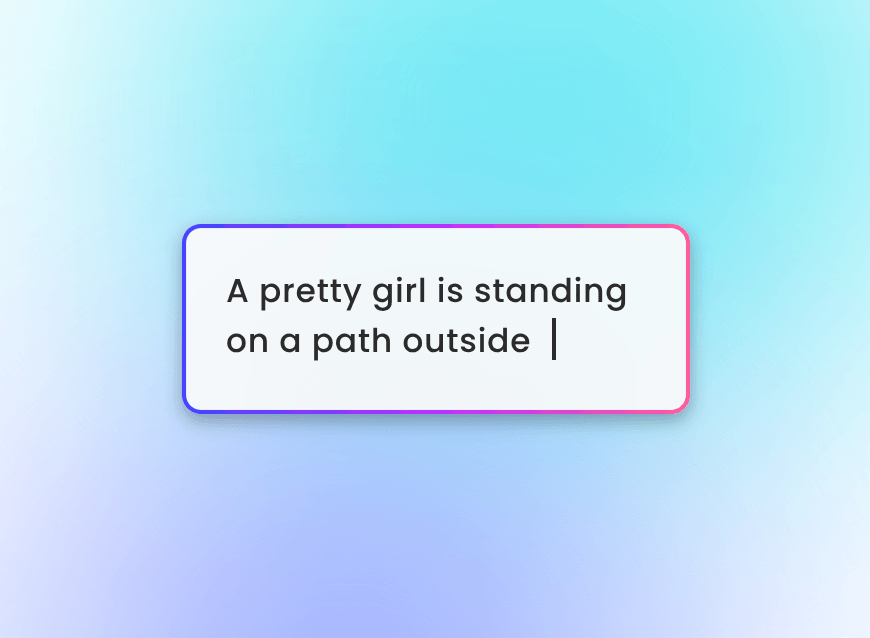
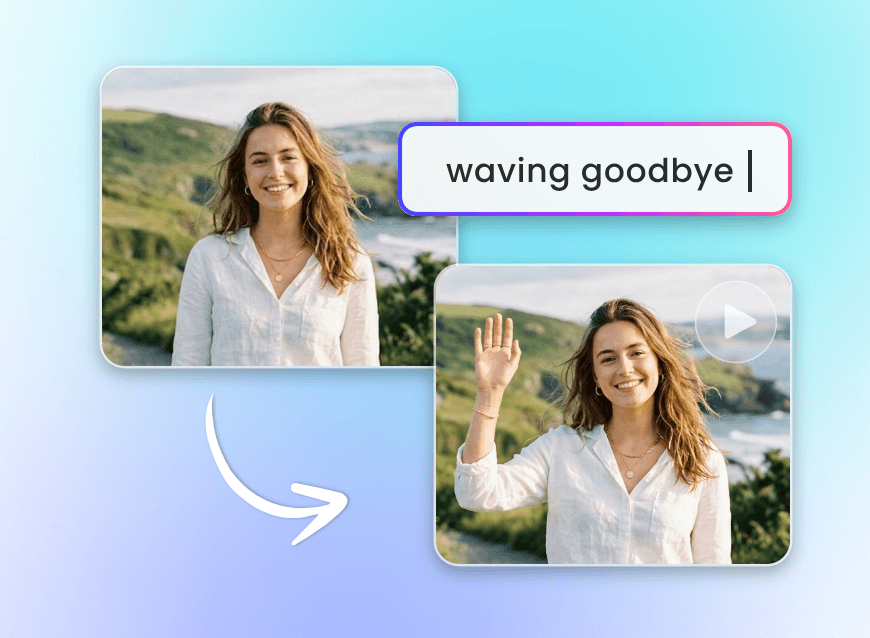
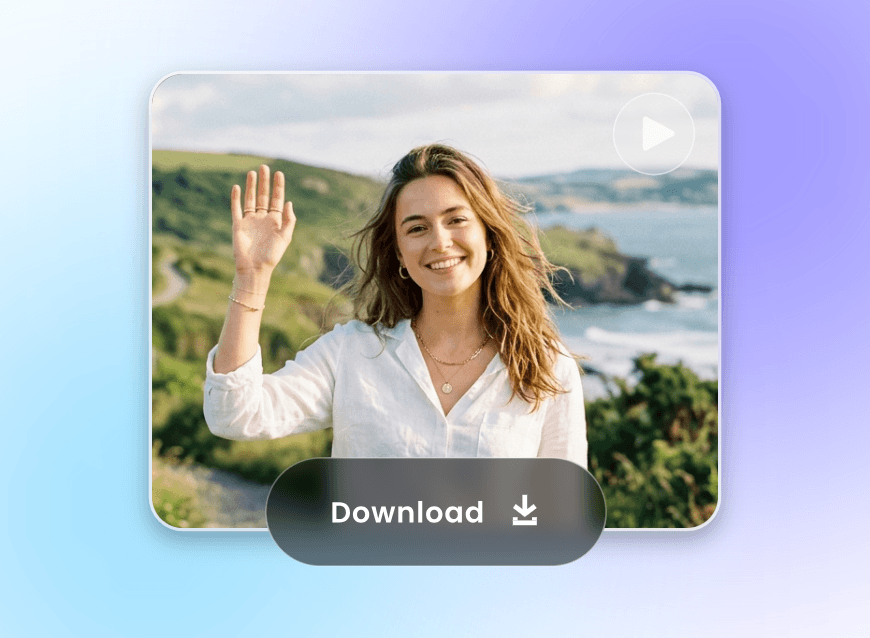
Precise Multi-Shot Scene and Camera Movement Control
Instead of getting an AI video with a single shot or angle, our PixVerse AI video creator allows you to generate cinematic, multi-shot AI videos from text or images. Use your prompts to define shot sequences, camera angles and movements (pans, zooms, tilts, tracking shots and cuts) through your prompts, ensuring visual continuity can be maintained across multiple shots and each scene flows naturally to support the story.
Immersive First-Perspective Motion Videos
Our PixVerse AI can generate engaging first-perspective motion videos, putting you right in the center of the action. With AI-powered motion control, camera tracking and dynamic scene rendering, our tool can simulate realistic first-person movements, such as walking, running, driving or interacting with the environment, while maintaining smooth visuals and natural perspective.
Great Motion Scenes in Real-World Physics and Logic
By understanding real-world physics, lighting behavior, spatial relationships and human movement, our advanced AI video generator presents immersive AI videos featuring believable motion scenes. In most cases, our tool will ensure humans or objects interact correctly, shadows fall naturally, spatial relationships between characters and their environment appear coherent and motion follows realistic patterns.
Good Character Consistency Across Multiple Scenes
Upload your reference photo and our PixVerse video generator AI aims to make your dynamic visuals stay coherent, recognizable and professionally aligned from start to finish, effectively maintaining key elements like facial features, body proportions, outfits, colors and style. Your character will look quite similar across different shots, angles and environments.
Vivid Capturing of Emotional Human Expressions
No more emotionless characters giving stiff or fake expressions. The advanced AI technology powered by the PixVerse V6 model can bring characters to life with authentic facial movements, gestures, and micro-expressions, such as smiles, frowns, eye movements and more. So, every scene conveys the intended emotion naturally and compellingly to resonate with viewers.
Expect Videos with Clear and Crisp Text Rendering
Worried about blurry text, poor readability, or inconsistent styling across different clips? Try our PixVerse AI video generator to add text with optimized font clarity, contrast, spacing and placement, making sure text integrates seamlessly with the visuals without obstructing key elements. So, all captions, titles and on-screen text can appear crisp, readable and visually appealing, even on fast-moving scenes.
Huge Upgrade for Natural Audio and Lip-Sync Generation
PixVerse V6 boasts a huge upgrade for its audio generation ability.
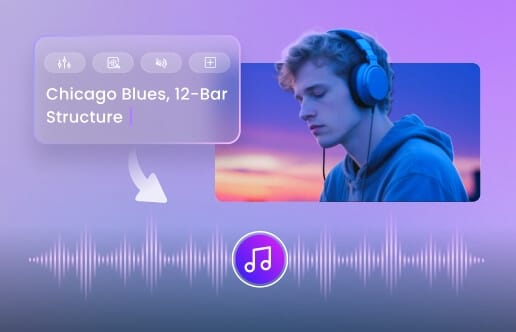
Native Audio Generation: It can now generate synchronized sound effects, background music and even short dialogues within the same workflow of video creation.
AI Lip-Sync: It now provides high-accuracy mouth movement synchronization for characters based on the information given in your prompt and helps you create a lifelike AI talking avatar.
Conveniently Generate Ready-to-Use Product Videos or Ads
Skip the cumbersome process of shooting, editing and polishing to get a share-worthy AI product video. Our PixVerse video AI generator can help you turn text or static product visuals into polished promotional content in minutes. Simply describe the wanted style and scenes, and our tool will give a multi-shot video with accurate product highlighting and exquisite scene composition and transitions.
What Else Can You Create with PixVerse AI Video Generator?
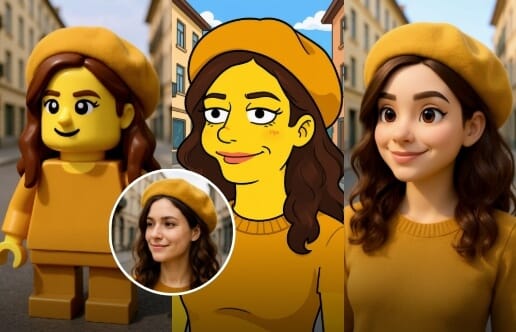
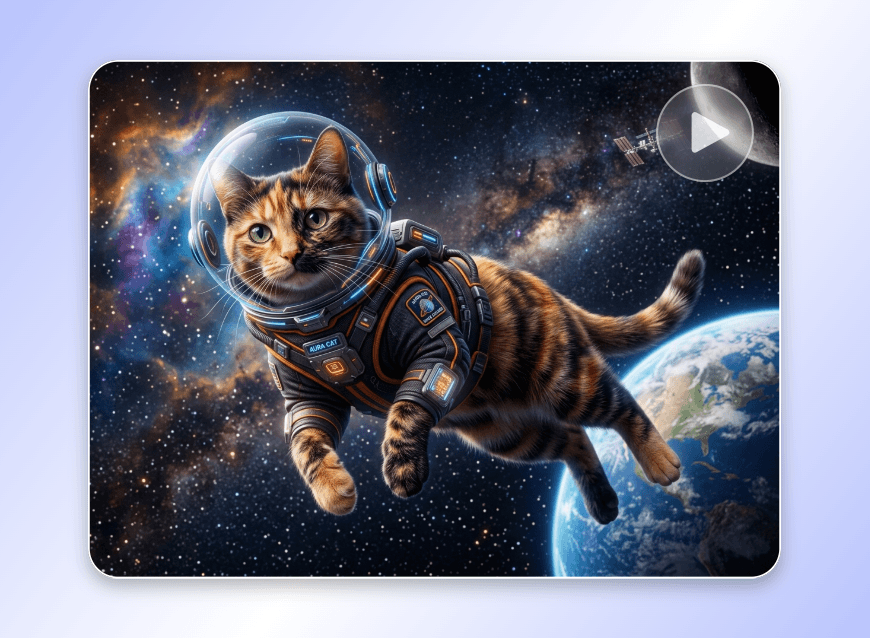
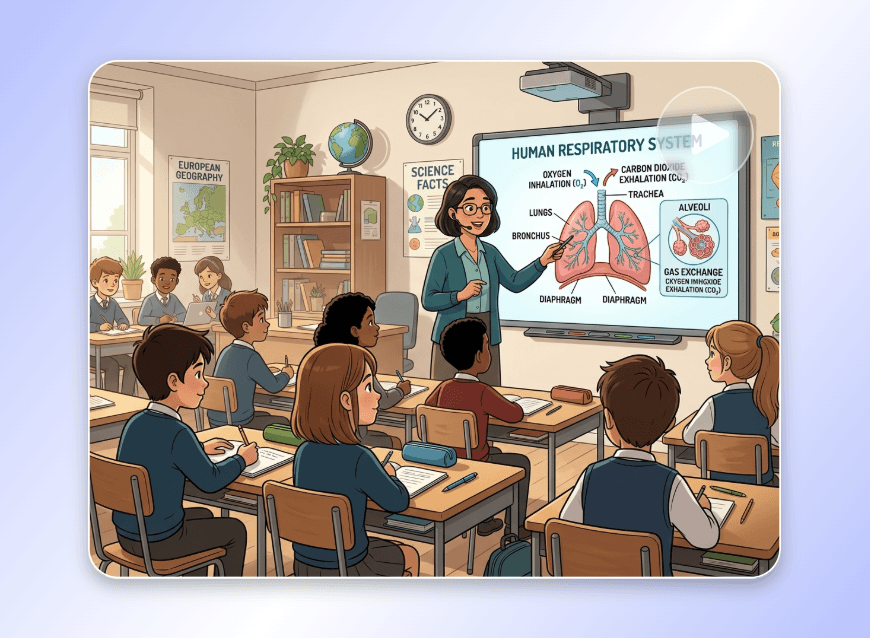
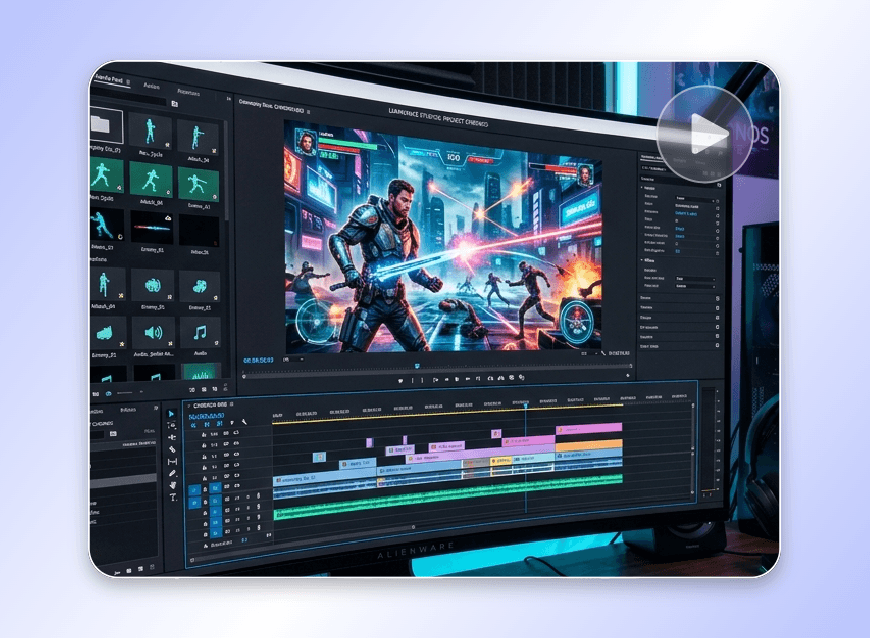
Explore more ways to unleash your creativity with Clipfly. Create your one-of-a-kind AI video clips for social media, marketing campaigns, tutorials or creative storytelling quickly and effortlessly.
Why Choose Clipfly’s PixVerse AI Video Maker?

Easy to Use
Our PixVerse AI video creator provides a user-friendly interface with no unnecessary settings. Users of all levels can create multi-shot videos without video production skills.
Various Inputs Supported
Our tool supports diverse inputs, so you can bring your videos to life via text prompts, images and first/end frames.
Advanced AI Technology
Clipfly’s progressive AI technology can intelligently analyze your prompts and images, and automatically present you with cinematic, multi-shot videos that match real-world contexts and physics.

Faster Generation Speed
Our PixVerse AI will offer a faster video-generation speed, enabling you to get your AI videos within minutes.
HD Video Results
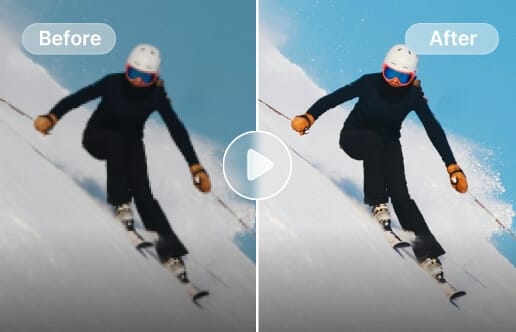
You can expect a high-quality video (up to 1080p) with a length of 15 seconds, which is quite suitable for social media platforms like TikTok, YouTube Shorts and Instagram Reels.

No Watermark
No distracting watermark will be added to your AI video clips, which can be directly applied to any of your creative projects.